Watching movies on a plane with display glasses: the offline playbook
The glasses are the easy part — they're just a USB-C screen. The part that decides whether your flight has a cinema or a black panel is which device holds the downloads, and that's a DRM story with a checklist.
On this page
A long flight is the single best place to own display glasses — a private 100-inch-class screen on a tray table — and the single worst place to discover that streaming doesn't work at 35,000 feet. This is the offline playbook: what to download, on which device, how much storage it eats, and how to keep the whole rig powered from boarding to baggage claim.
The 30-second answer
Yes — but download before you fly, and pick the device that holds the downloads with care. The glasses are a USB-C monitor with no apps and no opinions; everything depends on the source device. A laptop is the easiest answer: every streaming service's desktop app downloads and plays to the glasses like any monitor. A Widevine L1 companion like the XREAL Beam Pro is the cleanest phone-first answer: download over airport Wi-Fi, play offline in the air. An Android phone's Netflix downloads will not output to the glasses — same DRM wall as streaming. YouTube Premium downloads and your own video files work from nearly anything.
Retailer links may earn us a commission; prices are September 2026 approximations — check the retailer for current pricing.
0
Apps on the glasses
the source device decides everything
2
Clean device paths
laptop apps, L1 companion
~3–4 GB
Per high-quality movie
Netflix "high" setting ballpark
48h–7d
Download expiry window
after you press play
01The Device Decision: Where the Downloads Live
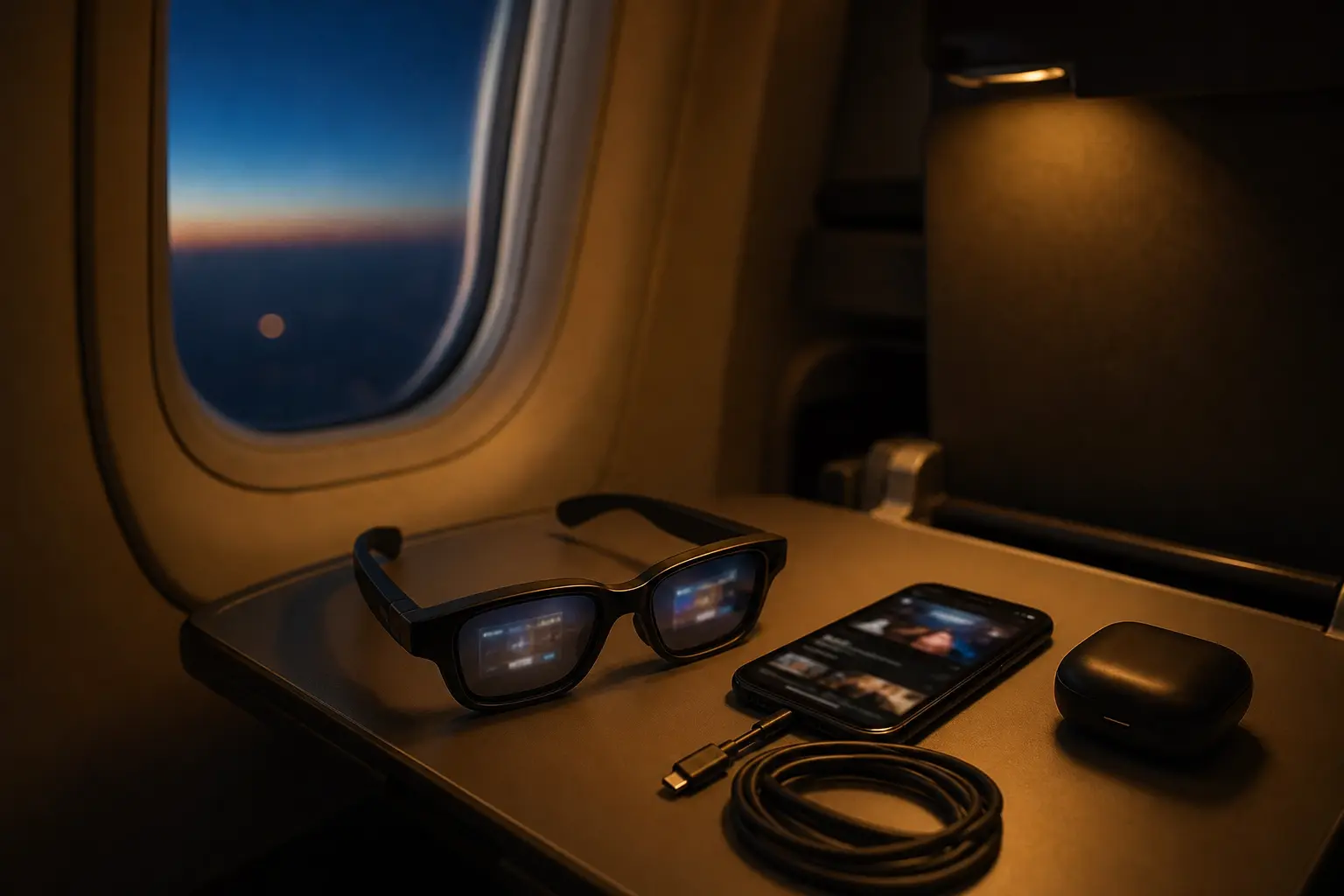
Display glasses — the XREAL One class, VITURE, RayNeo, Rokid's Max line — are DisplayPort Alt Mode monitors. They receive video and render it; they hold no apps and make no content decisions. So the plane question is never "do these glasses play Netflix downloads" — it is "does this device output its downloads over USB-C?" The rules offline are the same rules as streaming, which our DRM explainer covers in full. OUR ANALYSIS
Laptops are the path of least resistance. The Windows apps for Netflix, Prime Video, and Disney+ download for offline viewing, and a laptop plays to the glasses exactly as to any external monitor — no app-policy wall, no certification question. If you already travel with a laptop, your plane cinema is already assembled. MFR SPEC
Android phones are the trap. Netflix and Prime downloads on an Android phone live in the app, and the app declines to send its protected stream out over USB-C — the same black-screen behavior owners see at home follows them onto the plane, offline. YouTube Premium downloads and unprotected files are the exceptions that do output. OWNER REPORTS
iPhones sit in between. USB-C iPhones output DisplayPort natively and play YouTube to glasses directly; Netflix output behavior is owner-reported rather than documented, and download-to-glasses is the same story. Treat it as a "test at your gate before you rely on it" path. OWNER REPORTS
The Beam Pro is the deliberate answer. XREAL's Android 14 companion is Widevine L1 certified per its own spec page, runs the Play Store's streaming apps, and is pocket-shaped — download over airport or hotel Wi-Fi, watch in the air, no laptop required. Whether you need one at all is a separate decision our companion-units guide runs honestly. MFR SPEC
02The Per-Service Download Checklist
| Service | Downloads? | Plays to glasses? | Notes |
|---|---|---|---|
| Netflix | App-only, most plans | Laptop yes · Beam Pro yes · Android phone no | Expiry 48h–7d after first play; re-download needed mid-trip |
| Prime Video | App-only | Laptop yes · companion yes · Android phone generally no | Same protected-stream policy family |
| Disney+ | App-only | Laptop yes · companion yes | Downloads expire; check before each leg |
| YouTube Premium | App downloads | Yes — from nearly any source | Unprotected content outputs over DP Alt Mode freely |
| Your own files (MP4/MKV) | You manage them | Yes — universally | The DRM matrix does not apply; see section 04 |
Three practical rules make the table work. Download at highest quality the night before — the glasses' virtual screen makes compression artifacts obvious in a way a phone screen doesn't. Download one backup title beyond your plan; expiry windows have ruined more flights than dead batteries. And if you're multi-leg, plan to re-download on layover Wi-Fi — Netflix's 48-hour post-play window is shorter than many round trips. OUR ANALYSIS
Storage is the quiet constraint: at Netflix's high download quality, figure roughly 3–4 GB per film — a three-movie flight is 9–12 GB before the OS and apps. A 64 GB phone fills fast; a laptop or the Beam Pro's storage (plus a microSD where supported) breathes easier. Check free space before download day, not at the gate. OUR ANALYSIS
03The Own-File Route: No DRM at All
If your in-flight library is your own media — digital purchases in open formats, home video, lecture recordings — the entire DRM question evaporates. Unprotected video files output from nearly any USB-C source with DisplayPort Alt Mode: Android phones, iPhones, laptops, handhelds. A player like VLC handles the file side; the glasses display whatever arrives. For personal-media travelers, the "which device" decision collapses to "whatever's charged." OUR ANALYSIS
The honest footnote: ripping discs you own to files sits in a legal gray zone that varies by country, and we frame it as "know your local law" rather than advice. Purchased digital files and YouTube Premium downloads carry no such ambiguity. OUR ANALYSIS
Our pick
XREAL Beam Pro
$249approx.
Android spatial companion: streaming, apps, and 3D capture for XREAL glasses.
Check price on AmazonRetailer links may earn us a commission — price approx., check retailer.
04The Plane Kit: Power, Cables, Comfort
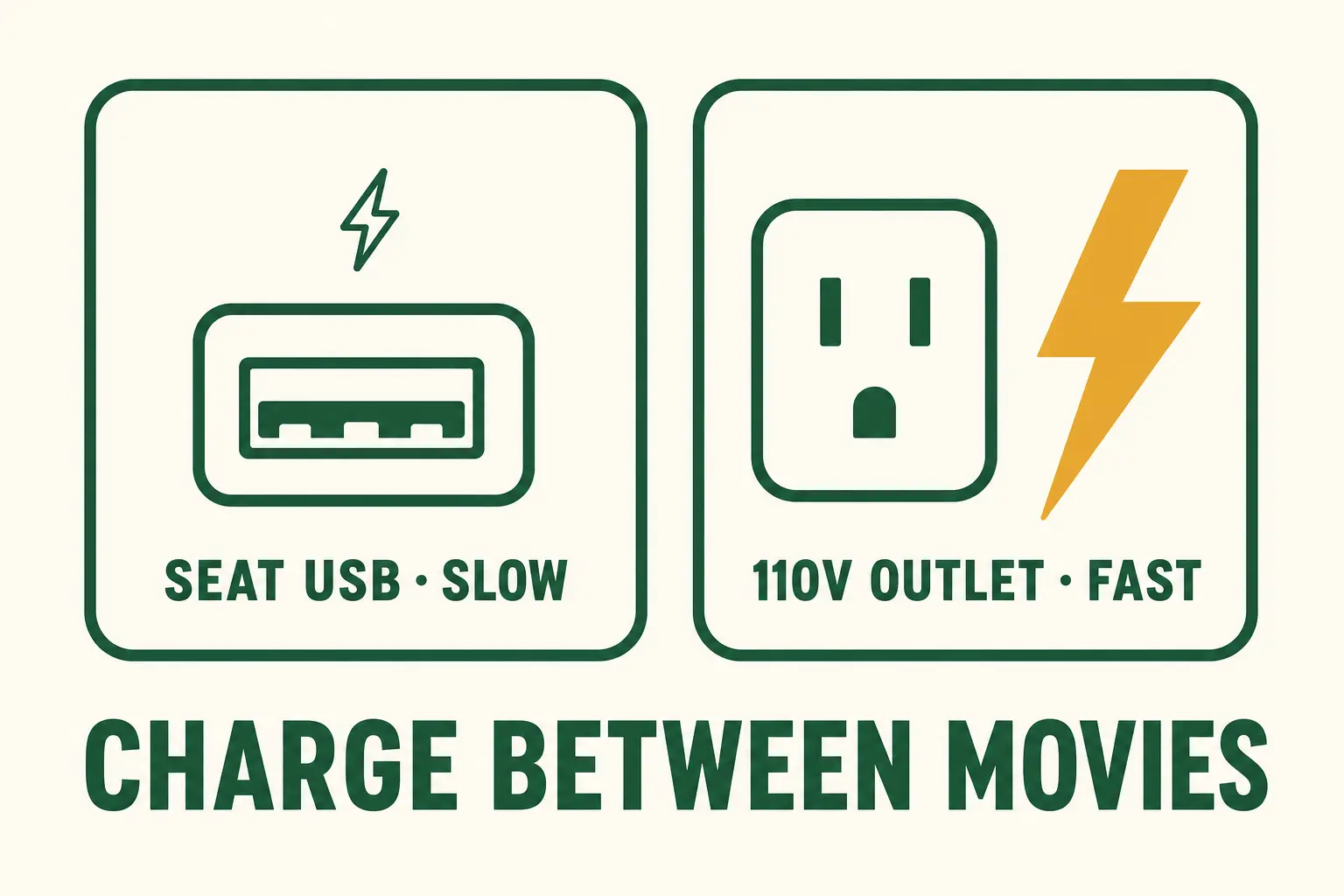
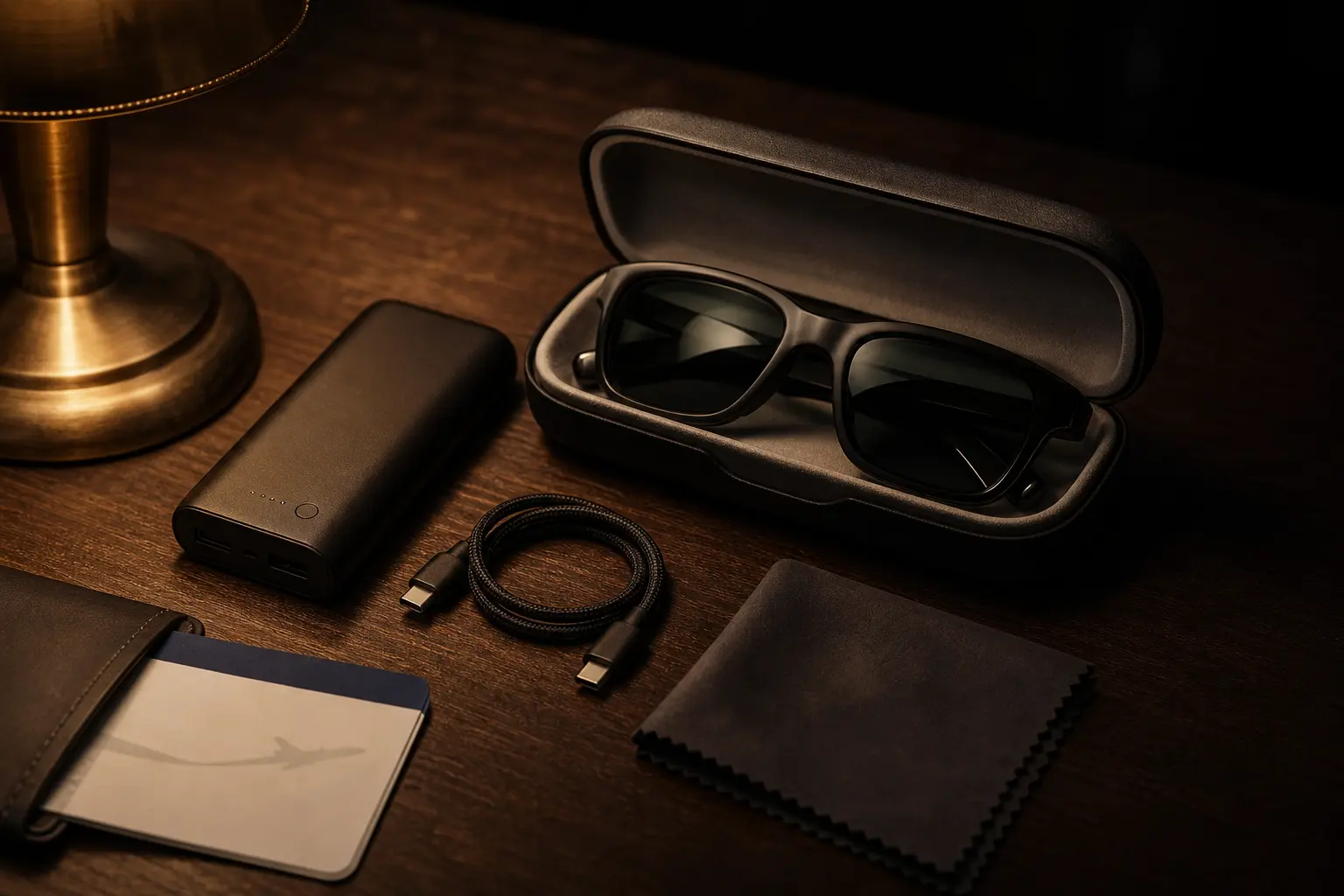
Power is the real battery story. The glasses draw modest power, but the source device runs a bright decode-and-output session for hours — a phone that lasts a day of normal use can sag on a six-hour movie marathon. The mitigation stack: start the flight at 100%, carry a 20,000 mAh-class power bank (airline-legal, charges phones and most companions), and prefer the 110V seat outlet to the USB port where both exist — seat USB is reliably slow. Our battery-life guide has the full category picture. OUR ANALYSIS
Cable length is a tray-table decision. The in-box cable is built for a phone in your hand, not a device on a tray or in a seat pocket while you recline. A 1.5–2 m braided USB-C data cable restores the geometry. Keep it a known-good 10 Gbps/data cable, not a charge-only bargain — video needs the data lines. OWNER REPORTS
Comfort over long hauls is its own subject — nose-pad fitting, light-leak, sleeping-with-glasses-on etiquette — and our flying guide covers it in depth. The short version: set the fit before boarding, and a 3DoF-anchored screen (XREAL One class) tracks your head rather than the seat, which reads as a more natural cinema on a moving plane. OUR ANALYSIS
05What Breaks: Expiry, Storage, and DRM Walls
The failure modes, in observed frequency order. Downloads expiring mid-trip — the 48-hour clock starts when you press play, not when you board; re-download on layovers. Storage exhaustion — quality settings bite harder than people plan; audit free space the day before. The Android-phone black screen — downloads that won't output are DRM policy, not a glasses fault; no cable fixes policy, only a different source does. Seat USB too slow to keep pace — a weak port can lose ground against movie-marathon drain; use the bank or the outlet. Each has a fix, and every fix is cheaper at home than in seat 34B. OWNER REPORTS
the full DRM matrix — which sources output what → the complete flying guide →
Decoded verdict
Choose the download device, and the flight takes care of itself
Traveling with a laptop? Download in the desktop apps and stop reading — you're done. Phone-first traveler who flies often? A Widevine L1 companion like the Beam Pro is the purpose-built answer. Android-phone-only traveler with Netflix plans? Learn the workaround now, not at altitude: YouTube Premium and your own files output fine; Netflix's downloads won't. The glasses will happily display all of it — they're just the screen.
Provenance: device output behaviors follow our DRM research (service policies labeled owner-reported where primary docs are unreachable); storage and power figures are planning ballparks from published download-quality settings, labeled as ours; the Beam Pro's L1 certification is from XREAL's own spec pages, retrieved September 2026.
Our pick #2
XREAL One
$399approx.
The safe default: sharp 50° display with spatial smarts built into the glasses.
Check price on AmazonRetailer links may earn us a commission — price approx., check retailer.
Frequently asked questions
Can I stream over airline Wi-Fi to my display glasses instead of downloading?
How long do streaming downloads last before expiring?
Can I download on one device and watch through another?
How much storage do I need for a full flight of movies?
Will airline seat USB keep my setup alive for a whole flight?
Do display glasses work with the seatback screen?
Our pick #2
XREAL One
$399approx.
The safe default: sharp 50° display with spatial smarts built into the glasses.
Check price on AmazonRetailer links may earn us a commission — price approx., check retailer.