Smart glasses for work: the honest productivity guide
A private virtual monitor that fits in your pocket is a real thing now — for the right kind of work, on the right devices, with real constraints. The full workflows, the text-quality truth, and when to just use a monitor.
On this page
“A monitor that fits in your pocket and nobody else can see" is the pitch that pulls professionals into smart glasses — and unlike most category marketing, it's substantially true. But "productivity" spans writing email in an airport lounge to color-grading video, and glasses cover that range unevenly. This guide maps the workflows that work, the numbers that matter, and the honest boundary where monitors still win.
~36–38
PPD on display glasses
1080p/1200p per eye at 50° FOV
~55–60
PPD on a 27-inch 1440p
monitor at arm's length
1920 px
Wide in both tiers
vertical res does not change PPD
125–150%
OS scaling closes most of the gap
for reading work
01The four workflows that actually work
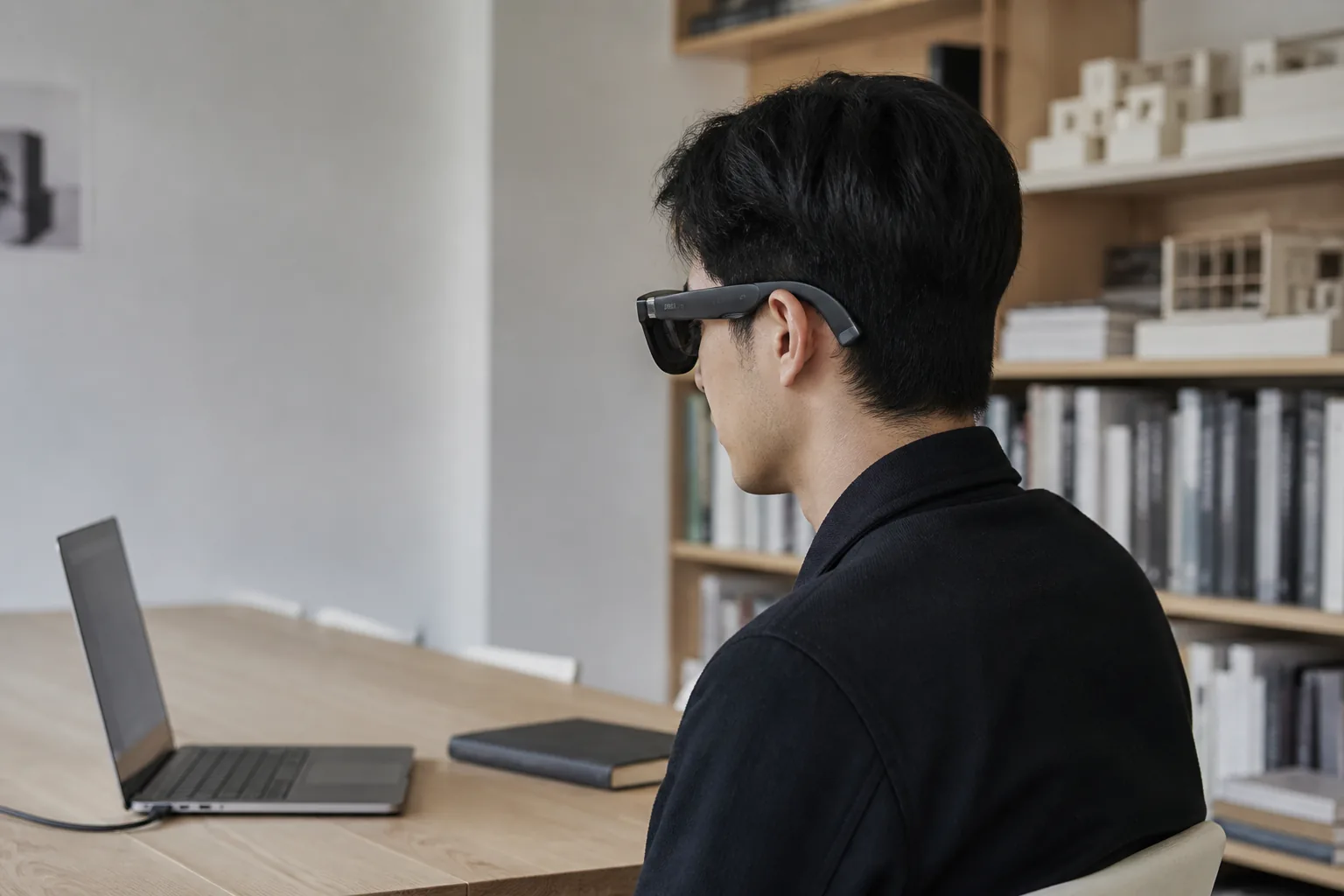
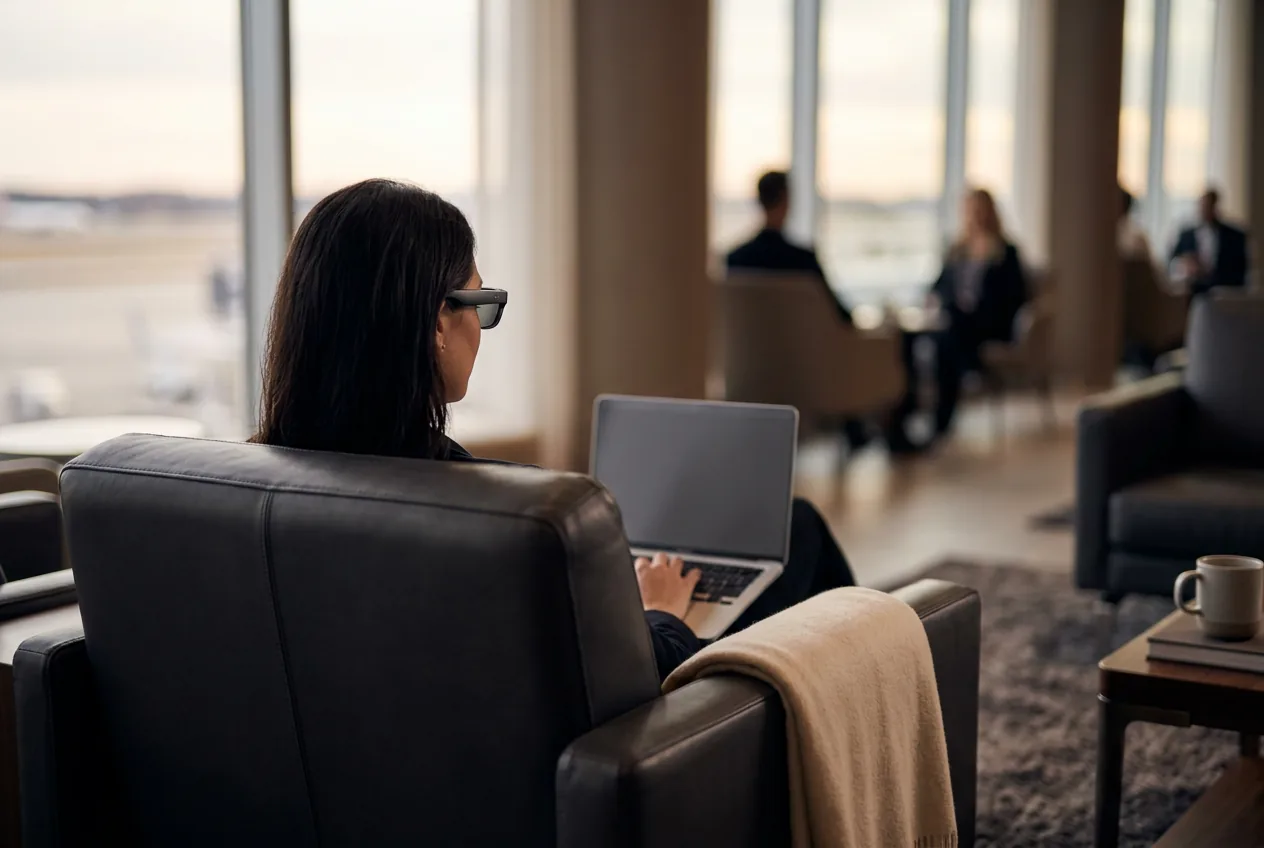
- The private second screen (MacBook/Windows): extend your laptop into the glasses, put the focused content on the virtual display, reference material on the physical one. Cafés, planes, open offices — shoulder-surfing ends. Setup details in the MacBook and Windows guides.
- The phone desktop (Samsung DeX): Galaxy flagships + DeX + glasses = a windowed desktop with taskbar and pointer, from a phone. The closest thing to the sci-fi pitch, and the reason Samsung owners should shortlist glasses seriously. OWNER REPORTS
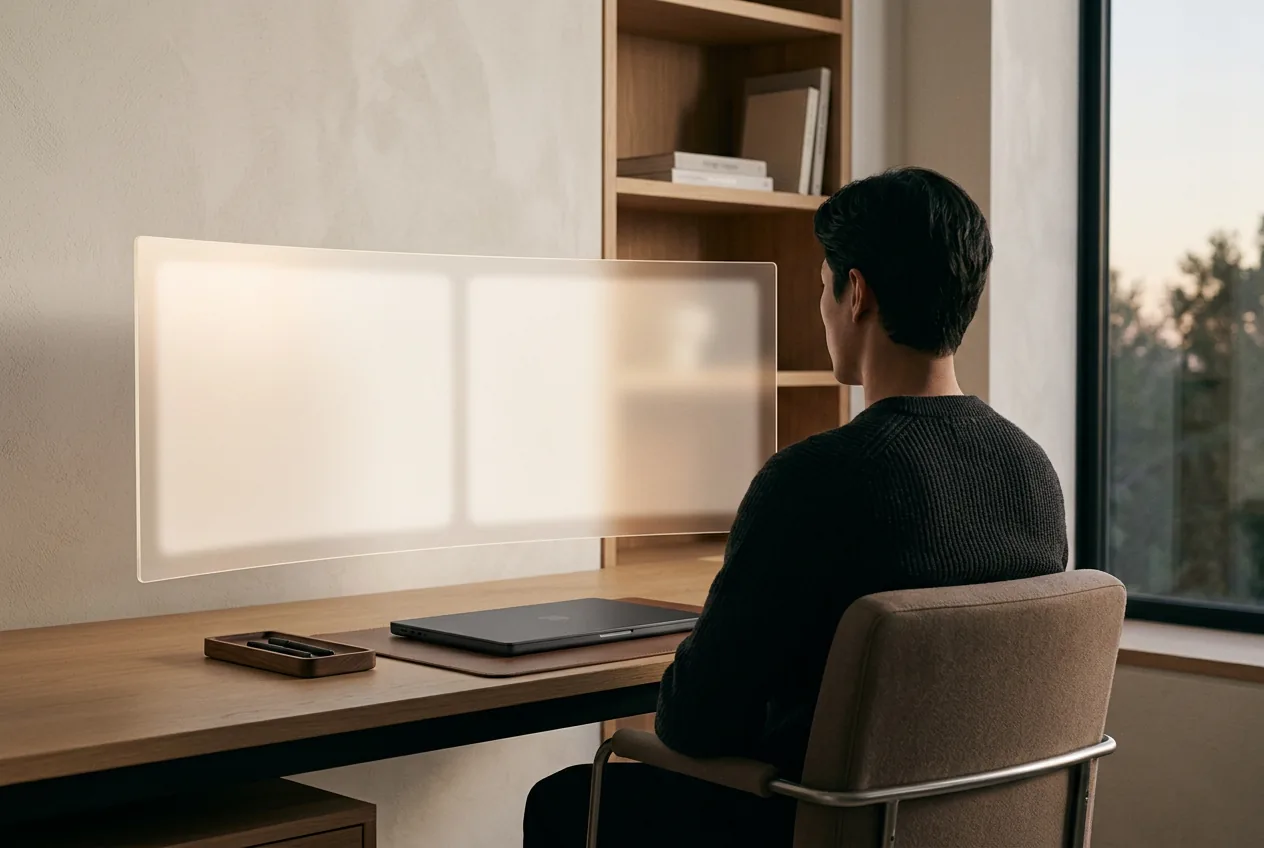
- The ultra-wide single (brand software): XREAL and VITURE apps stretch one connection into a curved ultra-wide virtual display — two-to-three windows side by side. Free, mature, and enough for most single-connection work.
- The multi-monitor array (companion hardware): Beam Pro or Rokid Station 2 arrange genuinely separate screens around you — the power-user tier, at power-user cost ($239–429 extra) and with charging logistics to match.
02Text quality, settled with numbers
The question every professional asks, answered with pixels-per-degree: 1080p and 1200p per-eye glasses are both 1920 pixels wide, so at 50° FOV both deliver ~36–38 PPD (vertical resolution does not change PPD); a 27-inch 1440p monitor at arm's length delivers ~55–60. Translation: body text, code with reasonable fonts, email, and documents are comfortable; dense grids, 10-pt spreadsheets, and pixel-peeping UI work favor real panels. The 1200p models (1S, Beast) are the writing-work picks, and scaling your environment up one notch (125–150% in OS settings) closes most of the gap for reading. OUR ANALYSIS For the full optics story — birdbath vs waveguide, brightness honesty, refresh — see display technology, decoded.
03The device hierarchy for glasses-as-monitor
| Source device | Experience |
|---|---|
| Samsung Galaxy (DeX) | Best phone option — a real desktop with windows |
| MacBook | Best laptop option — extend + ultra-wide software, excellent battery behavior |
| Windows laptop (DP port) | Full multi-display support; verify the port carries video |
| USB-C iPad / iPhone | Mirroring only — media and single-app, not desktops |
| Pixel / other Android | Mirroring; no DeX-class desktop mode |
| iPhone Air / Lightning iPhones | No (or clunky two-adapter) video out — don't plan work around these |
Our pick
XREAL One
$399approx.
The safe default: sharp 50° display with spatial smarts built into the glasses.
Check price on AmazonRetailer links may earn us a commission — price approx., check retailer.
04The limits that matter (stated plainly)
Session length: 60–120 minutes before weight-related fatigue is typical; the lighter the pair, the longer the comfortable session — check the IPD guide too, since misfit amplifies fatigue faster than weight. Color work: panel variance across units makes calibration meaningless — design grading stays on real monitors. Meetings: cameras see a person wearing glasses, which is fine, but you can't share your physical screen while your screen is virtual — plan around presenting.Battery: display-out drain is real on phones; laptops manage better. None of these are disqualifiers; they're the difference between "glasses replace monitors" marketing and glasses-as-a-tool reality. OWNER REPORTS
05The work picks
XREAL 1S
DisplayCES 2026 refresh: 1200p per eye and 3 ms latency at a mid-tier price.
$449approx.
Launched Jan 2026
Best for
Key specs
- Weight: 82 g (approx.)
- Display: 1920 × 1200, 50° FOV
Pairs well with
- → 10Gbps rated USB-C cable — the included one is short; $12–18
- → Powered DP hub — for Switch 2 / handhelds; $60–100
- → Hard-shell case — the panels don't forgive pockets; $15–25
Accessory links may earn us a commission — same price either way. Prices approx.
Retailer links may earn us a commission — see our affiliate disclosure. Price approx., check retailer for current.
Rokid Max 2
DisplayDisplay glasses with −6.00 D diopter dials — strongest built-in vision correction.
$279approx.
Sale $279 at Rokid store (Sep 2026); regular $429 — check current price
Best for
Key specs
- Weight: 75 g (approx.)
- Display: 1920 × 1080, ≈46–50° FOV
- Diopter dials: 0 to −6.00 D per eye (no astigmatism correction)
Pairs well with
- → 10Gbps rated USB-C cable — the included one is short; $12–18
- → Powered DP hub — for Switch 2 / handhelds; $60–100
- → Hard-shell case — the panels don't forgive pockets; $15–25
Accessory links may earn us a commission — same price either way. Prices approx.
Retailer links may earn us a commission — see our affiliate disclosure. Price approx., check retailer for current.
XREAL One
DisplayThe safe default: sharp 50° display with spatial smarts built into the glasses.
$399approx.
List $499, price cut to $399 in Dec 2025
Best for
Key specs
- Weight: 84 g
- Display: 1920 × 1080, 50° FOV
Pairs well with
- → 10Gbps rated USB-C cable — the included one is short; $12–18
- → Powered DP hub — for Switch 2 / handhelds; $60–100
- → Hard-shell case — the panels don't forgive pockets; $15–25
Accessory links may earn us a commission — same price either way. Prices approx.
Retailer links may earn us a commission — see our affiliate disclosure. Price approx., check retailer for current.
Decoded verdict
Glasses are the freedom tier of monitors, not the replacement tier
Buy them as your travel and privacy screen — the thing that makes every airport lounge and café a private office — and keep a real monitor at base camp. The MacBook + glasses + DeX-phone triangle covers more work scenarios than any hardware before it; just respect the text-quality and session-length numbers above, choose 1200p for heavy reading, and let the Finder or the rankings handle the rest of the decision.
Our pick #2
XREAL One Pro
$599approx.
The widest tethered view in mainstream glasses: 57° FOV in two IPD sizes.
Check price on AmazonRetailer links may earn us a commission — price approx., check retailer.
Frequently asked questions
Can smart glasses replace a monitor for work?
How do I get multiple monitors with smart glasses?
Are smart glasses good for coding?
Our pick #2
XREAL One Pro
$599approx.
The widest tethered view in mainstream glasses: 57° FOV in two IPD sizes.
Check price on AmazonRetailer links may earn us a commission — price approx., check retailer.