3DoF vs 6DoF: the tracking spec behind every 'AR' claim
Degrees of freedom decide whether your virtual screen stays put when you turn your head, when you lean, or not at all. It's the difference between three product tiers wearing one 'AR glasses' label.
On this page
“Degrees of freedom” (DoF) counts the axes of motion a device tracks. It's the spec that separates a wearable monitor from something that feels genuinely spatial — and it's the spec marketing buries, because it's easier to say “AR glasses” than to explain why one $399 pair anchors its screen to the world while another $399 pair doesn't. This guide is the explanation.
01What degrees of freedom measure
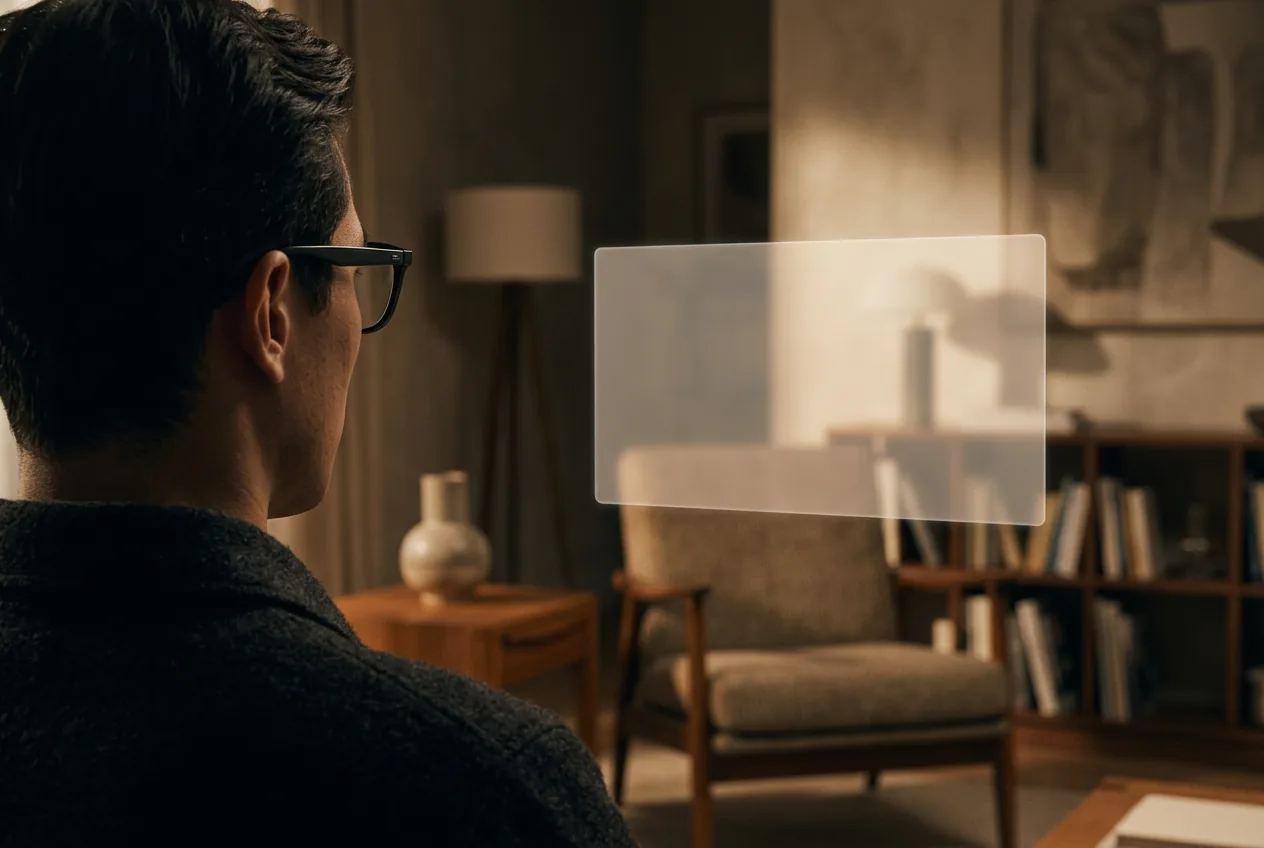
Your head can rotate around three axes — yaw (turning left/right), pitch (nodding up/down), and roll (tilting sideways) — and move along three axes — x/y/z (forward/back, side to side, up/down). Track the first three and you have 3DoF: orientation only. Track all six and you have 6DoF: orientation plus position in the room. The distinction sounds academic until you experience it: 3DoF means a virtual screen keeps its direction when you turn to look at it, but rides along when you lean forward. 6DoF means the screen sits in a spot in space and you can walk around it. One feels like a floating display; the other feels like a physical object.
3DoF — rotation only
Head rotation is tracked (yaw, pitch, roll). The screen stays put while you look around — but it follows you when you lean or walk.
6DoF — rotation + position
Head position is tracked too. Screens stay anchored in the room — you can lean in, step back, and walk around them.
020DoF: mirror mode — where every display glasses starts
Plug any pair of display glasses into a phone and you get mirror mode: the image is glued to your face. Turn your head and the “screen” turns with it — which is fine at a desk and miserable on a train, where every bump of the carriage shakes your cinema. Mirror mode costs nothing to implement (it's just the raw video signal) and it's the default state of every budget pair: RayNeo Air 2s, Air 3s, and every LCD-class product live here permanently, with phone-app afterthoughts at best.
033DoF: the anchored screen — the X1 era's big win
Add an IMU (the motion sensor from your phone) and software to integrate it, and the screen can hold its direction while you turn: anchor mode. This is the feature that changed the tethered-glasses market. XREAL's X1 chip (XREAL One, One Pro, 1S) runs the integration inside the glasses, so 3DoF works with every source — Steam Deck, iPhone, PS5 through an adapter, a Raspberry Pi, anything — with no accessory and no app. MFR SPEC VITURE achieves the same through its software suite across platforms, with the known asterisk that Beast's brightness drops to roughly 700 nits in anchor mode. OWNER REPORTS
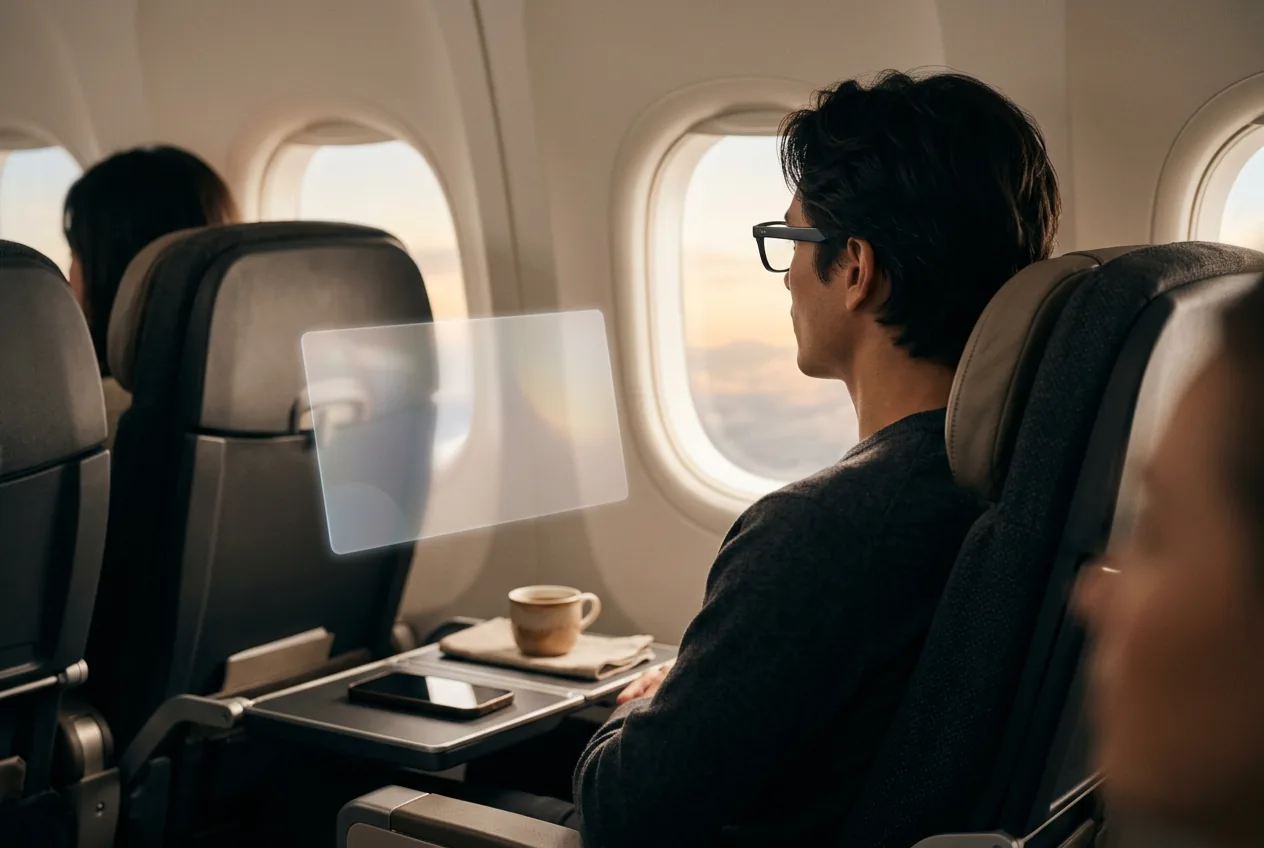
The practical magic happens in vehicles. On a plane, an anchored screen stays put relative to the cabin while your head shifts with turbulence; in smooth-follow variants (XREAL's Follow mode), the screen drifts with damped movement so you can walk to the kitchen without losing your movie. 3DoF is why we call the XREAL One the safe default for first-time buyers in our display-glasses guide — it's the cheapest pair that never needs a phone app to feel premium. To see how the models stack up spec-for-spec, run them through the comparison tool.
Our pick
XREAL One
$399approx.
The safe default: sharp 50° display with spatial smarts built into the glasses.
Check price on AmazonRetailer links may earn us a commission — price approx., check retailer.
046DoF: room-aware AR — and why it costs so much
To pin content in space, the device must know where it is: cameras or depth sensors watching the room, a processor running SLAM (simultaneous localization and mapping), and power for both. That's why 6DoF products cluster at the extremes of the market — full headsets (Samsung Galaxy XR at $1,799, Apple Vision Pro class), camera-equipped hybrids (RayNeo X3 Pro, Rokid Glasses, Meta Ray-Ban Display's viewfinder apps), or display glasses paired with spatial companion accessories (XREAL Beam Pro, Rokid Station 2). The XREAL One series unlocks 6DoF only when paired with XREAL's camera add-on. MFR SPEC
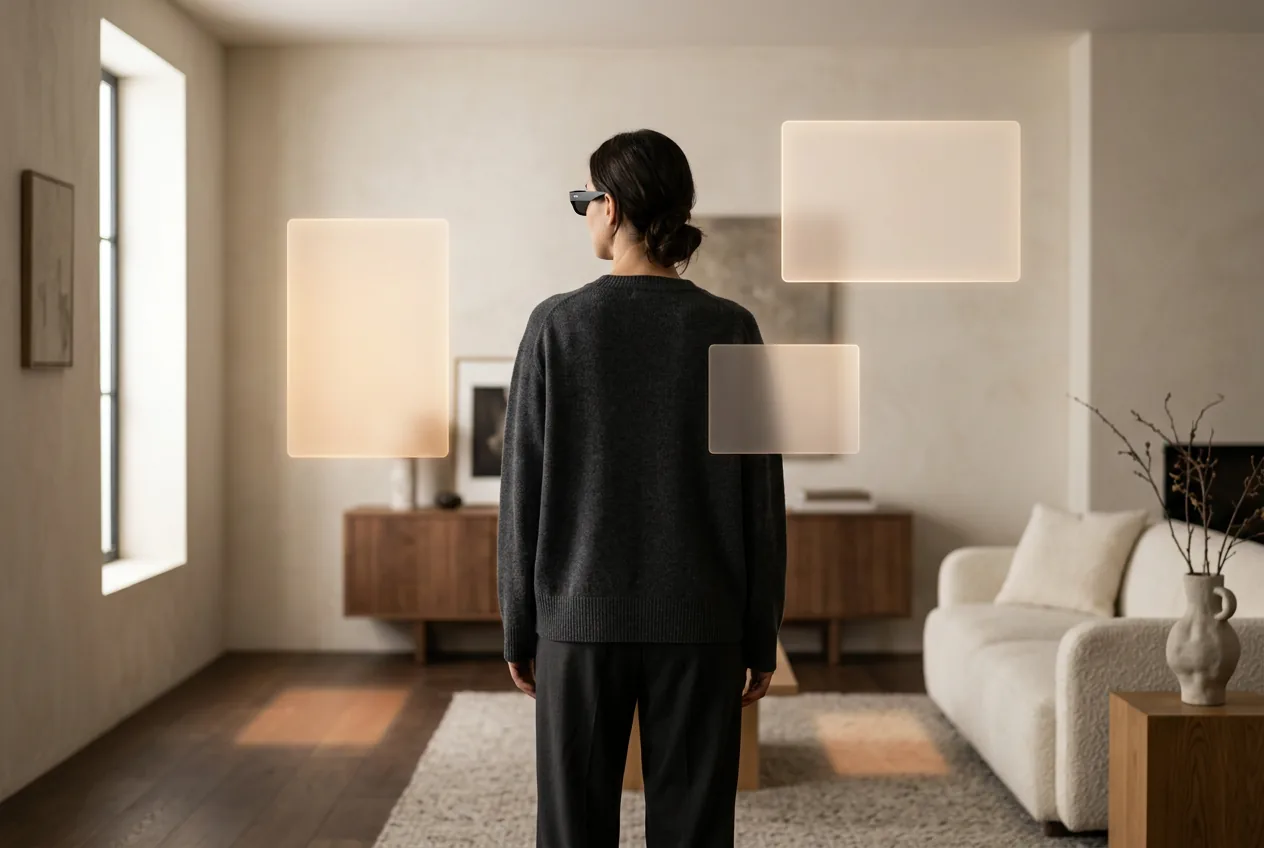
The honest buyer's question for 6DoF is “what will I do with it?” Multiple virtual monitors arranged around you (Rokid AR Spatial's three-screen mode is the standout), room-scale games, and spatial media are the real answers. If your use case is “big screen for my Steam Deck,” 6DoF adds weight, cost, and battery drain for a feature you'll toggle once to demonstrate and never again.
05What this means when you're buying
The market, sorted by tracking tier: 0DoF — budget tethered pairs ($159–269): great picture per dollar, swimmy on vehicles. 3DoF built-in — XREAL One series, 1S ($399–599); VITURE Beast/Pro 2 via software ($299–549): screens that behave. 3DoF via accessory — glasses + Beam Pro/Station 2 class hubs: flexible but adds $200–430 and a device to charge. 6DoF — hybrids ($599–1,399) and headsets ($1,799+): the spatial-computing tier. Match the tier to the job, not to the acronym on the box — all four tiers get marketed as “AR glasses,” and now you know exactly what that word is hiding each time.