Smart glasses + Steam Deck: the killer pairing, fully explained
The Steam Deck outputs DisplayPort over its USB-C port natively, so display glasses work with one cable. This is the setup guide: the best glasses, the hub situation, the settings, and the honest limitations.
On this page
If you own a Steam Deck, you own the single best smart-glasses companion device on the market. The Deck's USB-C port carries DisplayPort natively — one cable, no adapters, no apps — and the pairing solves the Deck's one real problem: the screen is small and it's attached to your controller. Glasses turn a handheld into a head-mounted 1080p theater with the controls in your lap. It's the use case that converts skeptics fastest, and the one we're asked about most.
Short answer · verified Aug 2026
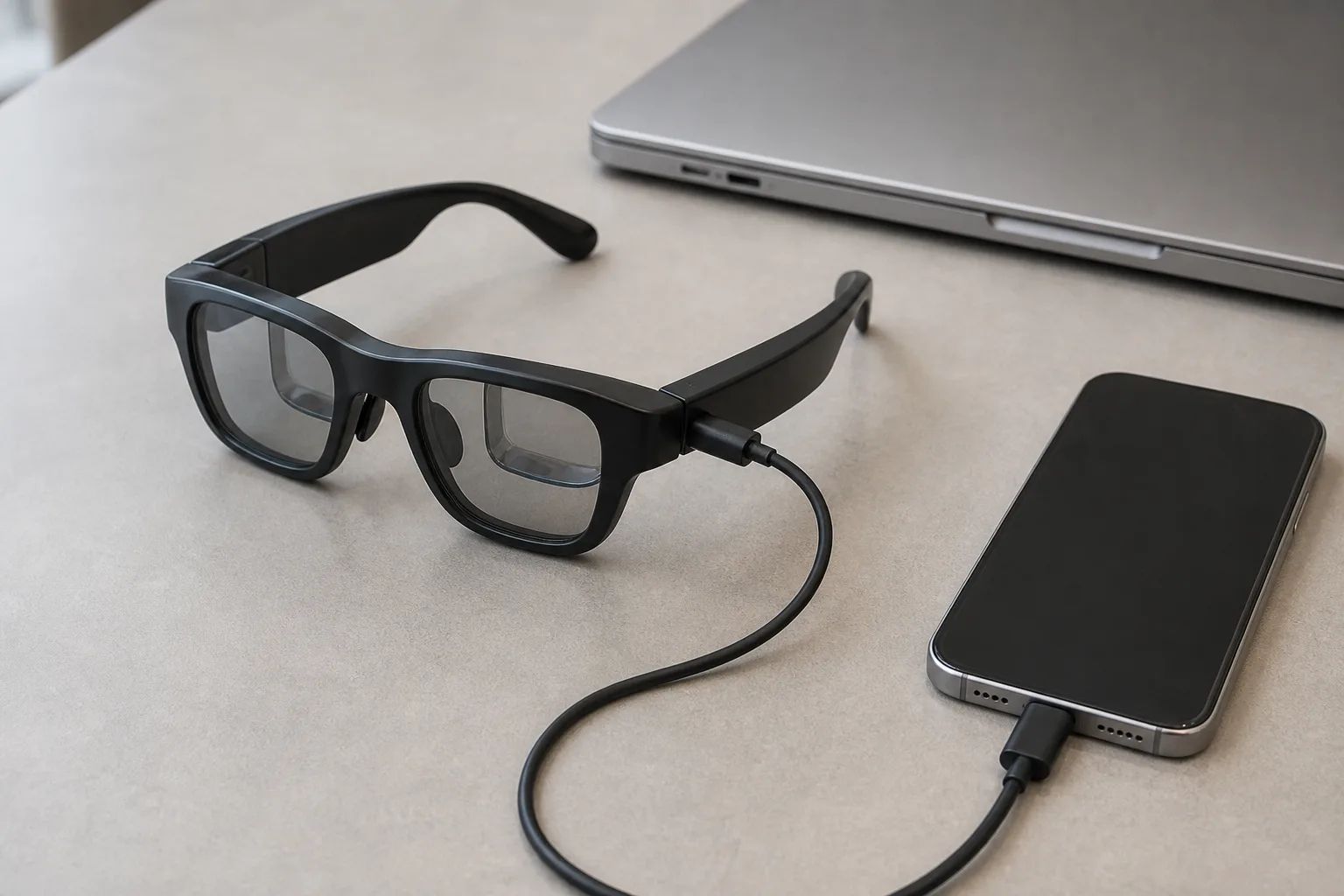
Yes — the Steam Deck drives display glasses with one plain USB-C cable. It's the plug-and-play pairing on the site: native DisplayPort, 1080p to 120 Hz, no adapter. Want it to charge while you play? That needs a DP-passthrough hub.
The retailer link may earn us a commission — how we make money. Full ranking in section 03.
The easiest real device on this site — one cable, nothing to buy, and the only pairing that needs zero adapters.
1 cable
Entire setup
USB-C to USB-C
1080p
Virtual display
up to 120 Hz
0
Adapters needed
native DP Alt Mode
3DoF
Anchor mode
XREAL One series, on-glasses
01Why it works so well
Bottom line
Works: ✓ with a plain USB-C cable · No adapter needed · Hub only if you want to charge · Verified Aug 2026
MFR SPECValve built the Deck as a PC, and PCs output video over USB-C. DisplayPort Alt Mode is native on both LCD and OLED models MFR SPEC, so glasses appear to SteamOS as an ordinary external monitor — which means everything a monitor can do, the glasses do: display settings, refresh-rate selection, and the Deck's own resolution scaling. The reason this pairing feels special is ergonomic: the Deck's controls detach from its screen. You're no longer holding a 7-inch display at 14 inches from your face; you're holding a gamepad with a cinema floating in front of you, anchorable in space with 3DoF glasses.
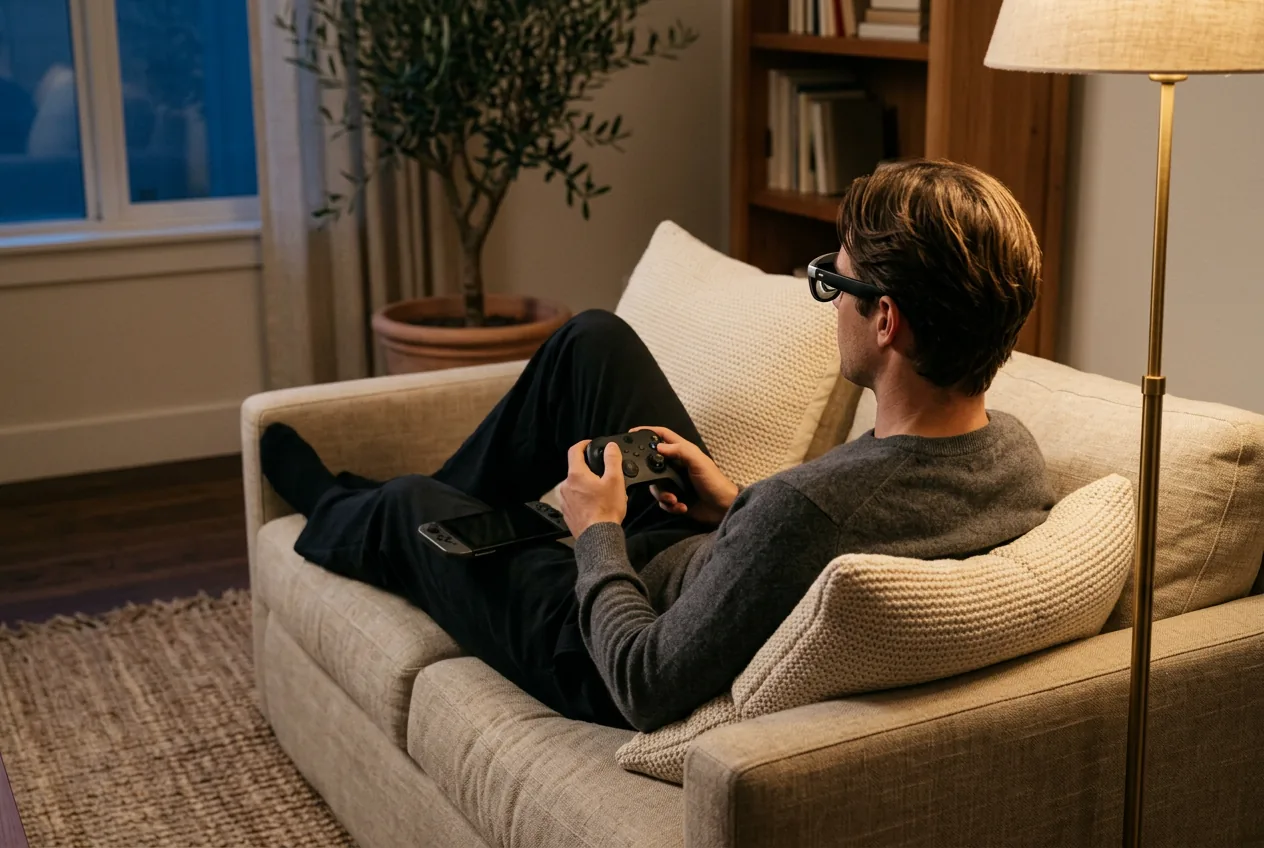
The community has converged here for years — “Deck + glasses” threads are among the highest-engagement posts on r/SteamDeck and r/Xreal — and the 2026 glasses crop (XREAL One's on-device 3DoF, VITURE Beast's brightness, 1S's 3 ms latency) made the pairing materially better than the Beam-adapter era. OWNER REPORTS
02The two-minute setup
- Plug the glasses' USB-C cable into the Deck's USB-C port. The Deck detects an external display and mirrors automatically.
- In Steam menu → Settings → Display, set the external display to 1920×1080. (SteamOS handles scaling; 1080p is the glasses' native mode.)
- On XREAL One-series glasses, press the glasses' own button to cycle modes: mirror → Anchor (3DoF) → Smooth Follow. Anchor is the magic one for couch and vehicle play.
- Optional: in SteamOS display settings, turn the Deck's own screen brightness down or off to stretch battery further.
That's the entire process. No app installs, no pairing, no firmware ceremony — the main way this differs from the Switch 2 (which needs a powered hub; see our Switch 2 guide for that story).
03The best glasses for Steam Deck
XREAL One
DisplayThe safe default: sharp 50° display with spatial smarts built into the glasses.
$399approx.
List $499, price cut to $399 in Dec 2025
Best for
Key specs
- Weight: 84 g
- Display: 1920 × 1080, 50° FOV
Pairs well with
- → 10Gbps rated USB-C cable — the included one is short; $12–18
- → Powered DP hub — for Switch 2 / handhelds; $60–100
- → Hard-shell case — the panels don't forgive pockets; $15–25
Accessory links may earn us a commission — same price either way. Prices approx.
Retailer links may earn us a commission — see our affiliate disclosure. Price approx., check retailer for current.
XREAL 1S
DisplayCES 2026 refresh: 1200p per eye and 3 ms latency at a mid-tier price.
$449approx.
Launched Jan 2026
Best for
Key specs
- Weight: 82 g (approx.)
- Display: 1920 × 1200, 50° FOV
Pairs well with
- → 10Gbps rated USB-C cable — the included one is short; $12–18
- → Powered DP hub — for Switch 2 / handhelds; $60–100
- → Hard-shell case — the panels don't forgive pockets; $15–25
Accessory links may earn us a commission — same price either way. Prices approx.
Retailer links may earn us a commission — see our affiliate disclosure. Price approx., check retailer for current.
VITURE Pro 2
DisplayThe 2026 budget king: 63 g, diopter dials, 120 Hz — $299.
$299approx.
Launched Aug 2026 (5th-anniversary line)
Best for
Key specs
- Weight: 63 g
- Display: 1920 × 1080, 50° FOV
- Diopter dials: 0 to −5.00 D (myopia; no astigmatism correction)
Pairs well with
- → 10Gbps rated USB-C cable — the included one is short; $12–18
- → Powered DP hub — for Switch 2 / handhelds; $60–100
- → Hard-shell case — the panels don't forgive pockets; $15–25
Accessory links may earn us a commission — same price either way. Prices approx.
Retailer links may earn us a commission — see our affiliate disclosure. Price approx., check retailer for current.
The logic in brief — full reasoning lives in our display-glasses guide: the XREAL One wins because 3DoF anchoring runs inside the glasses, so it works from the Deck with zero accessories; the 1S adds 1920×1200 panels and 3 ms latency for competitive play; the Pro 2 is the comfort pick at 63 g with diopter dials if you're nearsighted. VITURE Beast and One Pro are the premium options if you want the widest FOV — see XREAL vs VITURE for that decision.
Our pick
Rokid Max 2
$279approx.
Display glasses with −6.00 D diopter dials — strongest built-in vision correction.
Check price on AmazonRetailer links may earn us a commission — price approx., check retailer.
04Charging while playing: the hub question
The Deck has one USB-C port, and the glasses live in it. For sessions under two hours that's fine; beyond that you want a hub with DP Alt Mode passthrough: glasses into the hub, hub into the Deck, charger into the hub. The options shake out as: XREAL Hub ($60–70 class, 45 W passthrough, 120 Hz video — also the accessory Switch owners reach for), VITURE's docks(tightest integration with VITURE glasses), and generic USB-C hubs — which work but vary in video quality; buy ones that explicitly list DP Alt Mode. MFR SPEC One quirk: some generic hubs cap at 30 Hz video or renegotiate when the charger connects; if the picture flickers on power-in, the hub is the suspect, not the glasses.
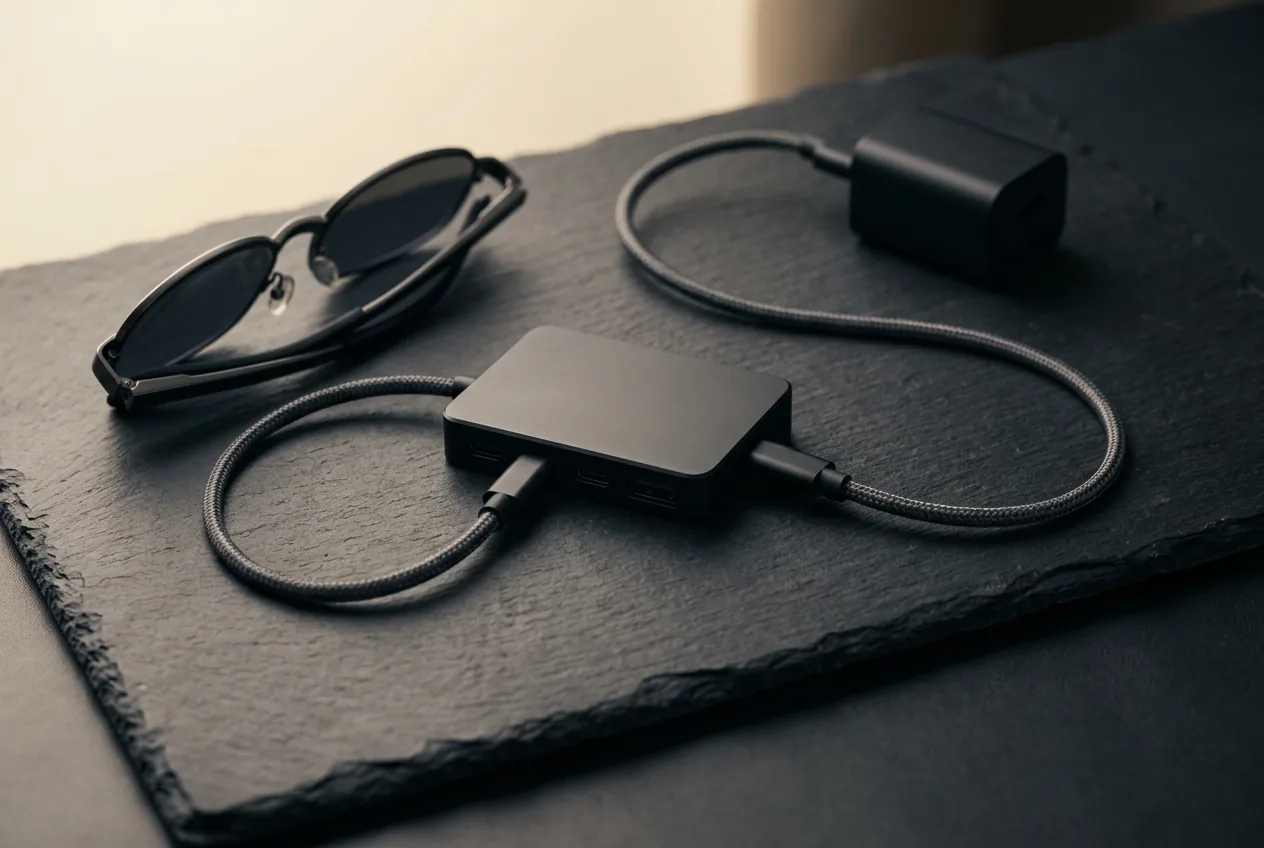
The complete Steam Deck kit
- 1. The glasses — ranked here — XREAL One, $399 approx.
- 2. XREAL NEO hub — DP-passthrough + 10,000 mAh battery so the Deck charges while you play; ~$99
Total kit: ~$498 with the recommended XREAL One; for long sessions the hub is the only real accessory — the cable is in the box. Kit links may earn us a commission · prices approx., verified Aug 2026. OUR ANALYSIS
Our pick
Rokid Max 2
$279approx.
Display glasses with −6.00 D diopter dials — strongest built-in vision correction.
Check price on AmazonRetailer links may earn us a commission — price approx., check retailer.
05Settings that matter
- Resolution: 1080p native. Higher resolutions get downscaled with no sharpness benefit — the panels are 1080p (or 1200p) per eye.
- Refresh: 120 Hz works on 120 Hz glasses; for demanding games the frame rate you actually achieve matters more.
- Anchor mode: on XREAL One series, anchor in 3DoF for vehicle/couch play; use Smooth Follow when walking around. VITURE owners get equivalent modes through the phone app — the reason we score on-glasses 3DoF so highly for handheld use.
- Brightness: glasses brightness up in bright rooms; in the dark, drop it — 1250-nit flagship panels at full blast in a dark bedroom is a genuinely unpleasant experience.
06Honest limitations
It's still 1080p-per-eye: UI text in dense strategy games renders acceptably but not crisply — the 1200p models (1S, Beast) are the mitigation. Weight: 76–88 g on your face for a long RPG session is a real consideration; nobody has solved physics yet. And the cable exists — a 1-meter tether between head and hands that you'll learn to drape correctly once and then forget. None of these are flaws in the Deck pairing specifically; they're the trade-offs of the whole display-glasses category, which is why we document them in the display-technology guide rather than hide them.
Our pick #2
XREAL 1S
$449approx.
CES 2026 refresh: 1200p per eye and 3 ms latency at a mid-tier price.
Check price on AmazonRetailer links may earn us a commission — price approx., check retailer.
Frequently asked questions
Do smart glasses work with the Steam Deck?
Can I charge my Steam Deck while using smart glasses?
Do smart glasses work with the Steam Deck OLED specifically?
What refresh rate do glasses get from a Steam Deck?
Our pick #2
XREAL 1S
$449approx.
CES 2026 refresh: 1200p per eye and 3 ms latency at a mid-tier price.
Check price on AmazonRetailer links may earn us a commission — price approx., check retailer.