Best smart glasses for Samsung DeX: the Galaxy owner's shortlist
If you own a Galaxy flagship, DeX turns display glasses from a mirrored screen into a real desktop — taskbar, windows, pointer. This guide picks the glasses that make DeX shine, separates desk work from travel, and flags the one trap that ruins the experience.
On this page
Samsung's DeX is the reason display glasses make more sense for Galaxy owners than for anyone else. Plug a pair into a Galaxy flagship and you don't get a mirrored phone screen — you tap a notification and get a desktop environment: taskbar, resizable windows, file browser, pointer control. Glasses plus DeX is the closest shipping version of the "screen anywhere" pitch the category makes. This is the DeX-first shortlist.
Short answer · verified Aug 2026
Desk-replacement DeX work → XREAL One ($399): the X1 chip's 3DoF anchor pins that desktop in space from the phone's raw video feed. Travel-light DeX → VITURE Pro 2 ($299): 63 g and diopter dials. Start with the full Android compatibility guide if you're not sure your Galaxy outputs video at all.
Retailer link may earn us a commission — disclosure. Price approx.
01What DeX changes
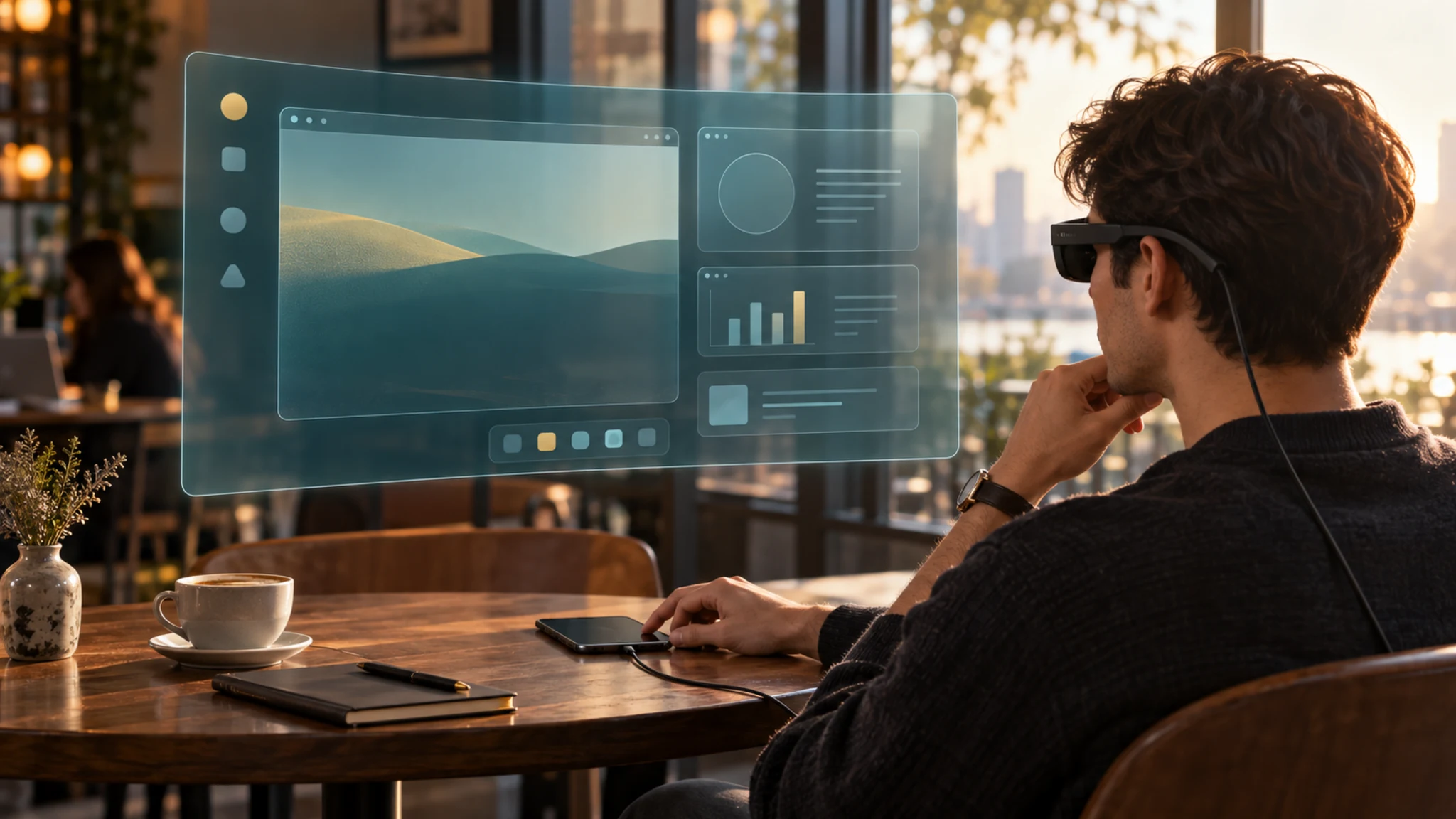
Without DeX, glasses connected to an Android phone give you mirroring: a big phone screen floating in space. Useful for video, cramped for anything else. With DeX, the glasses become the primary display of a desktop session — the phone's screen turns into a trackpad, apps open in resizable windows, and a pointer appears. Email, documents, terminals, and multi-window work become genuinely viable. MFR SPEC
Why this matters for glasses specifically: DeX output is a raw video feed. That's the exact condition where on-glasses spatial processing earns its price — an anchored desktop stays put while you type on the phone in your hands — and where software-dependent spatial modes have nothing to run on. The pick ordering below falls straight out of that fact.
02Gate one: does your Galaxy output video?
Before any glasses purchase, confirm your phone has DisplayPort Alt Mode over USB-C — the capability DeX video requires. Recent Galaxy flagships (the S and Z lines) carry it; mid-range and A-series models generally do not, and a spec sheet that says "USB-C" is telling you the connector, not the capability. The step-by-step check and the full model matrix live in our Android compatibility guide — two minutes there prevents the most common disappointment in the category. MFR SPEC
03The picks, by DeX job
XREAL One
DisplayThe desk-replacement pick: X1-chip 3DoF anchors your DeX desktop in space, from the phone's raw video feed — no app, no accessory.
$399approx.
List $499, cut to $399 Dec 2025
Retailer links may earn us a commission — see our affiliate disclosure. Price approx., check retailer for current.
VITURE Pro 2
DisplayThe travel pick: 63 g on the face all day, diopter dials if you're nearsighted, $100 cheaper. DeX mirrors cleanly; its spatial modes need the phone app, so the desktop follows your head rather than anchoring.
$299approx.
Launched Aug 2026
Retailer links may earn us a commission — see our affiliate disclosure. Price approx., check retailer for current.
The honest third option: if DeX sessions are long and stationary, also weigh the portable monitor alternative — no battery drain, no neck weight, and a real 15–16″ panel. Glasses win on privacy and portability; the monitor wins on all-day comfort. Know which job you're buying for.
Our pick
XREAL One
$399approx.
The safe default: sharp 50° display with spatial smarts built into the glasses.
Check price on AmazonRetailer links may earn us a commission — price approx., check retailer.
04The two-minute setup
- Connect the glasses to the Galaxy's USB-C port (the included cable; a longer 10Gbps-rated one if you want desk distance).
- The phone mirrors automatically. Pull down the notification shade and tap the DeX notification.
- The glasses now show the DeX desktop; the phone screen becomes a trackpad and keyboard fallback.
- On XREAL One-series, press the glasses' button to cycle to Anchor (3DoF) — the desktop pins in space while you type.
- Optional: Bluetooth keyboard and mouse for real input; DeX treats them natively.
05Honest limits
- It's still a 1080p-per-eye panel. DeX desktop text is readable and workable, not retina-crisp. The 1200p models (XREAL 1S, VITURE Beast) sharpen text if that's your priority.
- Battery drain is real. Driving glasses plus DeX taxes the phone; long sessions want a power pass-through hub or a charger nearby.
- Some apps refuse to resize in DeX windows — phone-first apps (many banking, some social) stay portrait-stubborn. That's a DeX reality, not a glasses fault.
- The 50° FOV ceiling means one comfortable virtual display, not a multi-monitor array. Buyers wanting several screens floating should read our companion-units guide before spending anything.
Our pick #2
Rokid Max 2
$279approx.
Display glasses with −6.00 D diopter dials — strongest built-in vision correction.
Check price on AmazonRetailer links may earn us a commission — price approx., check retailer.
Frequently asked questions
Do smart glasses work with Samsung DeX?
Does DeX drain the phone battery fast with glasses?
Which Galaxy phones support glasses output?
Our pick #2
Rokid Max 2
$279approx.
Display glasses with −6.00 D diopter dials — strongest built-in vision correction.
Check price on AmazonRetailer links may earn us a commission — price approx., check retailer.