Smart glasses for PS5 and Xbox: the adapter path, fully explained
Console USB-C ports carry no video — the only route to glasses is HDMI out plus a converter. It works well, it's cheaper than you might think, and 3DoF anchoring survives the trip. Here's the complete setup.
On this page
Consoles are the one major device family that never got the USB-C video memo: PlayStation 5 and Xbox Series X|S push pixels exclusively through HDMI, while their USB-C ports handle controllers and accessories. That doesn't rule out display glasses — it just means the connection runs through a small converter that turns HDMI into the DisplayPort signal glasses speak. The setup is genuinely good, and for late-night gaming-on-the-couch-without-waking-the-house, it's a category killer.
Short answer · verified Aug 2026
Yes — PS5 and Xbox Series X|S drive display glasses, but not with a plain cable: console USB-C ports carry no video, so you need an HDMI-to-USB-C adapter. One converter, ~$25–60, and the whole setup runs at 1080p60.
The wrong cable looks exactly like broken glasses — consoles have no video on USB-C, so the adapter isn't optional; it's the only bridge. Retailer links may earn us a commission.
Bottom line
Works: ✓ via HDMI-to-USB-C adapter· Fails with a plain USB-C cable · Fix cost: $25–60 · 1080p60 ceiling · Verified Aug 2026
OWNER REPORTS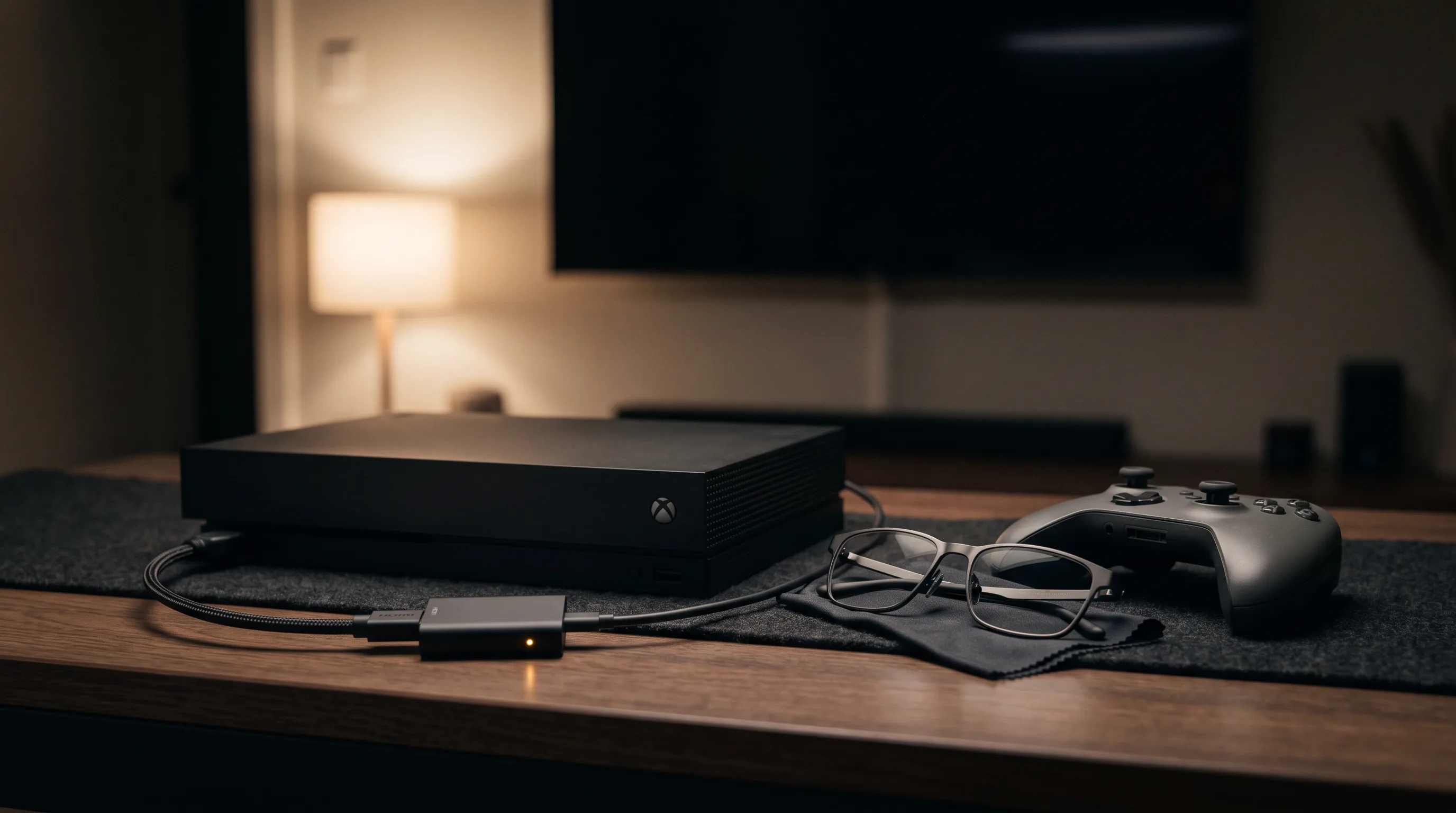
01Why consoles need the adapter (and why it works anyway)
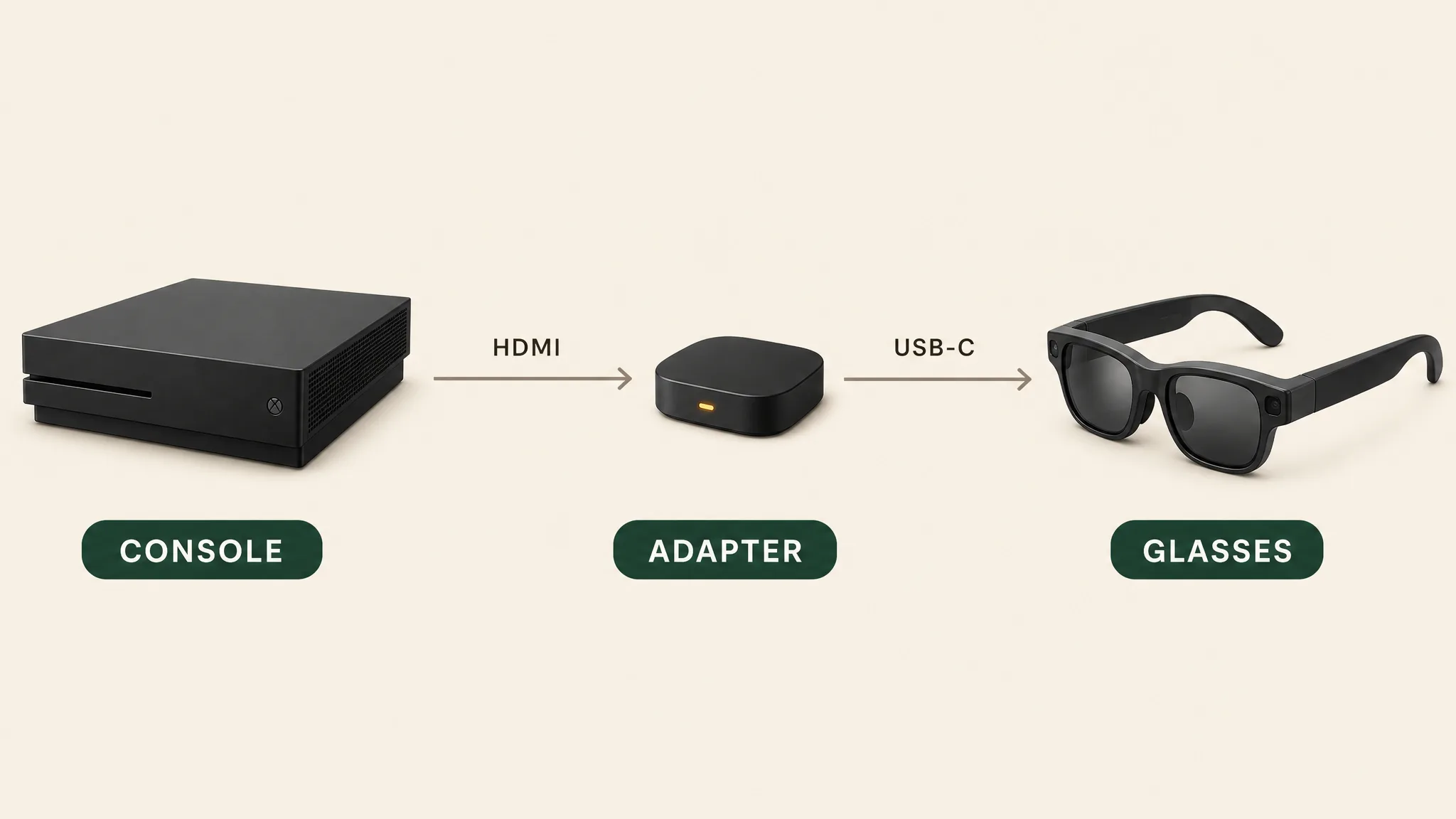
The glasses' input is USB-C DisplayPort Alt Mode; the consoles' output is HDMI. The bridge is a purpose-built HDMI-to-USB-C (DP) converter — power it (usually USB), feed it the console's HDMI, and it emits the signal glasses accept. Because the conversion happens outside the glasses, everything the glasses do on their own survives: XREAL One-series 3DoF anchoring works from a PS5 exactly as from a Steam Deck, since the spatial processing lives in the glasses' X1 chip, not the source. MFR SPEC
02Which adapters to buy
- XREAL Adapter / XREAL Hub — the first-party path for XREAL owners; known-good with both consoles and doubles as a general hub. The Hub variant adds charging passthrough for handhelds.
- RayNeo HDMI Adapter — marketed explicitly for “PlayStation, Xbox, iPhone, PCs”; typically the cheapest brand-name option.
- Generic HDMI-to-USB-C 4K60 adapters ($25–40 on Amazon/AliExpress) — the commodity option, widely owner-validated with XREAL One, Air 2 Pro, VITURE Pro, and RayNeo glasses. Buy one that names AR glasses and HDCP compliance in its listing. OWNER REPORTS
- What not to buy: USB-C video capture cards (they record, they don't display), and unpowered “adapter cables” — the conversion chip needs power.
03Setup and settings
- Power the adapter (USB power from the console's front port works).
- HDMI cable: console → adapter. Glasses cable: adapter → glasses.
- On the console, set output to 1080p (PS5: Settings → Screen and Video; Xbox: General → TV & display options). 4K output gets downscaled with no benefit — 1080p avoids scaling lag.
- On XREAL One-series glasses, cycle to anchor mode to pin the screen; other brands use their phone app for the equivalent.
Audio: glasses speakers carry console audio over the same path (HDMI audio → adapter). If you prefer your own headphones, plug them into the controller as usual — console audio routing ignores the glasses once you do.
Our pick
XREAL One
$399approx.
The safe default: sharp 50° display with spatial smarts built into the glasses.
Check price on AmazonRetailer links may earn us a commission — price approx., check retailer.
04What console-on-glasses is like
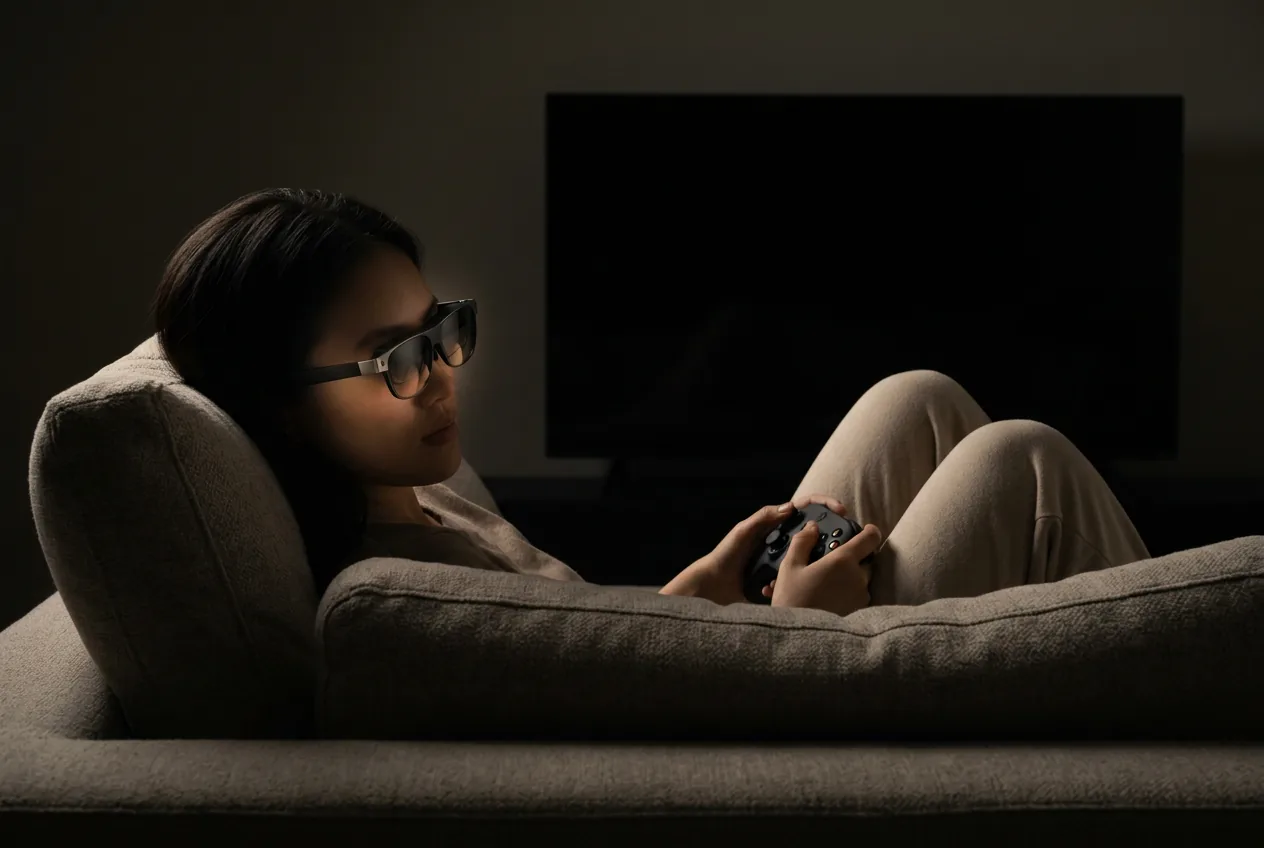
The honest summary: it's a 1080p60 floating cinema with all the immersion that implies — god-of-war scale single-player lands beautifully — but it's not a competitive-advantage setup. 60 Hz caps where we'd want 120, and HUD-heavy games render acceptably rather than crisply (1080p per eye is the ceiling). Where the setup genuinely wins: late-night sessions without the TV on (a partner-preserving technology), couch gaming when the TV is occupied, travel with a console in tow, and accessibility — players who need the screen close benefit enormously from a wearable 1080p display at any distance.
05The best glasses for console gaming
XREAL One
DisplayThe safe default: sharp 50° display with spatial smarts built into the glasses.
$399approx.
List $499, price cut to $399 in Dec 2025
Best for
Key specs
- Weight: 84 g
- Display: 1920 × 1080, 50° FOV
Pairs well with
- → 10Gbps rated USB-C cable — the included one is short; $12–18
- → Powered DP hub — for Switch 2 / handhelds; $60–100
- → Hard-shell case — the panels don't forgive pockets; $15–25
Accessory links may earn us a commission — same price either way. Prices approx.
Retailer links may earn us a commission — see our affiliate disclosure. Price approx., check retailer for current.
XREAL One Pro
DisplayThe widest tethered view in mainstream glasses: 57° FOV in two IPD sizes.
$599approx.
Permanent cut from $649
Best for
Key specs
- Weight: 87 g
- Display: 1920 × 1080, 57° FOV
Pairs well with
- → 10Gbps rated USB-C cable — the included one is short; $12–18
- → Powered DP hub — for Switch 2 / handhelds; $60–100
- → Hard-shell case — the panels don't forgive pockets; $15–25
Accessory links may earn us a commission — same price either way. Prices approx.
Retailer links may earn us a commission — see our affiliate disclosure. Price approx., check retailer for current.
VITURE Pro 2
DisplayThe 2026 budget king: 63 g, diopter dials, 120 Hz — $299.
$299approx.
Launched Aug 2026 (5th-anniversary line)
Best for
Key specs
- Weight: 63 g
- Display: 1920 × 1080, 50° FOV
- Diopter dials: 0 to −5.00 D (myopia; no astigmatism correction)
Pairs well with
- → 10Gbps rated USB-C cable — the included one is short; $12–18
- → Powered DP hub — for Switch 2 / handhelds; $60–100
- → Hard-shell case — the panels don't forgive pockets; $15–25
Accessory links may earn us a commission — same price either way. Prices approx.
Retailer links may earn us a commission — see our affiliate disclosure. Price approx., check retailer for current.
XREAL's on-glasses 3DoF is worth more here than anywhere — from an HDMI source there's no source-side software to help you, so the glasses' own spatial chip carries the experience. One Pro's 57° view makes single-player epics feel theatrical; Pro 2 keeps weight and price friendly. Full rankings: display-glasses guide.
The complete console kit
- 1. The glasses — ranked here — XREAL One, $399 approx.
- 2. HDMI-to-USB-C adapter — the required bridge for PS5/Xbox — console USB-C carries no video; $25–60
- 3. XREAL NEO hub — adds 10,000 mAh so the adapter + glasses chain runs through long sessions; ~$99
Total kit: ~$523–$558 with the recommended XREAL One; other glasses tiers vary. Kit links may earn us a commission · prices approx., verified Aug 2026. OUR ANALYSIS