Smart glasses + MacBook: the traveler's dream setup
MacBooks have driven displays over Thunderbolt for a decade, so display glasses plug straight in — extend the desktop, scale the text, and work privately on a plane. Here's everything Mac users need.
On this page
The MacBook is the device that makes the “glasses as travel monitor” pitch real. Every MacBook since 2016 outputs DisplayPort over its USB-C ports, the laptop's battery comfortably feeds glasses, and macOS handles them as a no-drama external display. A MacBook Air plus 76 grams of glasses is the full workstation that fits in a seat-back pocket — this guide is how to set it up and what to honestly expect.
Short answer · verified Aug 2026
Yes — every USB-C-era MacBook (2016 onward) drives display glasses straight in: no driver, no app, no adapter. The one catch: on two-port MacBook Airs the glasses occupy a charging port, so long sessions want a hub.
The wrong setup looks like broken glasses — on two-port MacBooks it's a dead charging port, not dead glasses. Retailer links may earn us a commission.
Bottom line
Works: ✓ plug straight into any USB-C-era port· No adapter needed · Optional hub for two-port Airs: ~$40–100 · Verified Aug 2026
MFR SPEC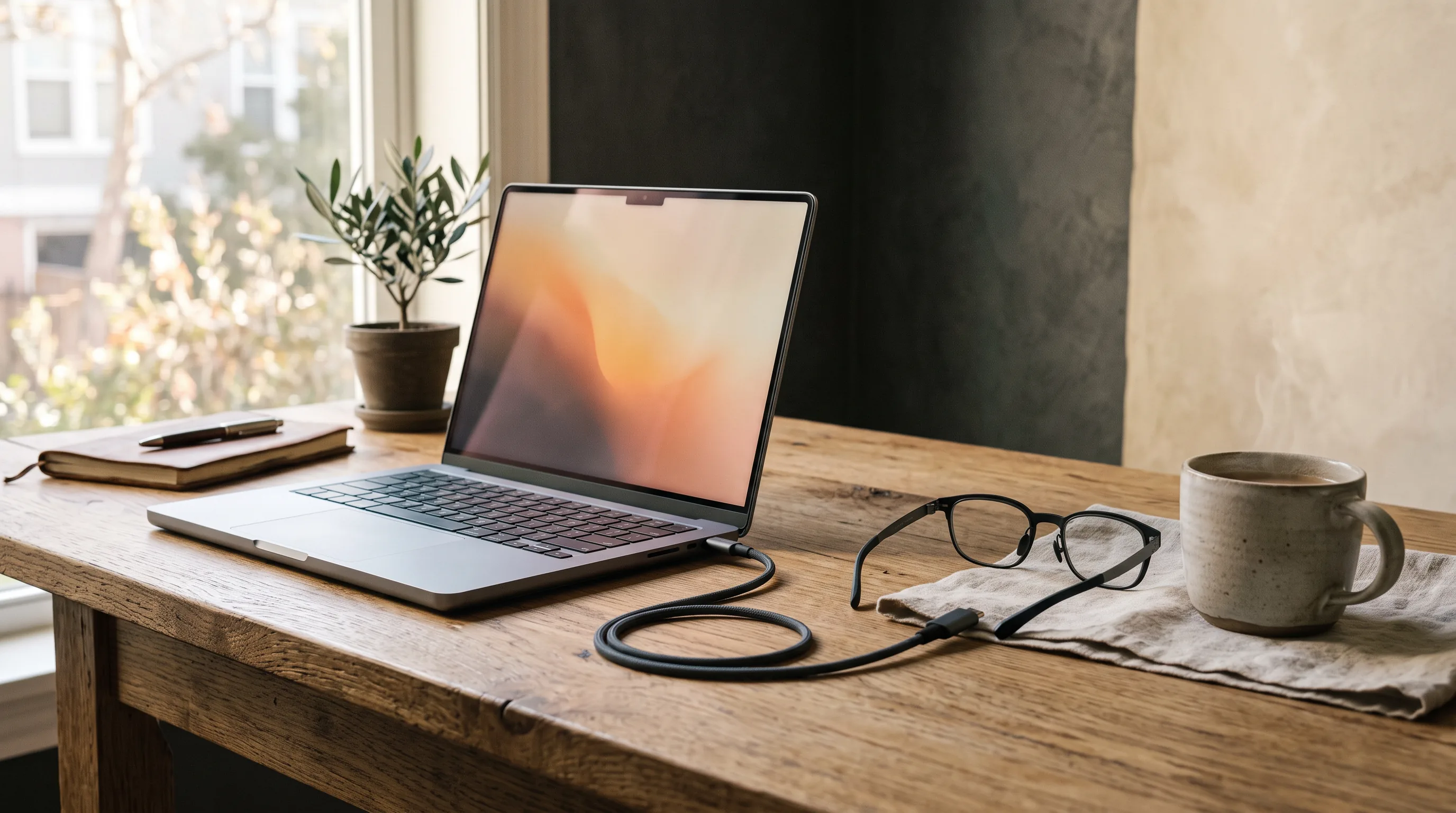
01What works, immediately
Plug glasses into any MacBook port; macOS detects a 1080p display within a second or two. Mirror mode duplicates the built-in screen (fine for video); extend mode gives you a second desktop — the actual productivity case. There is no driver, no app requirement, and no port lottery like Windows: every USB-C port on every USB-C-era MacBook (2016 onward) carries video. MFR SPEC The one hardware note: on two-port MacBook Airs, glasses occupy a charging port, so long sessions want a hub — or use the glasses with a battery-first workflow (video watching drains less than you'd fear; macOS is efficient with external displays).
02The macOS setup that feels right
- Connect the glasses; open System Settings → Displays. The glasses appear as an external 1080p display.
- Use as extended display (the default) and drag it above your MacBook in the arrangement — content “up” reads naturally with glasses on.
- Set scaling for the glasses display to a larger text size — macOS's default scaled resolution can render UI text small on the virtual screen.
- Optional: install the glasses maker's app for brightness, size, and spatial modes (XREAL's macOS app supports their ultra-wide modes).
Then the Mac-specific superpower: put video or the document you're focused on in the glasses and everything else on the MacBook screen. Because the glasses display sits where you look, this arrangement feels less like “two monitors” and more like “a private main screen plus a desk reference.”
03The ultra-wide trick
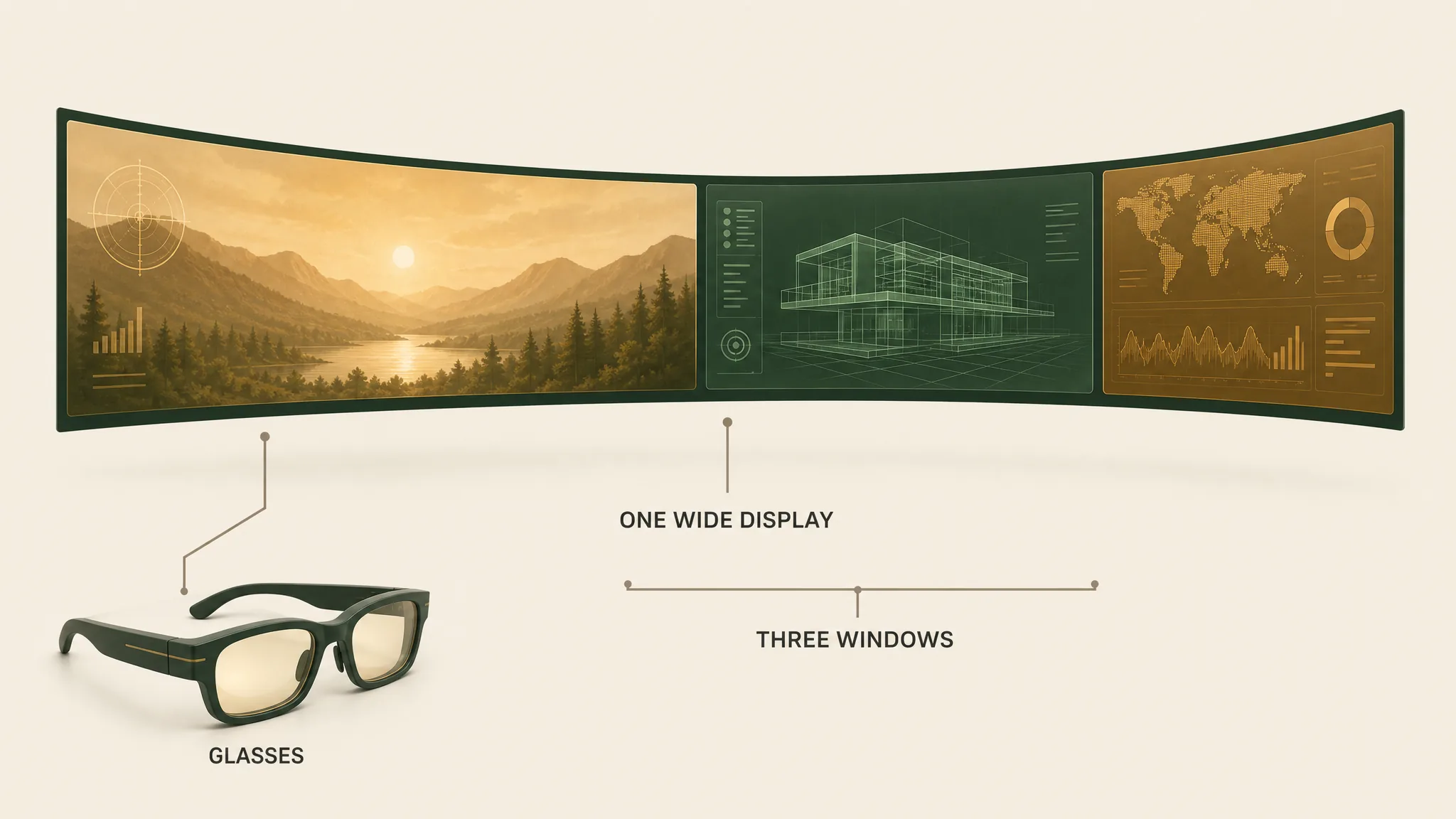
XREAL's software (and VITURE's) offers an ultra-wide virtual layout: the glasses present macOS a single very wide display, and the app stretches the picture across it in a gently curved arc. Place two or three app windows across that expanse and you get most of the multi-monitor fantasy from one connection. Community-validated and genuinely good for coding, writing-plus-research, and communications-plus-doc work. OWNER REPORTS The purist alternative — discrete spatial monitors arranged around you — needs companion hardware like the Beam Pro or Rokid's ecosystem, covered in our productivity guide.
Our pick
XREAL One
$399approx.
The safe default: sharp 50° display with spatial smarts built into the glasses.
Check price on AmazonRetailer links may earn us a commission — price approx., check retailer.
04Working on glasses, honestly
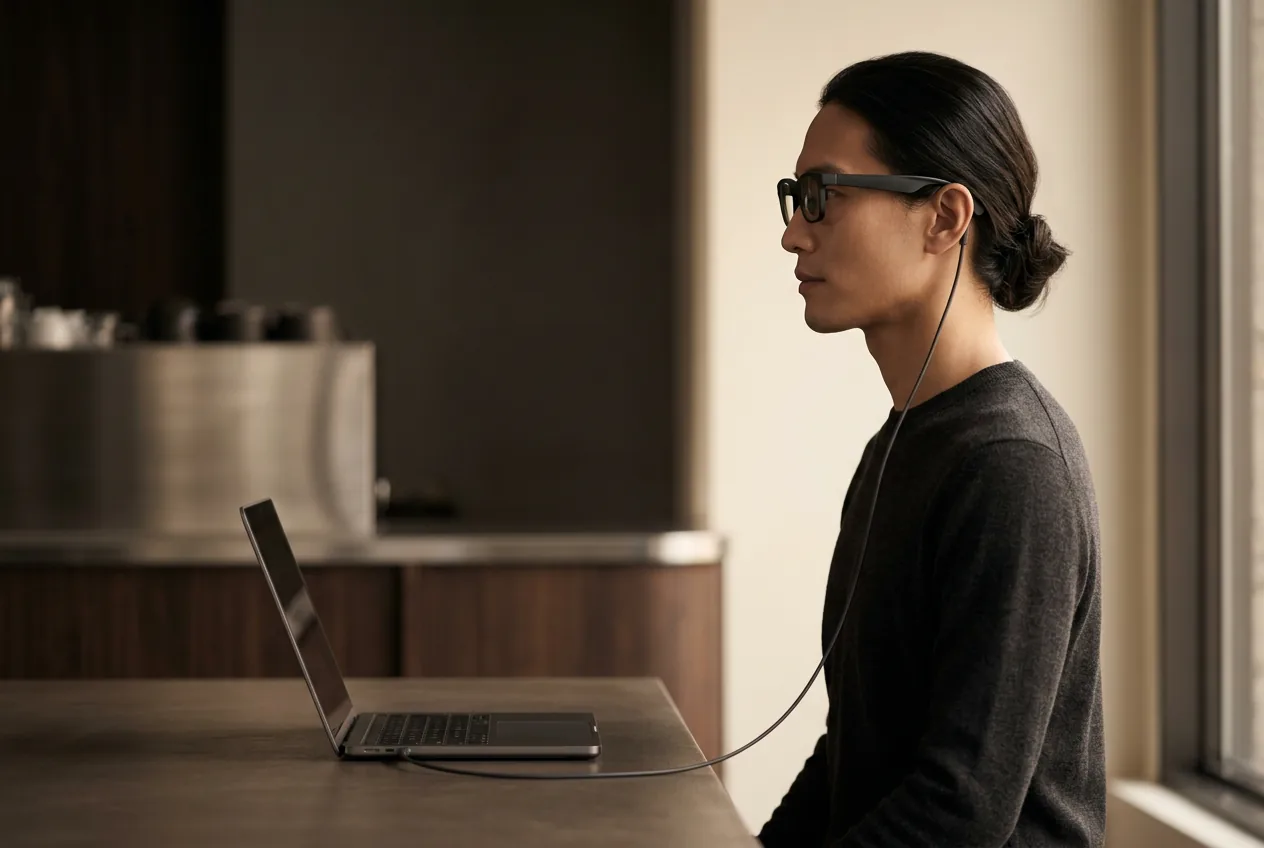
The strengths, Mac-specifically: privacy on planes and trains (a big external display's exact opposite), packing size, and an ergonomically upright screen — you look forward, not down at a laptop hinge, which spares the neck in a way travel monitors never will. The constraints: 36–40 pixels per degree means crisp-but-not-retina text (choose 1200p models for writing-heavy work), weight beyond ~90 minutes bothers some users (lighter glasses and a headrest help), and battery on smaller MacBooks takes a real hit with the display active — plan the power bank for transcontinental flights. Yourprescription situation matters more than on any other device category; solve it before the flight, not during.
05The best glasses for MacBook users
XREAL One
DisplayThe safe default: sharp 50° display with spatial smarts built into the glasses.
$399approx.
List $499, price cut to $399 in Dec 2025
Best for
Key specs
- Weight: 84 g
- Display: 1920 × 1080, 50° FOV
Pairs well with
- → 10Gbps rated USB-C cable — the included one is short; $12–18
- → Powered DP hub — for Switch 2 / handhelds; $60–100
- → Hard-shell case — the panels don't forgive pockets; $15–25
Accessory links may earn us a commission — same price either way. Prices approx.
Retailer links may earn us a commission — see our affiliate disclosure. Price approx., check retailer for current.
XREAL 1S
DisplayCES 2026 refresh: 1200p per eye and 3 ms latency at a mid-tier price.
$449approx.
Launched Jan 2026
Best for
Key specs
- Weight: 82 g (approx.)
- Display: 1920 × 1200, 50° FOV
Pairs well with
- → 10Gbps rated USB-C cable — the included one is short; $12–18
- → Powered DP hub — for Switch 2 / handhelds; $60–100
- → Hard-shell case — the panels don't forgive pockets; $15–25
Accessory links may earn us a commission — same price either way. Prices approx.
Retailer links may earn us a commission — see our affiliate disclosure. Price approx., check retailer for current.
VITURE Beast
Display2026's spec-flagship: 58° FOV, 1200p per eye, 1250 nits, electrochromic dimming.
$549approx.
Launched Apr 2026
Best for
Key specs
- Weight: 88 g
- Display: 1920 × 1200, 58° FOV
Pairs well with
- → 10Gbps rated USB-C cable — the included one is short; $12–18
- → Powered DP hub — for Switch 2 / handhelds; $60–100
- → Hard-shell case — the panels don't forgive pockets; $15–25
Accessory links may earn us a commission — same price either way. Prices approx.
Retailer links may earn us a commission — see our affiliate disclosure. Price approx., check retailer for current.
The One's on-glasses 3DoF is as macOS-agnostic as it is everywhere else; the 1S's 1920×1200 panels are the writing-work pick; the Beast is the first-class-cabin cinema. The full decision tree — including where RayNeo fits — lives in our display-glasses guide and the comparison tool.
The complete MacBook kit
- 1. The glasses — ranked here — XREAL One, $399 approx.
- 2. Right-angle 10Gbps USB-C cable — travel posture without kinks — every USB-C MacBook already carries video; $12–18
Total kit: ~$411–$417 with the recommended XREAL One; other glasses tiers vary. Kit links may earn us a commission · prices approx., verified Aug 2026. OUR ANALYSIS
Our pick #2
VITURE Pro 2
$299approx.
The 2026 budget king: 63 g, diopter dials, 120 Hz — $299.
Check price on AmazonRetailer links may earn us a commission — price approx., check retailer.
Frequently asked questions
Do smart glasses work with MacBooks?
How do I get multiple virtual monitors with MacBook and smart glasses?
Are smart glasses good enough to replace a travel monitor for Mac work?
Our pick #2
VITURE Pro 2
$299approx.
The 2026 budget king: 63 g, diopter dials, 120 Hz — $299.
Check price on AmazonRetailer links may earn us a commission — price approx., check retailer.