Smart glasses for iPhone: the complete compatibility guide
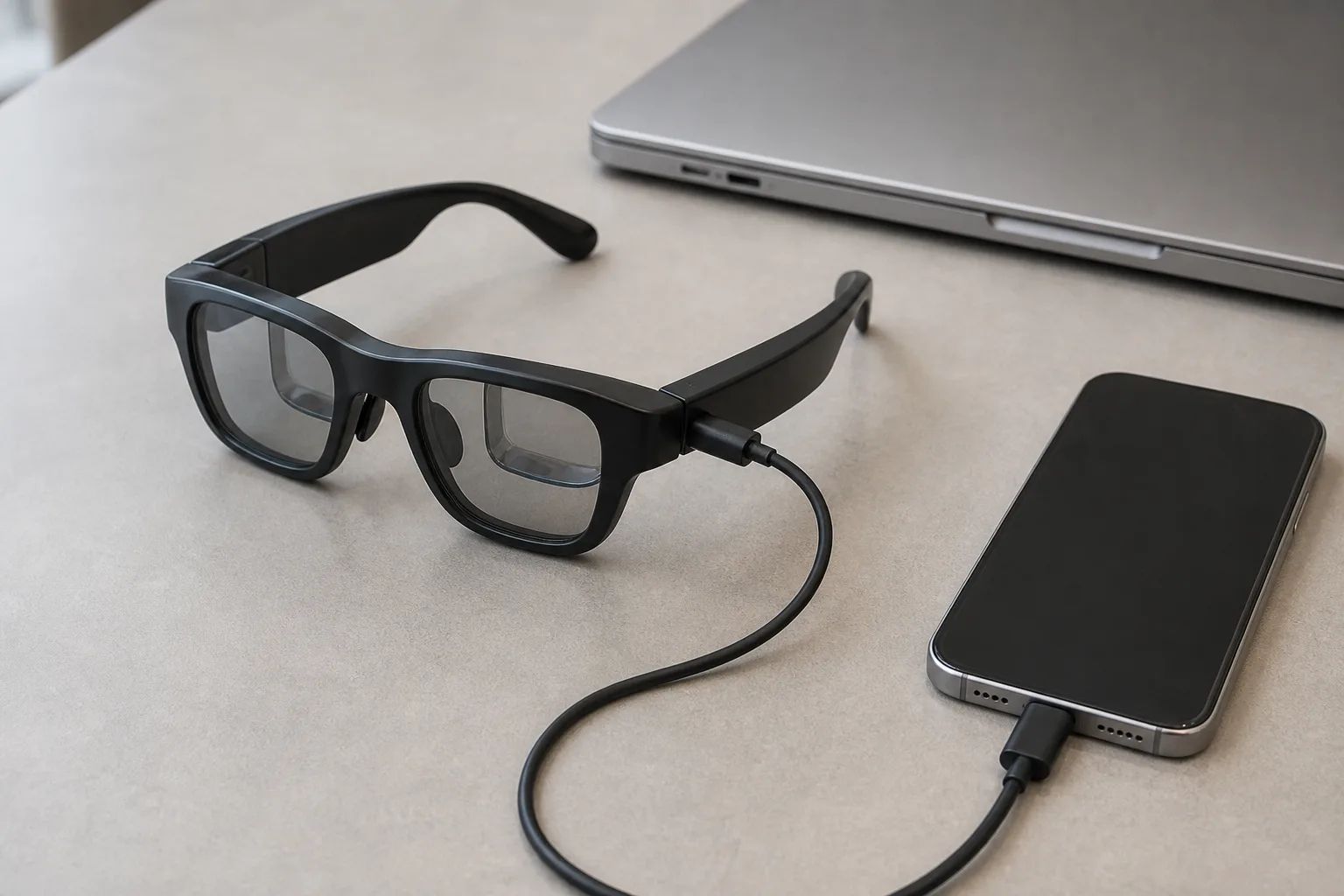
If your iPhone has a USB-C port that supports DisplayPort, display glasses are plug-and-play. The traps are the iPhone Air (no video out, despite looking identical) and Lightning models. Here's the full picture.
On this page
Apple's switch to USB-C (iPhone 15, 2023) quietly made iPhones the easiest glasses companions in the phone market: one cable, no adapter, big private screen. Then the iPhone Air (2025) quietly un-made that for one model. This guide covers which iPhones drive display glasses, what the experience is actually like, and the two traps that generate most of the confusion in owner forums.
Short answer · verified Aug 2026
Yes — if your iPhone is 15 or newer and isn't the Air, it drives display glasses with the cable in the box. One catch: the iPhone Air has no DisplayPort, so it can't and no adapter can fix it.
The iPhone Air is the one model that can't — USB 2.0, no video out — and no adapter chain fixes it.
Verify your exact model before buying glasses — the Air looks like a USB-C phone but outputs nothing.
01The iPhone compatibility matrix
| iPhone | Display glasses? | What you need |
|---|---|---|
| iPhone 17 / 16 / 15 (all models) | Yes — plug and play | USB-C cable (the one in the box works) |
| iPhone Air | No | Nothing — USB 2.0 port, no DisplayPort Alt Mode |
| iPhone 14 and older (Lightning) | Clunky yes | Lightning Digital AV adapter → HDMI → HDMI-to-USB-C adapter |
| iPad (USB-C models) | Yes — plug and play | USB-C cable |
MFR SPEC verified against Apple's published tech specs: iPhone 15 and later list “DisplayPort” under USB-C capabilities; the iPhone Air's spec sheet conspicuously doesn't. If you own an unusual model (a regional variant, an SE), the spec sheet on Apple's site is the authority — look for the word DisplayPort.
Bottom line
Works: ✓ iPhone 15+ (non-Air) · Fails: iPhone Air · Lightning fix: 2 adapters · Verified Aug 2026
MFR SPEC02The iPhone Air trap
The iPhone Air is the most expensive mistake vector in this market: it looks exactly like a USB-C iPhone, charges over USB-C, transfers data over USB-C — and carries no video output whatsoever, because its port is USB 2.0. Owners discover this the hard way when glasses show a black screen, and because the failure looks identical to a broken cable, the troubleshooting loop is miserable. No adapter chain fixes it: HDMI adapters need a video signal to adapt, and the Air doesn't produce one.
03Lightning iPhones: technically possible, practically silly
The chain: Apple's Lightning Digital AV adapter (≈$49) outputs HDMI, then an HDMI-to-USB-C adapter (≈$25–60, the same one PS5 owners use) converts that to the DisplayPort signal glasses accept. It works — we've seen enough owner reports to say that confidently OWNER REPORTS — but you're carrying two adapters and a cable nest to replicate what one USB-C cable does, Apple's adapter is notoriously sensitive to HDMI converters on the far end, and you'll still want a battery because video out drains a Lightning iPhone fast. For most people in this situation, the honest advice is that glasses are a USB-C-iPhone accessory; spend the adapter money toward a streaming stick instead.
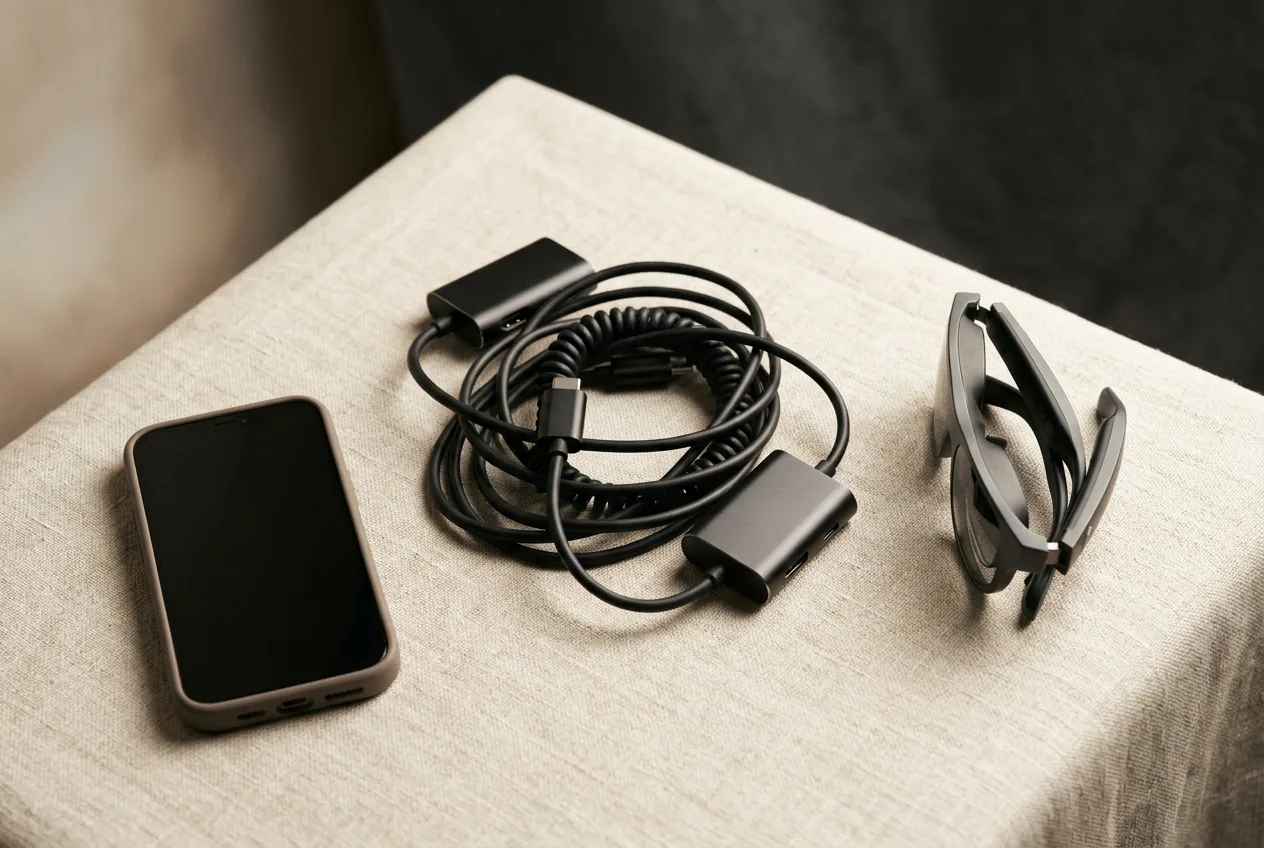
The complete iPhone kit
- 1. The glasses — ranked here — XREAL One, $399 approx.
- 2. XREAL NEO hub — the one device that also charges the phone from a power bank for long flights; ~$99
- 3. Right-angle 10Gbps USB-C cable — posture on the seatback tray; $12–18
Total kit: ~$510–$516 with the recommended XREAL One; USB-C iPhones need only the cable in the box — the hub is the long-flight add. Kit links may earn us a commission · prices approx., verified Aug 2026. OUR ANALYSIS
Our pick
XREAL One
$399approx.
The safe default: sharp 50° display with spatial smarts built into the glasses.
Check price on AmazonRetailer links may earn us a commission — price approx., check retailer.
04What glasses-on-iPhone is actually like
Set expectations precisely: glasses give you a mirrored 1080p version of your iPhone screen, floating large in your vision. That's transformative for video (the TV app, YouTube, Netflix, flights) and surprisingly good for games — especially Apple Arcade titles and anything with controller support. It is not an extended desktop: iOS doesn't do multi-window on an external mirror, so “multiple virtual monitors” isn't an iPhone feature (that's a Samsung DeX or MacBook thing — see our Android guide and MacBook guide). Some apps letterbox on the wide virtual display; video apps that respect external displays fill it properly.
Battery is the second expectation to set: DisplayPort output roughly doubles screen-on drain OWNER REPORTS. Owner reports suggest roughly double the battery drain. For flights longer than a couple of hours, a power bank with passthrough (or glasses like the XREAL One, which draw modestly) matters. On 3DoF-equipped glasses, anchor mode makes the iPhone screen stay put while you're a passenger in a moving car — the feature that sells the whole category to parents on road trips.
Our pick
XREAL One
$399approx.
The safe default: sharp 50° display with spatial smarts built into the glasses.
Check price on AmazonRetailer links may earn us a commission — price approx., check retailer.
05Best display glasses for iPhone users
Any tethered pair works — the iPhone doesn't care about the brand. What differs is weight (you'll be wearing these on a plane), brightness (planes have windows), and whether the companion app is iOS-polished:
XREAL One
DisplayThe safe default: sharp 50° display with spatial smarts built into the glasses.
$399approx.
List $499, price cut to $399 in Dec 2025
Best for
Key specs
- Weight: 84 g
- Display: 1920 × 1080, 50° FOV
Pairs well with
- → 10Gbps rated USB-C cable — the included one is short; $12–18
- → Powered DP hub — for Switch 2 / handhelds; $60–100
- → Hard-shell case — the panels don't forgive pockets; $15–25
Accessory links may earn us a commission — same price either way. Prices approx.
Retailer links may earn us a commission — see our affiliate disclosure. Price approx., check retailer for current.
RayNeo Air 4 Pro
DisplayThe value play for 2026: HDR10 panels, 1200 nits, Bang & Olufsen-tuned audio.
$299approx.
Street $299–399 depending on promos
Best for
Key specs
- Weight: 76 g
- Display: 1920 × 1080, ≈46–48° FOV
Pairs well with
- → 10Gbps rated USB-C cable — the included one is short; $12–18
- → Powered DP hub — for Switch 2 / handhelds; $60–100
- → Hard-shell case — the panels don't forgive pockets; $15–25
Accessory links may earn us a commission — same price either way. Prices approx.
Retailer links may earn us a commission — see our affiliate disclosure. Price approx., check retailer for current.
VITURE Pro 2
DisplayThe 2026 budget king: 63 g, diopter dials, 120 Hz — $299.
$299approx.
Launched Aug 2026 (5th-anniversary line)
Best for
Key specs
- Weight: 63 g
- Display: 1920 × 1080, 50° FOV
- Diopter dials: 0 to −5.00 D (myopia; no astigmatism correction)
Pairs well with
- → 10Gbps rated USB-C cable — the included one is short; $12–18
- → Powered DP hub — for Switch 2 / handhelds; $60–100
- → Hard-shell case — the panels don't forgive pockets; $15–25
Accessory links may earn us a commission — same price either way. Prices approx.
Retailer links may earn us a commission — see our affiliate disclosure. Price approx., check retailer for current.
One more note: the XREAL Beam Pro exists precisely for iPhone users who want streaming apps and spatial capture without a laptop — it's an Android companion device that runs the apps and feeds the glasses. It's a niche product, but for frequent flyers it's a cleaner stack than mirroring.
06And iPad — the underrated pairing
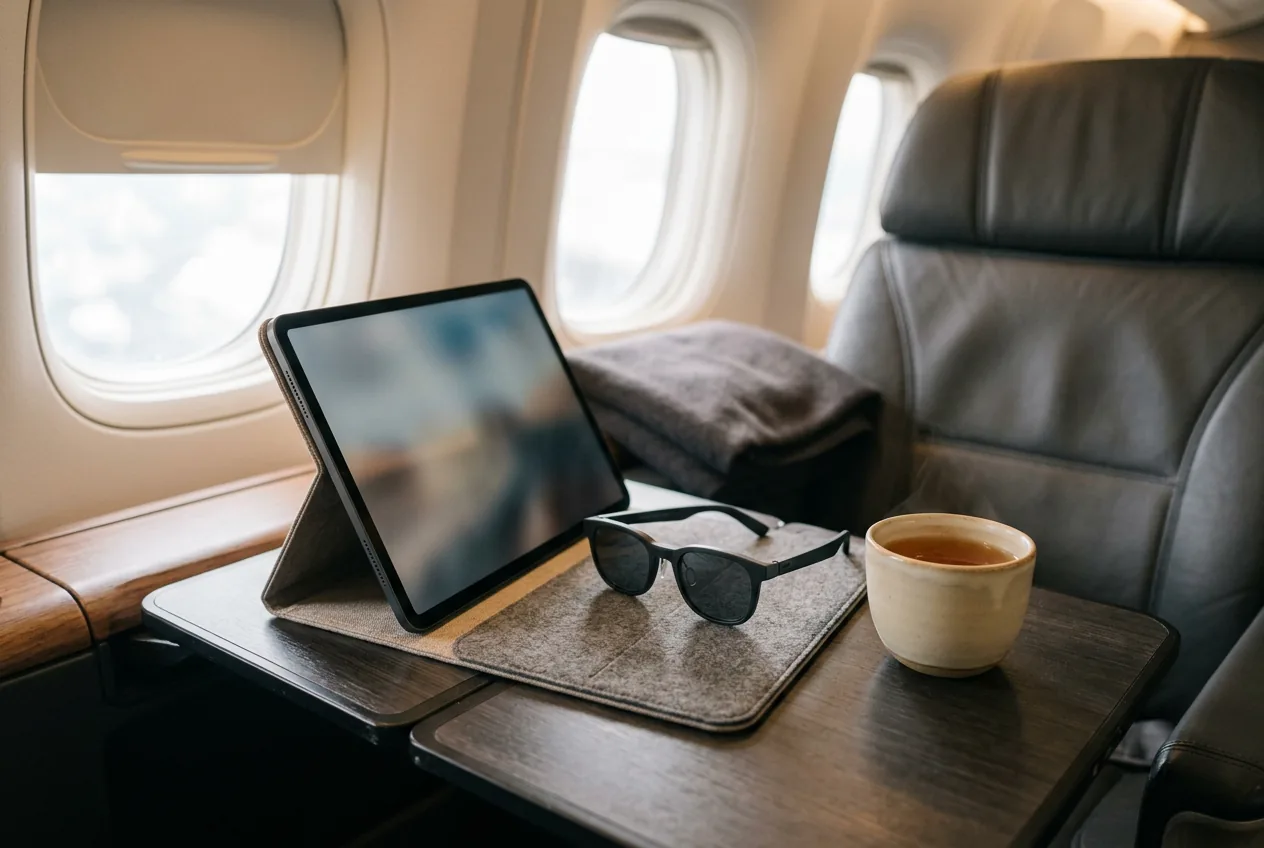
Every USB-C iPad (2018 or later) supports DisplayPort Alt Mode MFR SPEC making iPad + glasses one of the best travel combos in consumer tech: a big screen for movies that fits in a seat pocket, with the iPad driving the content and the glasses doing the display. The same mirroring rules as iPhone apply — video shines, and split-screen apps don't become multi-monitor setups. Battery math is kinder on iPads with their larger cells.
Our pick #2
Ray-Ban Meta (Gen 2)
$409approx.
The default AI camera glasses: better battery, 3K video, huge style range.
Check price on AmazonRetailer links may earn us a commission — price approx., check retailer.
Frequently asked questions
Do XREAL glasses work with iPhone?
Why don't smart glasses work with my iPhone Air?
Can I connect display glasses to an iPhone 14 or older?
Do smart glasses work with iPads?
Our pick #2
Ray-Ban Meta (Gen 2)
$409approx.
The default AI camera glasses: better battery, 3K video, huge style range.
Check price on AmazonRetailer links may earn us a commission — price approx., check retailer.