Smart glasses for ROG Ally, Legion Go, and other PC handhelds
Windows handhelds are tiny laptops, and they behave like it: native DisplayPort over USB-C, 1080p120 to glasses, and full control in Windows display settings. This guide is about the parts that differ by device — port reality, 120Hz, and the power math — for the non-Steam-Deck majority.
On this page
The ROG Ally, Legion Go, and the broader wave of Windows gaming handhelds share one quiet advantage over every console: they're PCs, and PCs have been driving external displays over USB-C for a decade. Display glasses are just the strangest monitor your Ally has ever met. This guide skips the parts those devices share with every other PC and focuses on what an Ally or Legion Go owner actually hits: which port, which setting, and how much battery you are really trading.
Short answer · verified Aug 2026
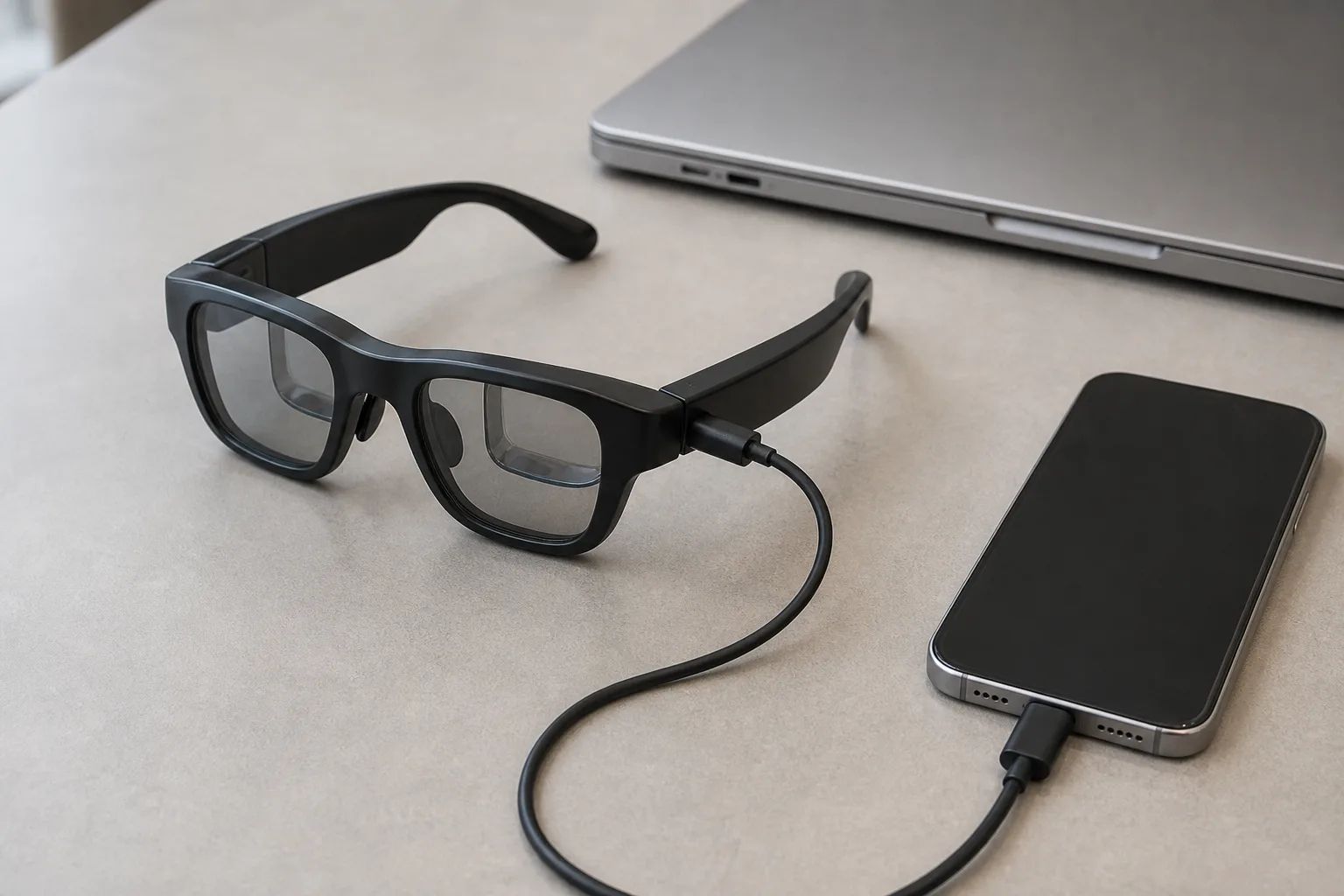
Yes — ROG Ally and Legion Go output native DisplayPort over USB-C, so glasses plug straight in and run at 1080p120. The two real questions are device-specific: which port carries the video, and how much battery a 45 W hub passthrough actually recovers mid-game.
The wrong cable looks exactly like broken glasses — use a DP Alt-Mode hub, not a dumb charger, or the handheld screen just stays on. Retailer links may earn us a commission.
Bottom line
Works: ✓ plug in, extend, set 1080p120· Which port varies by model — check it · Charging while playing: hub with DP Alt-Mode passthrough · Verified Aug 2026
MFR SPEC01Two lines on how Windows makes this work
They are PCs. ROG Ally, Legion Go, and the wider field expose DisplayPort Alt Mode over USB-C, and Windows treats glasses as a standard external monitor — plug in, extend, done. Make the glasses the primary display in Windows display settings and the handheld's own screen goes dark — which saves battery and stops the game-but-also-on-my-lap problem.
The one Windows-specific catch is ports, not compatibility: Windows on handhelds mirrors the Windows laptop port reality — multiple USB-C ports where only some carry video. Everything below is about the two devices you actually own, starting there. MFR SPEC
02ROG Ally & Ally X
The Ally family has more than one USB-C port, and they are not interchangeable for glasses. Only the top USB-C port (the one that carries DisplayPort) drives glasses — the bottom port is often charge-only or data-only on the base Ally, so plugging glasses into the wrong one produces a black screen that looks like broken hardware. Check your model's port layout in the manual or by testing each port with a USB-C monitor before blaming the glasses; the Ally X revised its port set, so confirm on your specific unit. OWNER REPORTS
The 120Hz path is two clicks. Plug into the top port, press Win+P → Extend, open Settings → Display, select the glasses, and under Advanced display settings choose 1920×1080 and 120 Hz. Some Ally units default external displays to 60 Hz out of caution — the option is there, it just is not always the default. Whether games hit 120 fps is the Z1/Z1 Extreme's business; the display path supports it fully. MFR SPEC
03Legion Go & Go S
The Legion Go family is the place to be most careful about ports: it packs more than one USB-C, and the DisplayPort signal lives on a specific one rather than all of them. This is the single-port DP reality — one port carries video to glasses, the other(s) are for power and data. Plug glasses into the wrong port and Windows simply never sees a display. Check your model's port layout — the Go and Go S differ, and even specific ports can vary by revision, so verify against your manual or a quick USB-C-monitor test. OWNER REPORTS
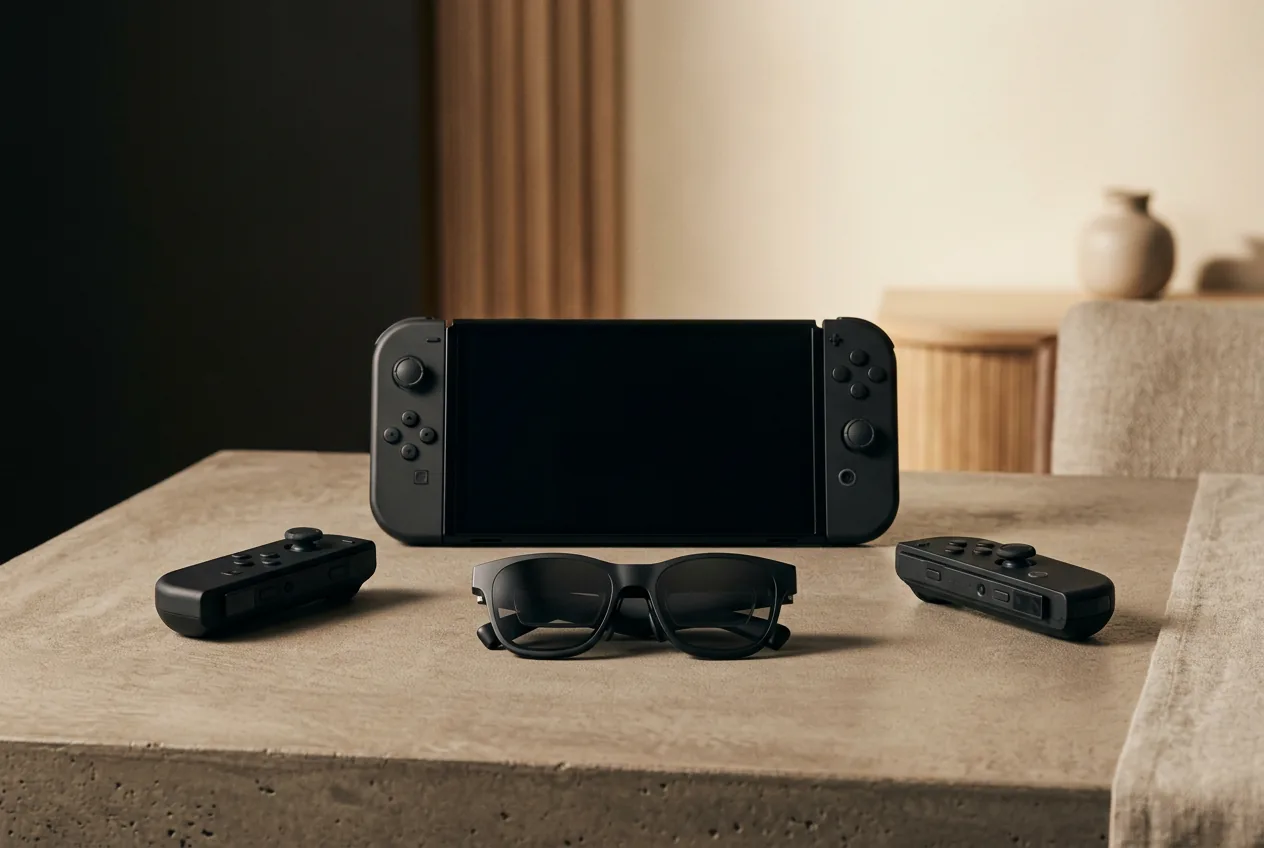
The controller-screen quirk. The Go's controllers detach from its tablet screen, which changes what “make glasses primary” feels like: set the glasses as the main display and the Go's built-in screen sleeps, but the detached controllers keep working — so you can seat the tablet on its kickstand with the screen dark and keep gaming hands-free off the panel. It is the cleanest sleep-the-screen ergonomics on any handheld we cover, and worth confirming on your unit that the screen sleeps rather than staying on as a secondary. OWNER REPORTS
Our pick
Rokid Max 2
$279approx.
Display glasses with −6.00 D diopter dials — strongest built-in vision correction.
Check price on AmazonRetailer links may earn us a commission — price approx., check retailer.
04Power budget while you play
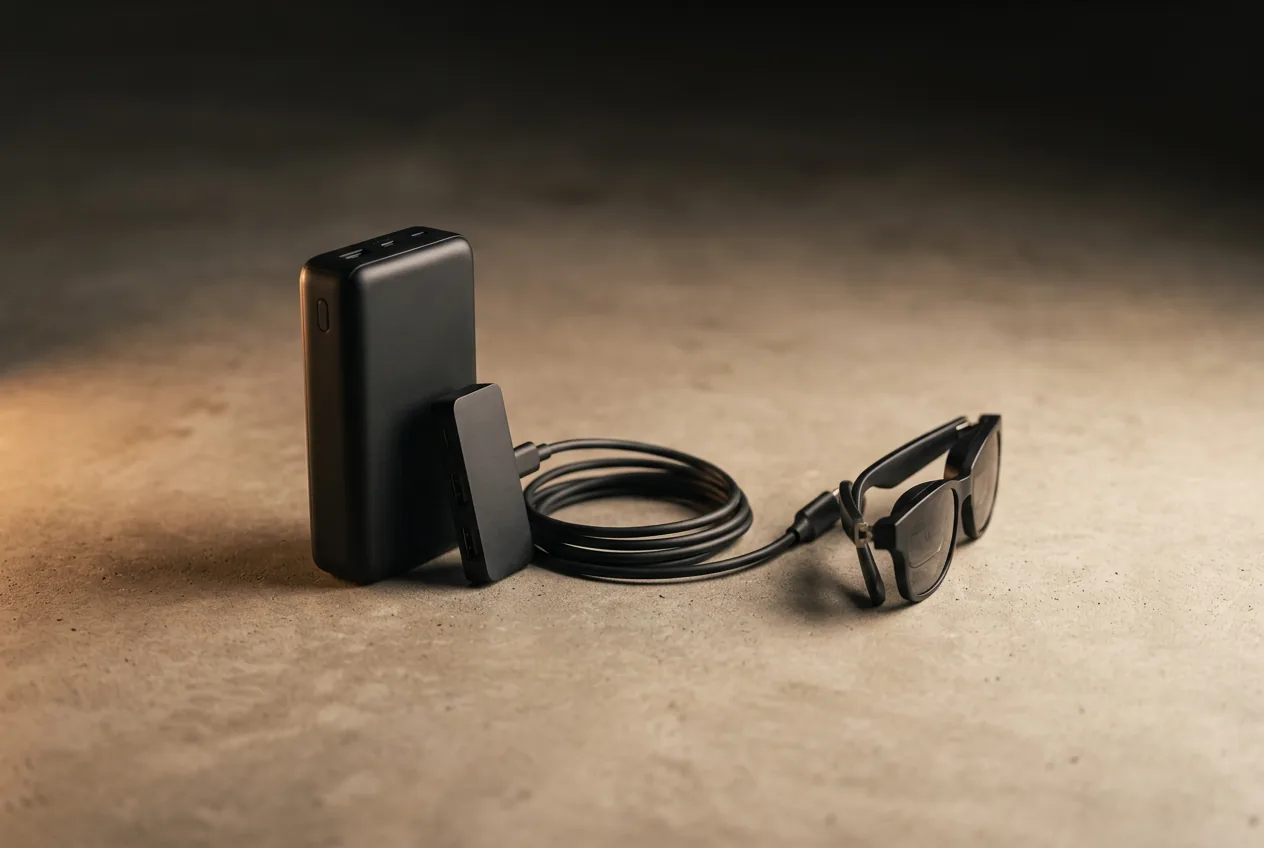
Here is the honest math, with the numbers we can actually verify. A 45 W hub passthrough is the standard charging-while-playing answer — but a Windows handheld under load draws far more than 45 W just to run, so the hub often slows the drain rather than refills the battery. Glasses bite only a few watts — they are efficient micro-OLED panels — so the battery fight is the handheld's, not the glasses'. OUR ANALYSIS
| Part of the chain | What it draws / carries | The honest framing |
|---|---|---|
| Glasses | A few watts of video + panel power | Not the bottleneck — display panels are efficient |
| Handheld under load | High — check your model's TDP / power draw | The real drain; a 45 W hub can lag it |
| USB-C hub passthrough | 45 W (XREAL Hub) · verified Aug 2026 | Often slows drain, not infinite play |
| Powered hub + battery (XREAL NEO) | 10,000 mAh · verified Aug 2026 | Can flip a 45 W passthrough from slowing to actually topping up |
Handheld TDP figures vary by model, chip revision, and power profile — verify your unit's rated draw before planning around it. Hub and battery figures are from MFR SPECand verified Aug 2026.
If you want charging, not just slowing, the XREAL NEO hub's 10,000 mAh battery is the difference — it contributes its own capacity so the passthrough can actually recover charge rather than merely pace the handheld. Big-handheld gamers should treat hubs as drain-management and plan around it. The core keep: make glasses primary so the handheld screen sleeps — that alone extends the session meaningfully.
05The best glasses for PC handhelds
XREAL 1S
DisplayCES 2026 refresh: 1200p per eye and 3 ms latency at a mid-tier price.
$449approx.
Launched Jan 2026
Best for
Key specs
- Weight: 82 g (approx.)
- Display: 1920 × 1200, 50° FOV
Pairs well with
- → 10Gbps rated USB-C cable — the included one is short; $12–18
- → Powered DP hub — for Switch 2 / handhelds; $60–100
- → Hard-shell case — the panels don't forgive pockets; $15–25
Accessory links may earn us a commission — same price either way. Prices approx.
Retailer links may earn us a commission — see our affiliate disclosure. Price approx., check retailer for current.
RayNeo Air 4 Pro
DisplayThe value play for 2026: HDR10 panels, 1200 nits, Bang & Olufsen-tuned audio.
$299approx.
Street $299–399 depending on promos
Best for
Key specs
- Weight: 76 g
- Display: 1920 × 1080, ≈46–48° FOV
Pairs well with
- → 10Gbps rated USB-C cable — the included one is short; $12–18
- → Powered DP hub — for Switch 2 / handhelds; $60–100
- → Hard-shell case — the panels don't forgive pockets; $15–25
Accessory links may earn us a commission — same price either way. Prices approx.
Retailer links may earn us a commission — see our affiliate disclosure. Price approx., check retailer for current.
XREAL One Pro
DisplayThe widest tethered view in mainstream glasses: 57° FOV in two IPD sizes.
$599approx.
Permanent cut from $649
Best for
Key specs
- Weight: 87 g
- Display: 1920 × 1080, 57° FOV
Pairs well with
- → 10Gbps rated USB-C cable — the included one is short; $12–18
- → Powered DP hub — for Switch 2 / handhelds; $60–100
- → Hard-shell case — the panels don't forgive pockets; $15–25
Accessory links may earn us a commission — same price either way. Prices approx.
Retailer links may earn us a commission — see our affiliate disclosure. Price approx., check retailer for current.
The 1S's 1920×1200 panels and 3 ms latency suit the high-frame-rate games Windows handhelds actually run; the Air 4 Pro's HDR10 panels flatter cinematic titles at a lower price; the One Pro is the immersion pick if your handheld doubles as a movie machine. Full rankings and reasoning in the display-glasses guide, and the brand decision is covered in XREAL vs RayNeo.
The complete PC handheld kit
- 1. The glasses — ranked here — XREAL One, $399 approx.
- 2. XREAL NEO hub — adds 10,000 mAh so a 45 W passthrough can charge rather than just slow the drain; ~$99
- 3. Right-angle 10Gbps USB-C cable — play posture without kinks; $12–18
Total kit: ~$510–$516 with the recommended XREAL One; other glasses tiers vary. Kit links may earn us a commission · prices approx., verified Aug 2026. OUR ANALYSIS
Our pick #2
XREAL 1S
$449approx.
CES 2026 refresh: 1200p per eye and 3 ms latency at a mid-tier price.
Check price on AmazonRetailer links may earn us a commission — price approx., check retailer.
Frequently asked questions
Do smart glasses work with the ROG Ally and Legion Go?
Which USB-C port on my handheld drives the glasses?
How is this different from using glasses with a Steam Deck?
Our pick #2
XREAL 1S
$449approx.
CES 2026 refresh: 1200p per eye and 3 ms latency at a mid-tier price.
Check price on AmazonRetailer links may earn us a commission — price approx., check retailer.