Companion units for smart glasses, decoded
XREAL Beam Pro and Rokid Station 2 are the $199–299 power-user tier that turns glasses into standalone multi-screen theaters. Before you spend, here's what they actually do, why your phone may already cover it, and the honest gate for who needs one.
On this page
“Companion unit” is the industry's polite name for a second Android device whose whole job is to feed your glasses. It sits in the middle of the most seductive pitch in this category — separate virtual screens floating around you, no phone, no laptop — and it comes with a price tag to match. XREAL Beam Pro and Rokid Station 2 occupy this $199–299 tier. For most buyers the honest answer is: your phone already does this, for $0 — especially if it's a Samsung Galaxy with DeX. This guide maps the tier, names who legitimately needs it, and tells you plainly when to skip it.
Short answer · verified Aug 2026
Most of you don't need one yet. A USB-C phone or laptop with DisplayPort Alt Mode — especially a Samsung Galaxy with DeX — covers the basics for $0. Companion units (Beam Pro $199–249, Station 2 $239) buy genuinely separate screens and standalone use, at power-user cost.
A companion unit is a second device to charge — the honest cost is the money plus the logistics.
01What a companion unit actually is
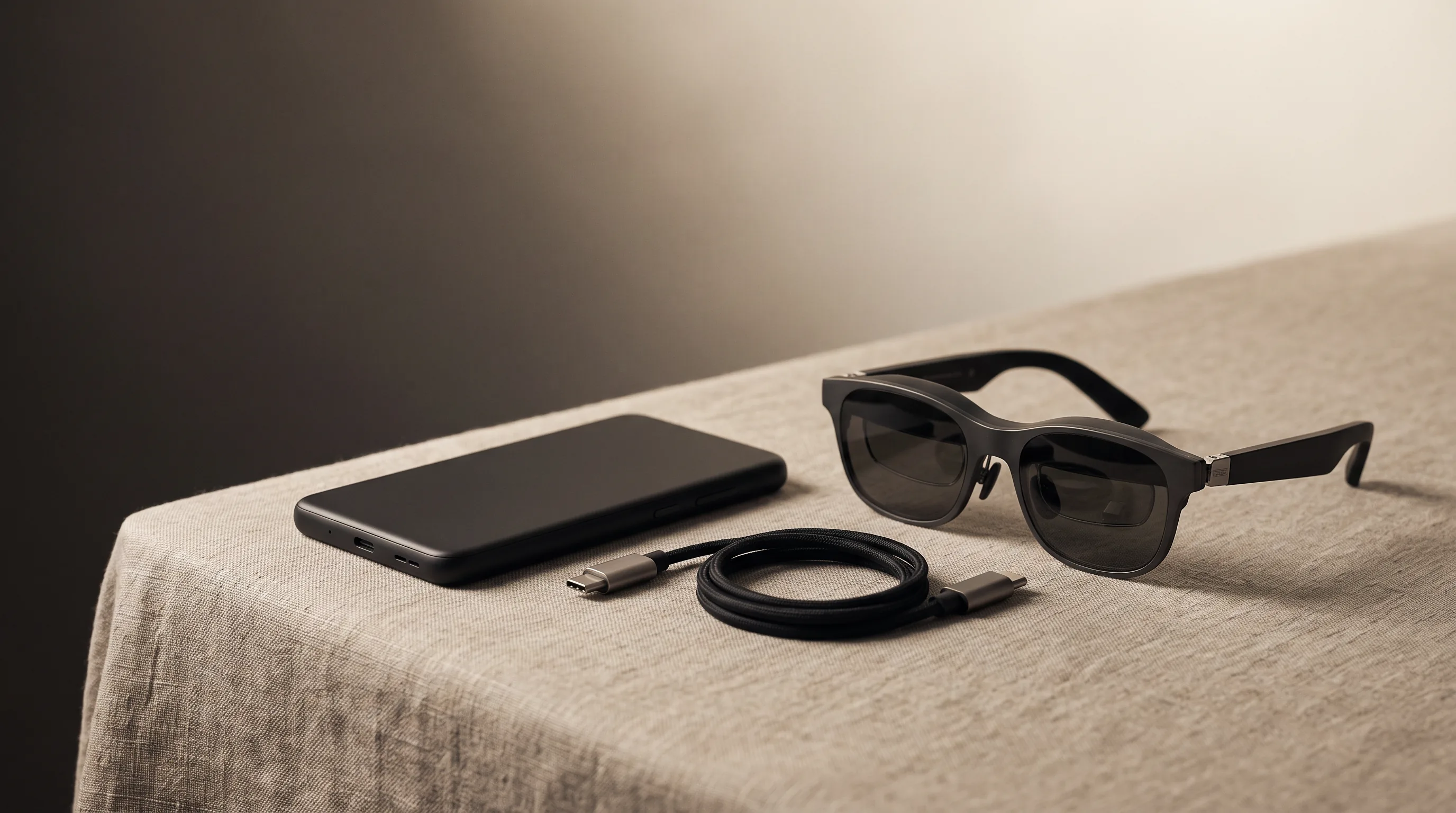
Display glasses are dumb USB-C monitors. They need something to feed them video: a phone, a laptop, a Steam Deck — or a dedicated pocket device built for the job. That last one is the companion unit. It's a small Android device that runs apps (streaming, photo viewers, game clients) and carries the glasses on its own, so you're not tethering them to something you also need as a phone or work machine. MFR SPEC
The real trick the tier sells is separate screens. A phone or laptop through a plain cable gives you one virtual display. A companion unit can arrange several virtual screens around you — the multi-monitor layout that the productivity guide calls the power-user tier. That's the “spatial” part of the pitch, and it is the thing no $0 phone setup matches on a Galaxy without the right glasses.
Bottom line
Need: multi-screen layouts on the go, or no phone/laptop at hand · Want: convenience · Skip: everyone else — start with DeX ($0) · Verified Aug 2026
OUR ANALYSIS02The $0 path: your phone as the companion
Before any purchase, try the free tier. If your phone or laptop has USB-C DisplayPort Alt Mode, display glasses work with the cable in the box — no adapter, no companion. On Samsung Galaxy flagships (S series, Z Fold, Z Flip), you get more than mirroring: DeX turns the virtual screen into a desktop with a taskbar, resizable windows, and a pointer, with the phone acting as a trackpad or paired to Bluetooth peripherals. Owners running DeX in XREAL One glasses report genuine laptop-replacement sessions — email, documents, even light coding — from a phone and a pair of glasses. OWNER REPORTS

The real costs of the $0 path are practical, not monetary: battery drain from display output (a pass-through power bank solves it), the cable tether to your phone, and the fact that your phone is busy feeding the glasses. None of those hurt a first-time buyer — they're the same friction a companion unit has, minus the extra device to charge. OUR ANALYSIS
03The two named units
Two companion devices keep appearing across the category's conversations, and they're the pair the productivity tier names explicitly. Both run Android, both feed display glasses, and both are priced at the power-user end of the accessory market. Here's what the corpus actually verifies about each.
| Unit | What it is | Key hardware | Price |
|---|---|---|---|
| XREAL Beam Pro | Android spatial companion: streaming, apps, 3D capture for XREAL glasses | Dual cameras, dual USB-C, SD slot | $429 (often bundled with glasses) |
| Rokid Station 2 | Rokid's companion hub; unlocks 3DoF and multi-screen layouts on Rokid glasses | — | $239 |
Prices and named specs sourced from our product database and verified Aug 2026 research notes. MFR SPEC
XREAL Beam Pro
DisplayAndroid spatial companion: streaming, apps, and 3D capture for XREAL glasses.
$249approx.
$199–249 per XREAL store rendering (Sep 2026); earlier $429 — check current price
Best for
Key specs
Pairs well with
- → 10Gbps rated USB-C cable — the included one is short; $12–18
- → Powered DP hub — for Switch 2 / handhelds; $60–100
- → Hard-shell case — the panels don't forgive pockets; $15–25
Accessory links may earn us a commission — same price either way. Prices approx.
Retailer links may earn us a commission — see our affiliate disclosure. Price approx., check retailer for current.
The Beam Pro's standalone draw is the dual cameras: they capture 3D photo and video, a capability desktop glasses users rarely need but spatial-capture fans specifically want. Its cons slot in the database is the honest counterweight — “another device to charge” and “phone tethering covers most of this.” Both are true. MFR SPEC
For Rokid owners, the Station 2 is how you unlock the 3DoF and multi-screen layouts on glasses like the Max 2 — its feature set is tied directly to the Rokid ecosystem. Without Rokid glasses, it's not the comparable pick; the Beam Pro is the general-purpose option. MFR SPEC
The Station 2 price check
Rokid's companion hub runs ~$239 (verified Aug 2026) and is sold separately from the glasses — confirm the bundle price before assuming a discount.
Check Rokid Station 2 price on Amazon
This link may earn us a commission — price approx., check retailer (see our affiliate disclosure).
Our pick
XREAL Beam Pro
$249approx.
Android spatial companion: streaming, apps, and 3D capture for XREAL glasses.
Check price on AmazonRetailer links may earn us a commission — price approx., check retailer.
04The honest gate: do you actually need one?
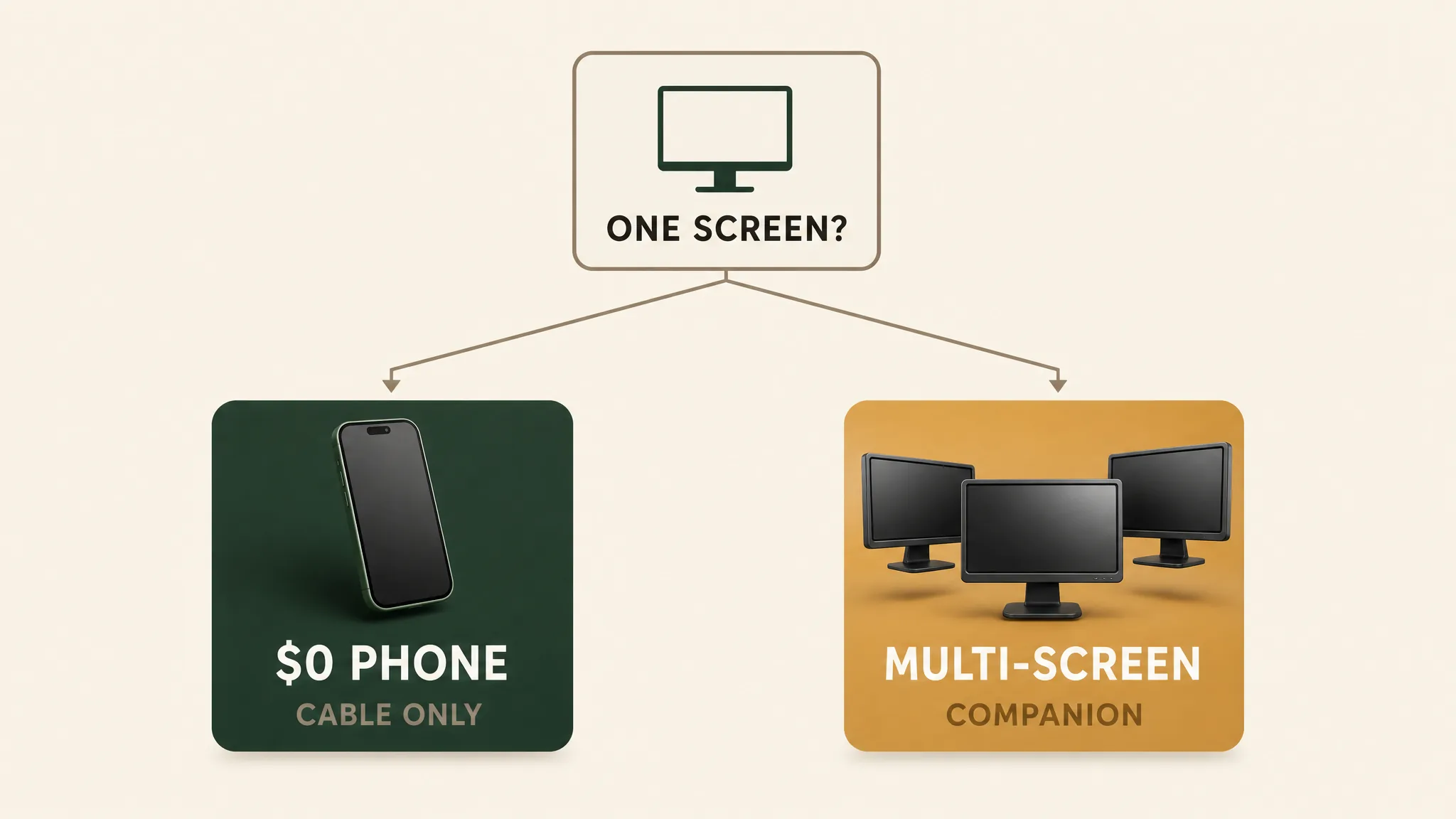
Here's the gate most reviews skate past: most people should not buy a companion unit. The evidence is in the pricing itself — $239–429 is the cost of a second pair of budget display glasses, and it buys a faster path to a richer setup, not a better image. The glasses do the displaying; the companion just changes where the video comes from. If your phone or laptop already feeds them, the companion is solving a problem you may not have.OUR ANALYSIS
| Scenario | Need or want? | The cheap path |
|---|---|---|
| First-time buyer, owns a Galaxy / MacBook / USB-C iPhone | Skip — $0 | Plain cable + DeX (Samsung) or mirroring (rest) |
| Wants multiple separate screens around them, travels without a laptop | Legit need | Beam Pro / Station 2 — the tier's actual purpose |
| Wants 3D photo/video capture with XREAL glasses | Need (niche) | Beam Pro's dual cameras are the only path |
| Rokid Max 2 owner who wants 3DoF / multi-screen | Need within that ecosystem | Station 2, or the Rokid phone app |
| Just wants a bigger screen for video, has a phone | Want — skip | Phone mirroring is exactly this |
05If you're buying anyway: the honest rules
Companion units are an accessory, and the cheap-cart logic applies the same way it does to adapters and cables: if the unit is already in your cart as part of a glasses bundle, the honest reasoning still holds — it's a convenience, not a requirement. Buy it because the multi-screen or standalone workflow is real for you, not because the bundle made it look essential. The glasses work identically without it.
- Match the unit to your glasses brand. The Beam Pro is XREAL's ecosystem; the Station 2 unlocks Rokid's 3DoF. Cross-brand companion compatibility is not something the corpus verifies — assume same-brand pairing. MFR SPEC
- Prefer the bundle when it's real. The Beam Pro is often bundled with glasses; check the bundle price against buying separately before assuming a discount.
- Try DeX (or a laptop) for a week first. It costs nothing, it uses hardware you own, and it will tell you whether you actually hit the one-screen limit that justifies a companion.
If you have a Galaxy or a MacBook, the richer decision is which glasses pair with your existing setup — see the display glasses rankings, the DeX pairing guide, or the productivity guide before you add an accessory to a setup that may not need it.