Smart glasses for Android (and Samsung DeX): the complete guide
Android doesn't guarantee video output — flagships mostly have it, budget phones often don't, and Samsung adds a desktop mode that turns glasses into a genuine workspace. Here's how to know what your phone can do.
On this page
Android is the messiest and most rewarding phone platform for display glasses. Messiest because “USB-C” on Android spans everything from a port that charges a $150 phone to a port that drives a 4K monitor from a $1,300 flagship — the connector tells you nothing. Most rewarding because if you own a Samsung Galaxy, DeX mode turns glasses from a “big mirrored screen” into a desktop with windows, a pointer, and real multitasking — the closest thing to the sci-fi pitch the category makes.
Short answer · verified Aug 2026
Yes — most Android flagships, especially Samsung Galaxy, drive display glasses with one plain USB-C cable. Samsung's DeX turns it into a real desktop; Pixels mirror cleanly. The catch: “USB-C” on a spec sheet is the connector, not the capability — check for DisplayPort.
Budget and mid-range phones often have no video out at all — “USB-C” means the connector, not the capability.
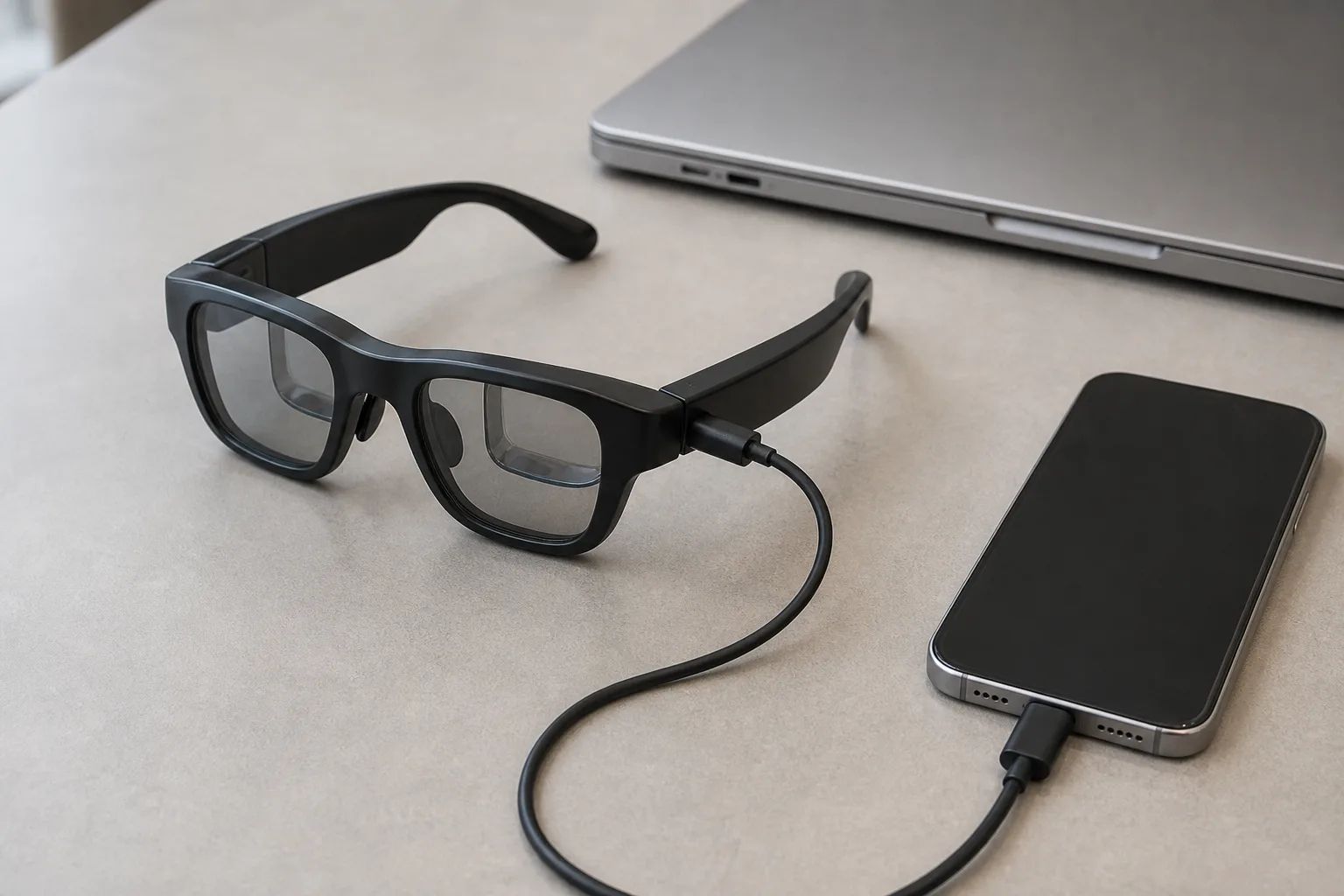
01Does my Android phone output video?
The capability is called DisplayPort Alt Mode (DP Alt Mode): the USB-C wires carry a DisplayPort signal alongside power and data. Apple documents it per-model; on Android you have to dig. The reliable checks, in order:
- Spec sheet: search your exact model's official page for “DisplayPort,” “video output,” or “Alt Mode.” If the words don't appear, assume they're absent — manufacturers advertise features they have. MFR SPEC
- Physical test: a USB-C monitor, or any display glasses with the included cable, settles it in 10 seconds. A black screen with an otherwise charging phone is the signature of no-DP hardware.
- Community knowledge: r/Android, r/SamsungDex, and model-specific subreddits have crowdsourced lists. Patterns worth knowing: recent Galaxy S/Fold/Flip flagships all have it; Pixels have it; most phones under ~$300 and many mid-rangers don't. OWNER REPORTS
One quirk to know: phones can be choosey about cables. A flaky connection is sometimes a cheap cable that negotiates power but not DP — before concluding your phone lacks video out, try the cable that came with the glasses or a certified one.
02Samsung Galaxy and DeX: the best phone pairing
On a Galaxy flagship, plug glasses in and you get standard mirroring — then tap the DeX notification and everything changes: the virtual screen becomes a desktop environment with a taskbar, resizable app windows, file browser, and pointer control (the phone's screen becomes a trackpad, or use a Bluetooth mouse). Owners running DeX in XREAL One glasses report genuine laptop-replacement sessions — email, documents, even light coding — from a phone and 84 g of glasses. OWNER REPORTS
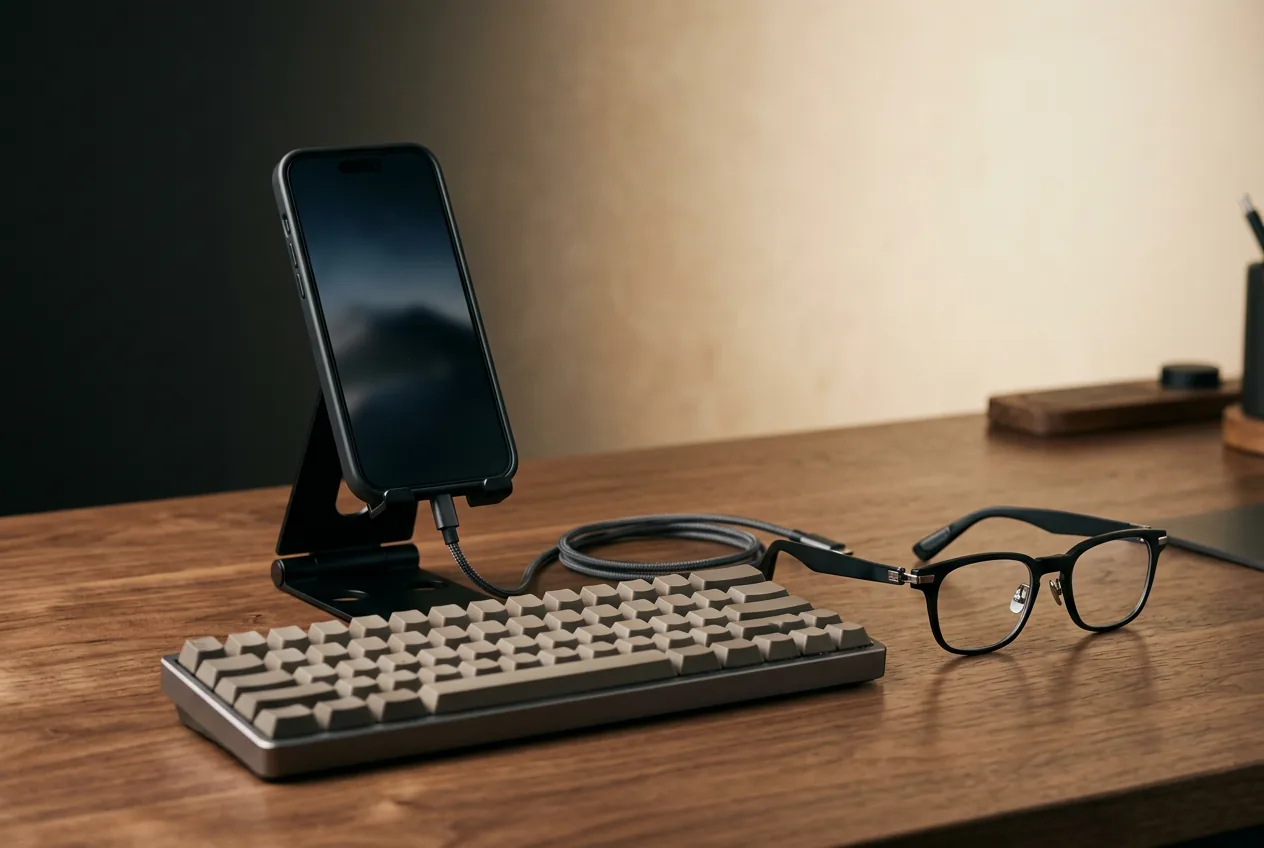
Practical notes from the DeX-and-glasses community: extended (not mirrored) mode is the point — mirror mode just shows your phone UI large; a folding stand and a small Bluetooth keyboard complete the kit; and battery drain is real, so a passthrough power bank is the frequent-flyer move. Pair with 3DoF glasses (XREAL One series anchors the DeX screen in space) for the full effect. Our productivity guide covers this workflow in depth.
Bottom line
Works: ✓ Galaxy S/Z + Pixels · Fails: budget/mid-range · Fix: check for DisplayPort · Verified Aug 2026
OWNER REPORTSThe complete Galaxy kit
- 1. The glasses — ranked here — XREAL One, $399 approx.
- 2. XREAL NEO hub — DP passthrough + 10,000 mAh so the phone keeps charging during DeX sessions; ~$99
- 3. Right-angle 10Gbps USB-C cable — desk postures without kinks — the quiet failure point of every DeX setup; $12–18
Total kit: ~$510–$516 with the recommended XREAL One (its on-glasses anchoring is the DeX pick); other glasses tiers vary. Kit links may earn us a commission · prices approx., verified Aug 2026. OUR ANALYSIS
03Pixel and other flagships
Google's Pixels support DP Alt Mode and mirror cleanly to glasses — good for video, gaming, and camera-roll editing, without DeX-class windowing. Sony's Xperia line supports video out (with its own desktop-mode history) OWNER REPORTS; OnePlus and Xiaomi flagships generally do; Nothing, Motorola mid-rangers, and most budget-tier phones are a case-by-case gamble. With Android XR eyewear arriving this fall OWNER REPORTS (Google's own frames, Gentle Monster and Warby Parker), Pixel owners have an extra reason to check back — early signs point to Pixel getting the deepest pairing experience, the way Pixel leads Android feature rollouts generally. OWNER REPORTS
Our pick
XREAL One
$399approx.
The safe default: sharp 50° display with spatial smarts built into the glasses.
Check price on AmazonRetailer links may earn us a commission — price approx., check retailer.
04What you get — and don't
On any Android with video out: mirrored 1080p, video apps filling the virtual screen, games with controller support, camera roll, navigation on the big display. On Samsung specifically, add the DeX desktop. On nothing Android do you get the iPhone-style constraint — Android's open display pipeline is actually the friendlier platform for glasses. The genuine downsides are practical: battery drain from DP output, the cable tether (you're attached to the phone), and the awkwardness of using your phone while it's feeding the glasses — a Bluetooth controller or the phone-as-trackpad trick resolves most of it.

05Best glasses for Android owners
XREAL One
DisplayThe safe default: sharp 50° display with spatial smarts built into the glasses.
$399approx.
List $499, price cut to $399 in Dec 2025
Best for
Key specs
- Weight: 84 g
- Display: 1920 × 1080, 50° FOV
Pairs well with
- → 10Gbps rated USB-C cable — the included one is short; $12–18
- → Powered DP hub — for Switch 2 / handhelds; $60–100
- → Hard-shell case — the panels don't forgive pockets; $15–25
Accessory links may earn us a commission — same price either way. Prices approx.
Retailer links may earn us a commission — see our affiliate disclosure. Price approx., check retailer for current.
XREAL 1S
DisplayCES 2026 refresh: 1200p per eye and 3 ms latency at a mid-tier price.
$449approx.
Launched Jan 2026
Best for
Key specs
- Weight: 82 g (approx.)
- Display: 1920 × 1200, 50° FOV
Pairs well with
- → 10Gbps rated USB-C cable — the included one is short; $12–18
- → Powered DP hub — for Switch 2 / handhelds; $60–100
- → Hard-shell case — the panels don't forgive pockets; $15–25
Accessory links may earn us a commission — same price either way. Prices approx.
Retailer links may earn us a commission — see our affiliate disclosure. Price approx., check retailer for current.
VITURE Pro 2
DisplayThe 2026 budget king: 63 g, diopter dials, 120 Hz — $299.
$299approx.
Launched Aug 2026 (5th-anniversary line)
Best for
Key specs
- Weight: 63 g
- Display: 1920 × 1080, 50° FOV
- Diopter dials: 0 to −5.00 D (myopia; no astigmatism correction)
Pairs well with
- → 10Gbps rated USB-C cable — the included one is short; $12–18
- → Powered DP hub — for Switch 2 / handhelds; $60–100
- → Hard-shell case — the panels don't forgive pockets; $15–25
Accessory links may earn us a commission — same price either way. Prices approx.
Retailer links may earn us a commission — see our affiliate disclosure. Price approx., check retailer for current.
The picks tilt XREAL here for a specific reason: on-glasses 3DoF works regardless of the phone's software, which historically mattered more on Android where per-brand companion apps vary in quality. VITURE's software suite is strong on Android too — if you're choosing between them, our XREAL vs VITURE comparison has the full breakdown.
Our pick #2
Rokid Max 2
$279approx.
Display glasses with −6.00 D diopter dials — strongest built-in vision correction.
Check price on AmazonRetailer links may earn us a commission — price approx., check retailer.
Frequently asked questions
Do smart glasses work with Samsung phones?
How do I check if my Android phone supports DisplayPort Alt Mode?
Do Pixel phones work with display glasses?
Our pick #2
Rokid Max 2
$279approx.
Display glasses with −6.00 D diopter dials — strongest built-in vision correction.
Check price on AmazonRetailer links may earn us a commission — price approx., check retailer.