Adapters, docks, and cables for display glasses, decoded
One tiny protocol — USB-C DisplayPort Alt Mode — decides whether glasses work with a plain cable or need a $40 adapter. Here's the complete map of every conversion path, what each adapter actually does, and how to avoid the ones that can't work.
On this page
Every compatibility question in display glasses bottoms out in the same place: a protocol called DisplayPort Alt Mode that lets a USB-C port carry video. Devices that speak it (Steam Deck, MacBook, USB-C iPhone, Samsung Galaxy) connect with the cable in the box. Devices that don't (PS5, Xbox, the iPhone Air, most budget phones) need conversion — or can't be helped at all. This guide is the complete map, including the powered-hub subtlety that Switch 2 owners in particular must understand.
Short answer · verified Aug 2026
One protocol decides it: DisplayPort Alt Mode. If the device speaks it, the cable in the box works. If it doesn't (PS5, Xbox, the iPhone Air, most budget phones), you need a $40 HDMI-to-USB-C adapter — or can't be helped at all.
“USB-C” on a spec sheet means the connector, never the capability — check for DisplayPort or video output.
The wrong adapter is a $40 black screen — this page is the one to read before buying.
01DP Alt Mode: the master key
USB-C is a connector, not a capability list. The same physical port can be wired for charging only, data only, or data plus DisplayPort Alt Mode — a mode where four of the cable's wires carry a DisplayPort signal, letting the port drive a monitor. Display glasses are USB-C monitors that require this mode; there's no fallback protocol, no compression trick, no software workaround. If the source device doesn't output DP Alt Mode, glasses show nothing, full stop.
Complicating the picture, some devices have DP Alt Mode but gate it behind conditions — the Nintendo Switch and Switch 2 output video only in TV mode, which requires ~20 V incoming power (see our Switch 2 guide); some phones expose video out only in specific modes. And some devices look like they should work and don't: the iPhone Air's port is USB 2.0 with no video at all. MFR SPEC
Bottom line
Works: ✓ device with DP Alt Mode · Fails: iPhone Air, PS5/Xbox, most budget phones · Fix: $25–60 HDMI-to-USB-C adapter · Verified Aug 2026
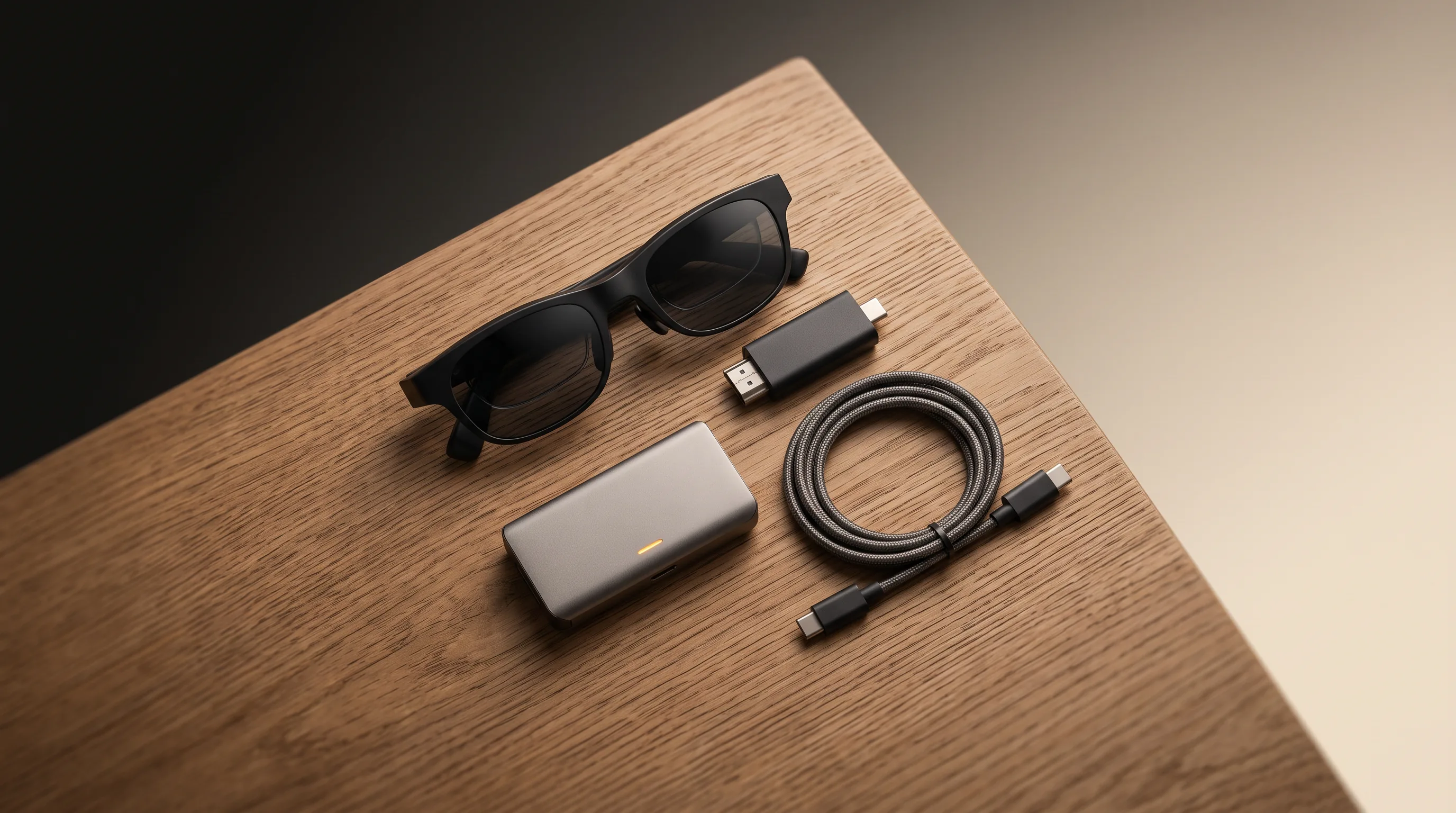
MFR SPECThe complete kit
- 1. The glasses — ranked here (from $299 approx.).
- 2. XREAL NEO hub — the powered DP hub that triggers TV mode on Switch 2 and charges for handhelds; ~$99
- 3. Right-angle 10Gbps USB-C cable — the cable that actually carries video; $12–18
Kit total depends on the device and glasses tier: the HDMI-to-USB-C adapter path runs ~$25–60, the powered-hub path ~$99. Kit links may earn us a commission · prices approx., verified Aug 2026. OUR ANALYSIS
The cheapest working setup
For HDMI sources (PS5, Xbox, Switch dock, Apple TV, older laptops) the whole entry cost can stay under $40: a generic HDMI-to-USB-C adapter ($25–40, verified Aug 2026) is the same kind of converter the branded versions sell for more. Search Amazon and filter for listings that name AR glasses and HDCP.
- Generic HDMI-to-USB-C adapter — $25–40, the entry path for PS5/Xbox/Switch-dock/Apple TV. Check generic adapter price on Amazon
- XREAL Adapter — the same HDMI conversion, brand-tested with XREAL glasses. Check XREAL Adapter price on Amazon
- XREAL NEO hub — the powered DP hub that triggers Switch 2 TV mode; ~$99 with a 10,000 mAh battery. Check XREAL NEO price on Amazon
- VITURE Switch adapter — VITURE’s console path, bundled aggressively for Switch 2. Check VITURE adapter price on Amazon
These links may earn us a commission — price approx., check retailer. The generic path is the honest cheapest: the brand adapters add testing and fit confidence, not a different signal path.
02The adapter catalog: what each one does
| Adapter | Converts | Use it when | Rough cost |
|---|---|---|---|
| HDMI → USB-C (DP) | Any HDMI out → glasses | PS5, Xbox, Switch dock, Apple TV, cameras, older laptops | $25–60 |
| Powered hub w/ DP passthrough | One USB-C port → glasses + charging | Steam Deck, ROG Ally, laptops: play/charge simultaneously | $60–100 |
| Switch-specific hub | Supplies ~20 V + passes DP | Switch / Switch 2 TV-mode trigger (XREAL NEO, VITURE adapter) | $40–100 |
| Lightning Digital AV | iPhone 14-or-older → HDMI | Only as step 1 of a 2-adapter chain to glasses | ~$49 + HDMI adapter |
| USB-C extension cable | Longer reach, same signal | Gaming postures away from the source device | $10–25 (must be 10Gbps + DP rated) |
Where to buy: the commodity HDMI-to-USB-C adapters are all over Amazon ($25–60 band — filter for listings that name AR glasses and HDCP), and powered DP hubs like the XREAL NEO sit at $60–100. Those links may earn us a commission (see our affiliate disclosure) — the price band is the same either way. OUR ANALYSIS
The important asymmetry: HDMI-to-USB-C is a real conversion (a chip re-encodes the signal, hence the power requirement), while USB-C-to-USB-C is pass-through (the same wires, just extended). That's why a $3 USB-C coupler can't substitute for the $30 HDMI adapter, and why cheap “USB-C adapters” without a chip inside do nothing for HDMI sources.
03Powered hubs and the 20-volt problem
A hub does two jobs at once: pass DisplayPort to the glasses and supply power to the source device. For Steam Deck and PC handhelds, any DP-passthrough hub works (XREAL Hub, VITURE docks, generic hubs naming DP Alt Mode). For Nintendo's consoles, the hub must additionally deliver dock-class ~20 V to convince the console it's in TV mode — that's the specific function of the XREAL NEO ($99, with a 10,000 mAh battery so it's also your play-time extender), the wall-powered XREAL Hub, and VITURE's Switch adapters. MFR SPEC
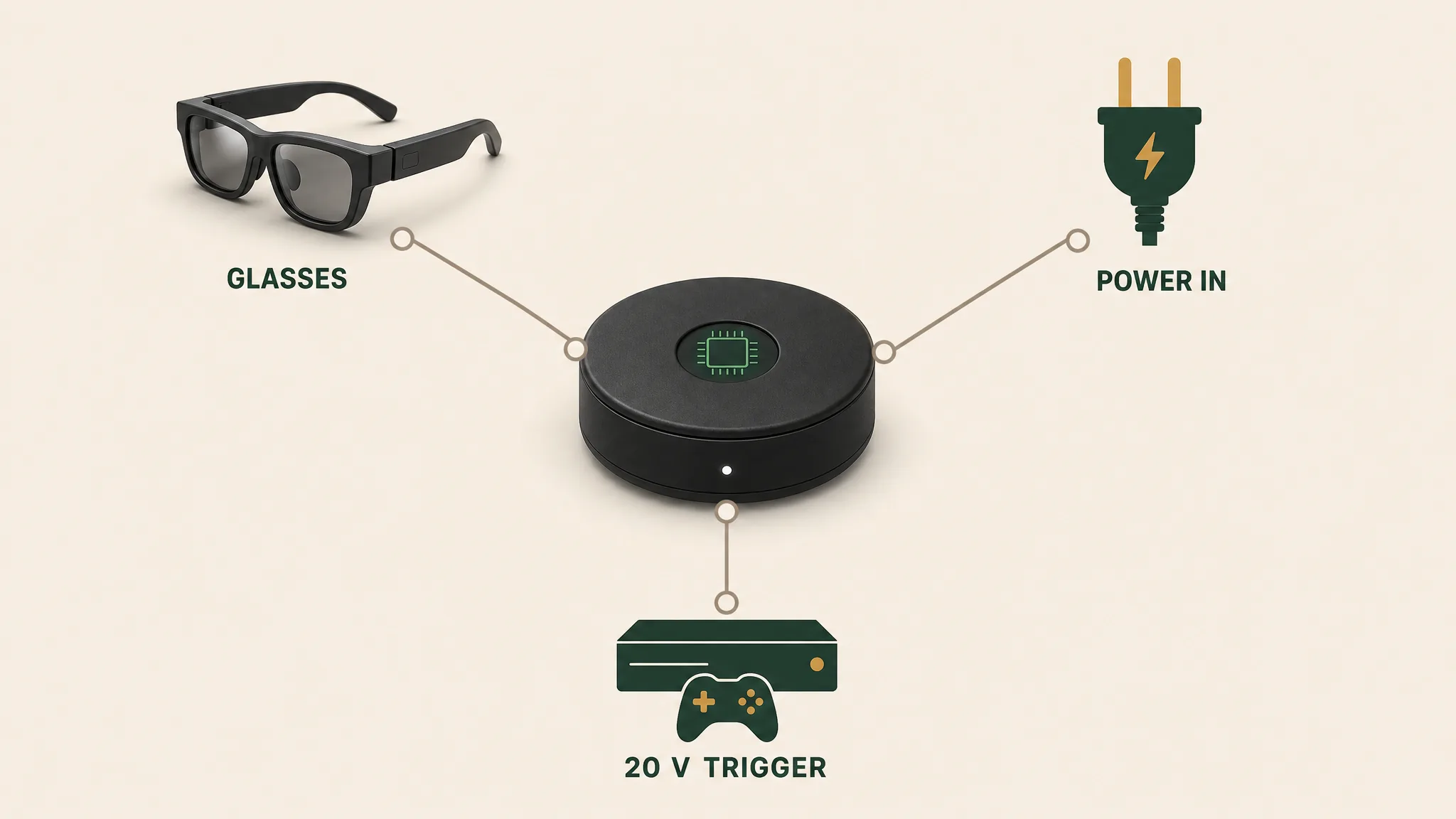
Buying rule for generic hubs on any device: the listing must explicitly say “DP Alt Mode” or “4K video passthrough” and (for Nintendo) “Switch dock support / 20 V PD”. Hubs that only promise 100 W charging pass power, not video — the number-one false-economy purchase in this category.
Our pick
XREAL Beam Pro
$249approx.
Android spatial companion: streaming, apps, and 3D capture for XREAL glasses.
Check price on AmazonRetailer links may earn us a commission — price approx., check retailer.
04Cables: the quiet failure point
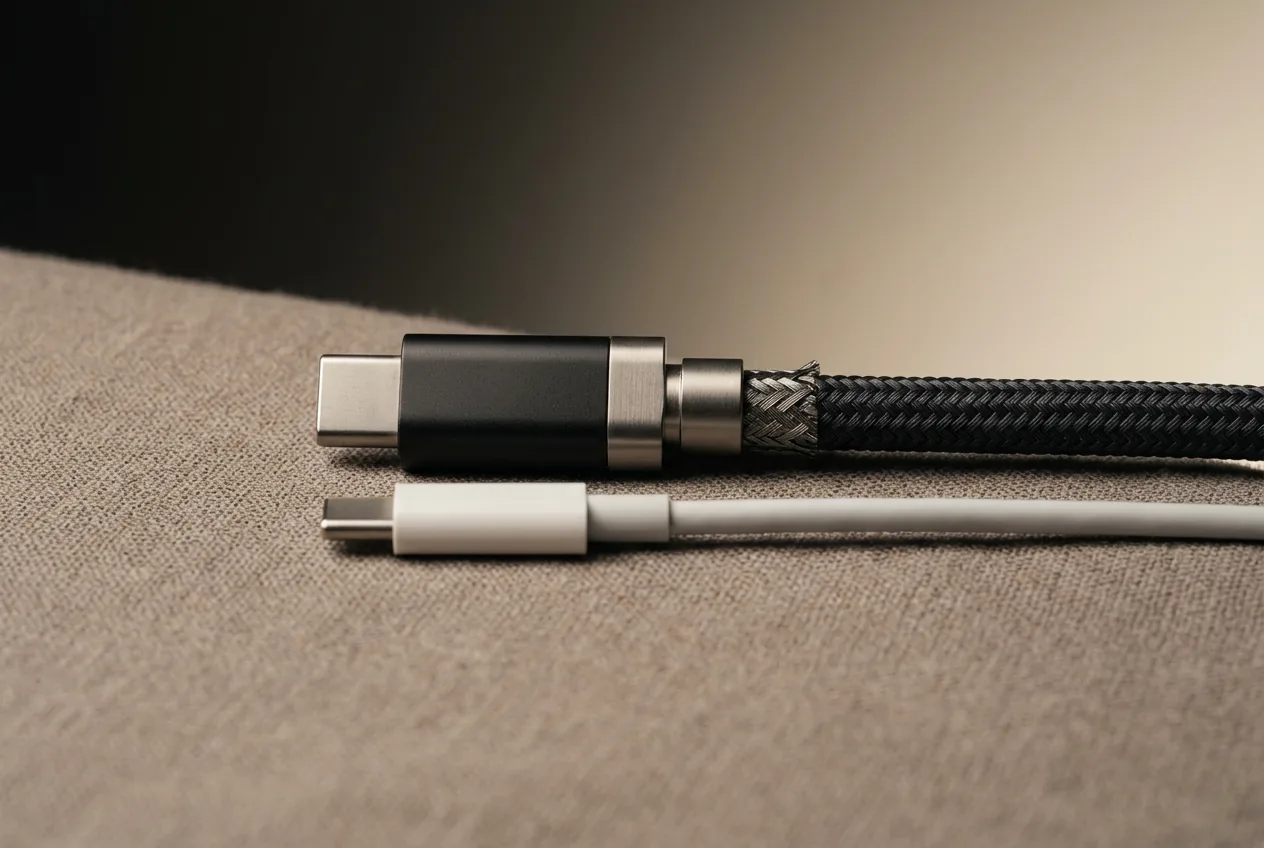
The glasses' included cable is engineered for DP Alt Mode; the drawer full of USB-C cables you already own mostly isn't. Charging cables are typically USB 2.0 — power and slow data, no video pairs. If glasses work with their own cable but not yours, the cable is guilty until proven innocent. Replacements and extensions need: USB 3.2 Gen 1 (5Gbps) minimum, 10Gbps safer, explicit DP Alt Mode support, and shorter than ~2 meters for signal integrity. OUR ANALYSIS
05Buying rules, compressed
- Check the source device for DP Alt Mode before buying anything — the adapter catalog only helps devices that output some form of video.
- HDMI sources (PS5, Xbox, docks, Apple TV): HDMI-to-USB-C adapter, HDCP-compliant, glasses listed.
- Nintendo consoles: 20 V-capable hub (XREAL NEO / XREAL Hub / VITURE) — never a plain cable or unpowered hub.
- Charge-while-playing on handhelds/laptops: DP-passthrough hub explicitly stating video, not just 100 W charging.
- Spare/extension cables: 10 Gbps + DP Alt Mode rated, under 2 meters.
With these five rules you can diagnose any setup you'll encounter — and every device-specific guide in the compatibility library links back here for the same reason: once you see the signal path, the whole accessory market stops being mysterious and starts being obvious.