Will smart glasses work with my device?
The compatibility library: an interactive checker, plus deep guides for every device people actually plug display glasses into.
Updated Aug 25, 2026
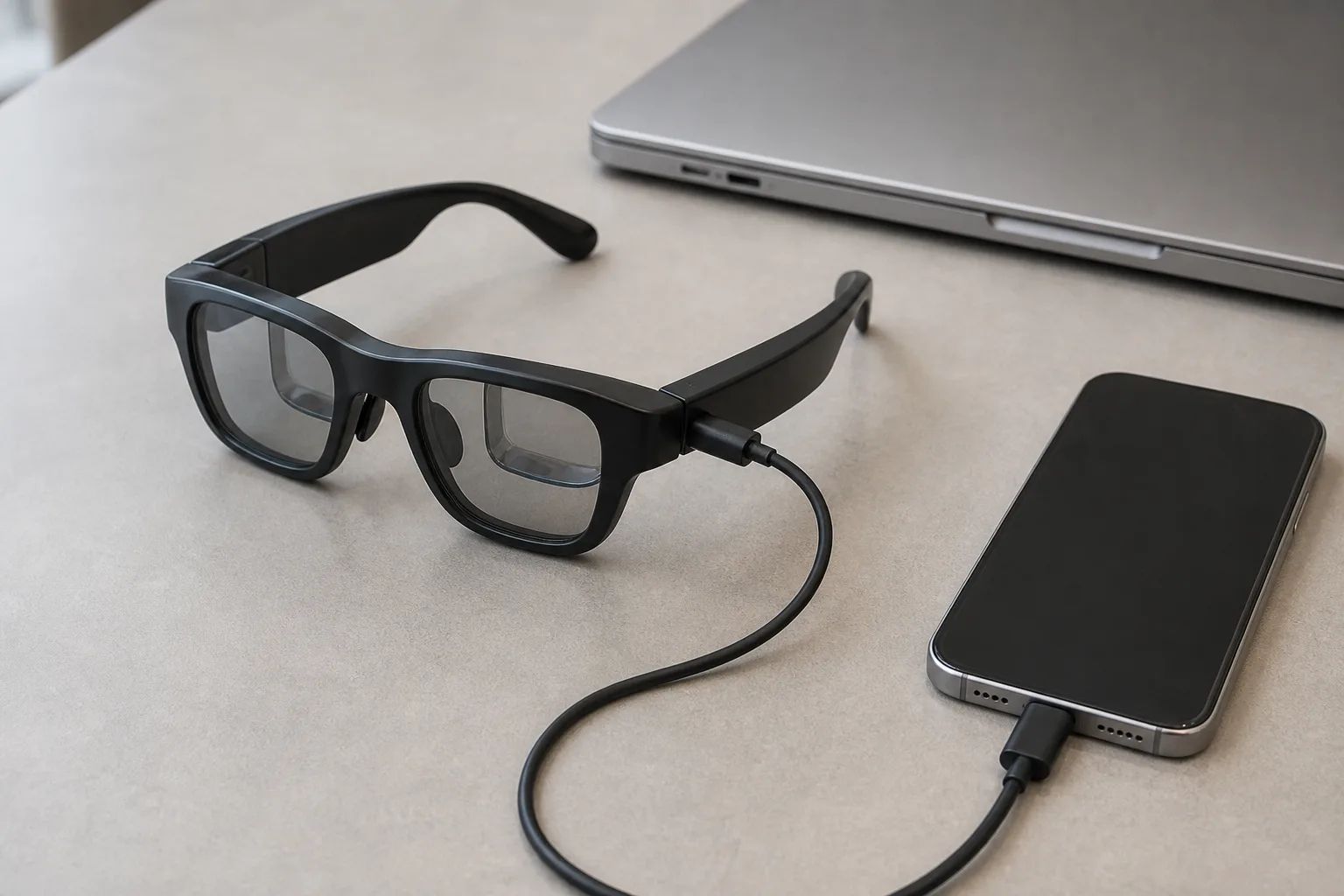
Display glasses are USB-C monitors. That one sentence answers most compatibility questions — and the rest of them (Switch 2's black screen, the iPhone Air trap, PS5's missing video) exist because “USB-C” doesn't guarantee video. This library is organized around the actual signal path from your device to the glasses, verified against manufacturer documentation, reviews, and owner reports as of August 2026.
Interactive tool
Will smart glasses work with my device?
Pick your device — we'll tell you exactly what works, what needs an adapter, and what doesn't work at all.
The one rule that explains everything
Every compatibility question in this market reduces to one question: does your device output video over USB-C DisplayPort Alt Mode? If yes, glasses plug in like a monitor. If no, you need an adapter that creates a DP signal (from HDMI, usually) — or nothing, if the device simply can't output video at all. Two traps cause nearly all the confusion, and both are recent: the iPhone Air looks like every other USB-C iPhone but its port is USB 2.0 with no DisplayPort, and the Nintendo Switch 2 supports DisplayPort but only outputs video when it receives ~20 V of power to enter TV mode — so a plain cable produces a black screen that looks like incompatibility.
The device library
PHONES
iPhone
USB-C iPhones work plug-and-play — except the iPhone Air, which has no video at all. Lightning models need a clunky chain.
ReadGALAXY DEEP-DIVE
Samsung DeX buyer guide
DeX turns glasses into a real desktop — the Galaxy-owner shortlist, desk vs travel.
ReadPHONES
Android & Samsung
Flagships mostly work; budget phones often don't. Samsung adds DeX desktop mode — the best phone pairing.
ReadGAMING
Steam Deck
The killer pairing: native DP Alt Mode, plug and play, 1080p theater with 3DoF anchoring.
ReadGAMING
Nintendo Switch 2
Works — but NOT with a plain cable. The 20-volt TV-mode trap, and the hubs that solve it.
ReadGAMING
ROG Ally, Legion Go & handhelds
PC handhelds are tiny laptops: native video out, 1080p120, charge-while-playing hubs.
ReadCOMPUTERS
Windows PCs
Any USB-C DP or Thunderbolt port works. The trap: not every USB-C port on your laptop carries video.
ReadCOMPANION UNITS
Companion units & docks
Neckbands, docks, and compute pucks: what companion units do, which glasses need one, and which to skip.
ReadCOMPUTERS
MacBook
Every modern MacBook, mirror or extend. The best multi-monitor workflows and app options.
ReadCONSOLES
PS5 & Xbox
Console USB-C ports carry no video — the HDMI adapter path, and what to expect from it.
ReadTHE ROOT QUESTION
DisplayPort Alt Mode, explained
Why glasses show nothing on some devices — and how to check yours.
ReadADAPTERS
Adapters, docks & cables
DP Alt Mode explained; which HDMI-to-USB-C adapters work; powered hubs vs plain cables.
ReadTROUBLESHOOTING
No signal? The fix decision tree
The ordered diagnostic flow for blank displays and not-detected glasses.
ReadA note on the other categories
This library is about display glasses, because those are the products with a compatibility question — they're peripherals that need a video source. AI camera glasses, HUD glasses, and hybrids pair over Bluetooth or Wi-Fi to a phone app instead, so their “compatibility” question is about OS support (iOS or Android, version requirements) and phone-side apps, which we cover in our AI glasses guide. If you're not sure which of the five categories you need, the Glasses Finder settles that in about a minute before you go deep on cables.