Smart glasses vs a portable monitor: the road-warrior's real choice
Both put a second screen in your bag; they optimize opposite things. The monitor gives everyone your airplane neighbors a view — the glasses give only you one. Here's the full trade, from battery math to neck ergonomics.
On this page
The portable monitor is display glasses' most natural rival — same job (“bigger screen away from my desk”), radically different trade curve. And unlike most comparisons in this market, this one has a genuinely boring, decisive answer for most buyers, with a few clear exceptions that flip it. Let's find out which buyer you are.
The 30-second answer
Buy the portable monitor if you share screens in meetings, you're price-sensitive, or your work is dense-text/color-critical — a $200 panel is one of the best productivity buys in tech. Buy display glasses if privacy is the product (confidential work in public), you fly enough that bag weight and tray-table space are recurring pains, or you'll also use them for movies and handheld gaming.
Retailer links may earn us a commission — price approx., check retailer. Both lines refreshed in 2026 — this comparison tracks the current generation, not last year’s.
01Framing the choice properly
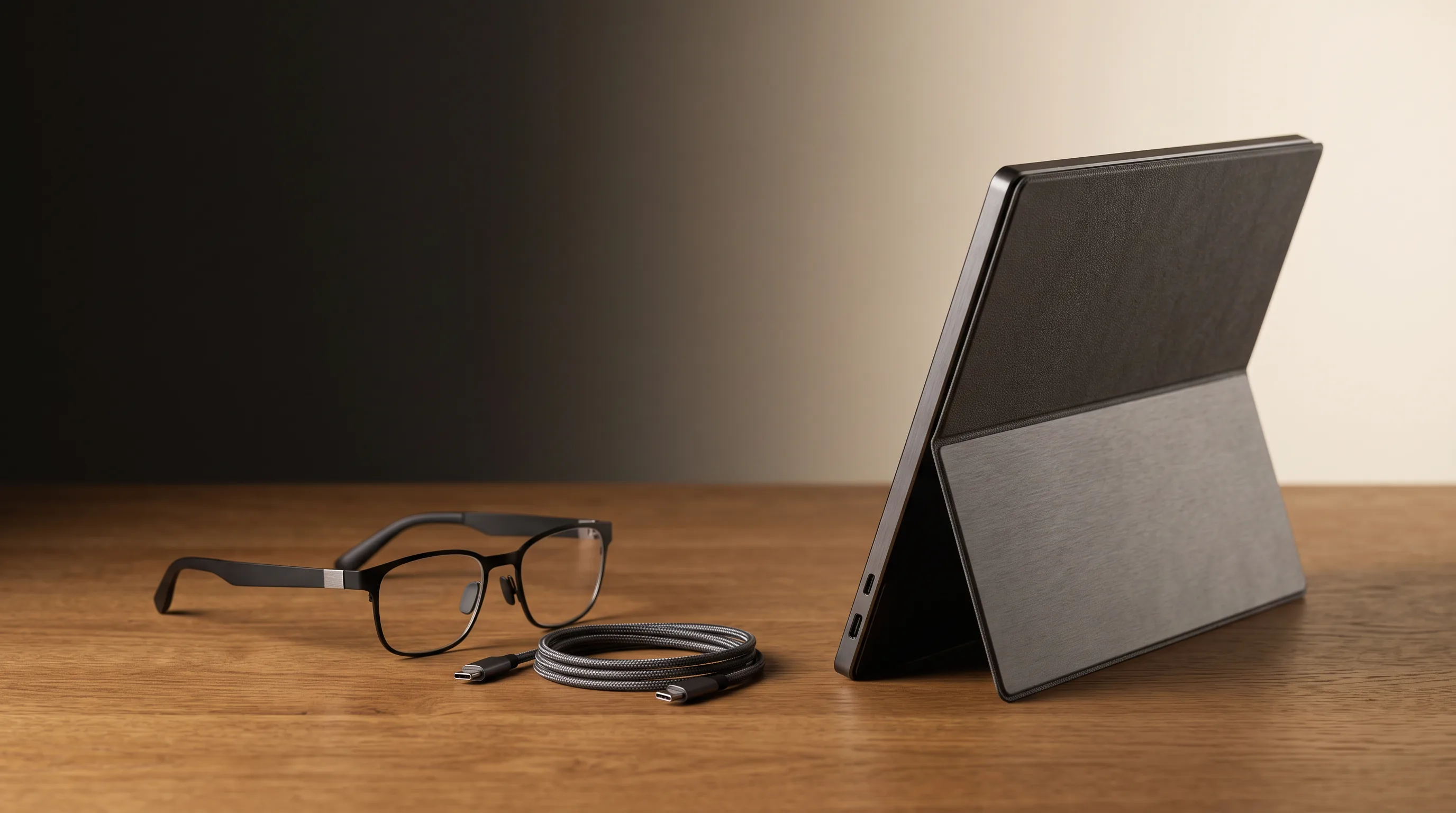
A portable monitor is a 15–17-inch USB-C panel that folds into your bag: $120–300 for 1080p, ~$400 for OLED or 1440p/4K. It's a mature, cheap, reliable category — you've seen them in every airport lounge. Display glasses are a 1080p–1200p virtual screen floating at cinema scale: $299–599 plus (for many buyers) prescription inserts — see our inserts guide — and a hub. Same nominal job; opposite optimization. The monitor optimizes quality per dollar and shared visibility; the glasses optimize privacy and packability.OUR ANALYSIS

02The honest table
| Portable monitor | Display glasses | |
|---|---|---|
| Price (realistic) | $120–300 (+$0 vision) | $299–599 (+ $60–150 inserts if needed) |
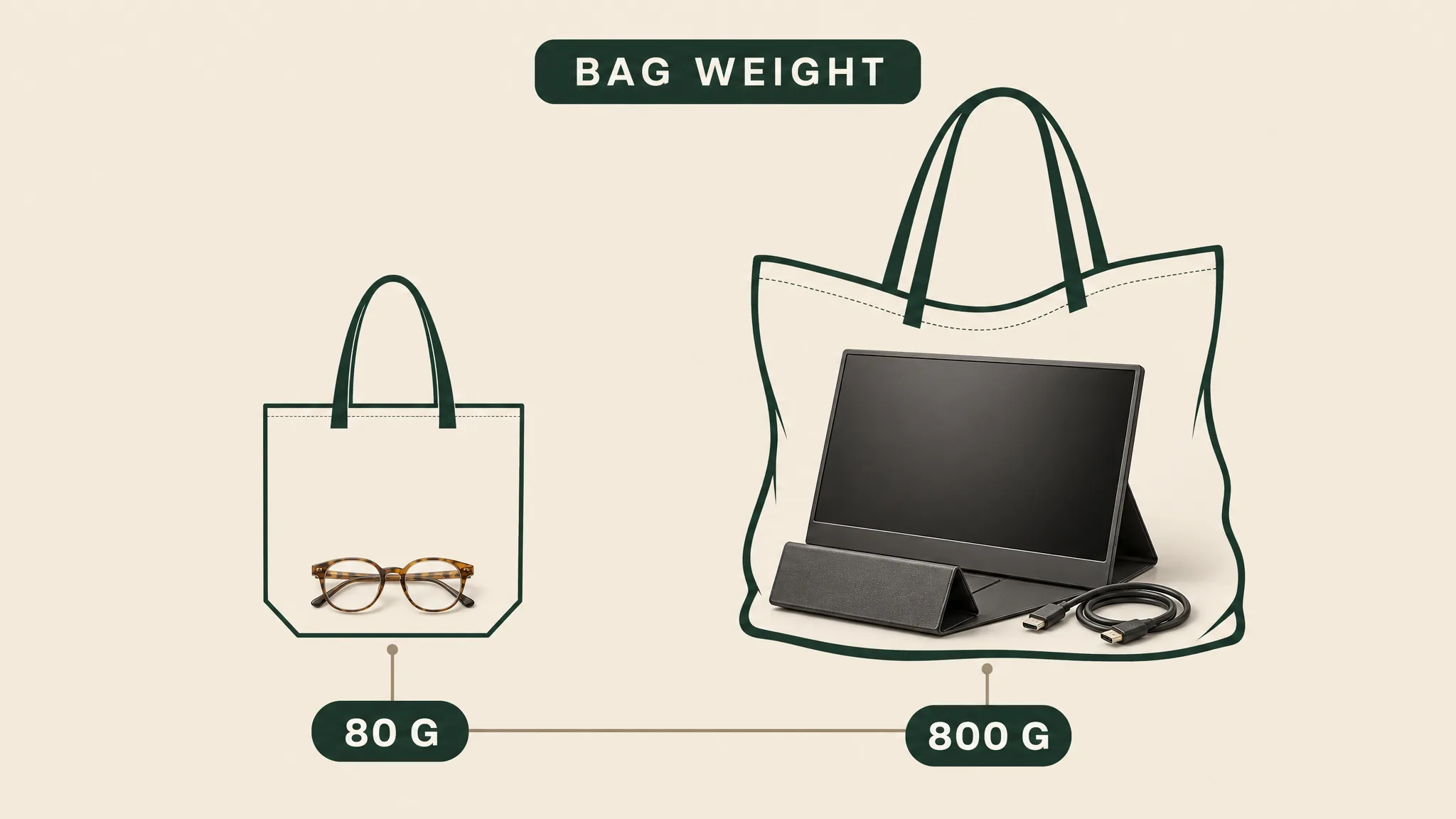
| Bag weight | ~700–900 g + stand + cable | 76–84 g + case + cable |
| Privacy | None — fully visible to neighbors | Total — screen visible only to you |
| Text sharpness | Excellent (real 1080p/1440p panel at arm's length) | Good at 1080p/eye, better at 1200p; not monitor-crisp |
| Setup on a plane | Dicey — needs tray-table space + stand angle | Plug in; the screen is on your face |
| Session comfort | Unlimited (it's a screen) | Weight/fit-dependent; 60–120 min typical before breaks |
| Shared viewing | Yes — coworkers can watch | No — one wearer at a time |
| Vision correction | Your eyeglasses, as always | Inserts, dials, or contacts — an extra step |
| Also plays movies/games at cinema scale | No — it's a 15-inch panel | Yes — that's the other half of the product |
Our pick
XREAL 1S
$449approx.
CES 2026 refresh: 1200p per eye and 3 ms latency at a mid-tier price.
Check price on AmazonRetailer links may earn us a commission — price approx., check retailer.
03The text-quality question, settled
This is where glasses skepticism concentrates, so let's be precise. A 15-inch 1080p monitor at 60 cm fills about 36° of vision at ~58 PPD (pixels per degree). Display glasses at 50° FOV (the trade-offs of that field are in our field-of-view guide) deliver ~36–38 PPD — both 1080p and 1200p per-eye panels are 1920 pixels wide, so vertical resolution does not change PPD. Translation: comparable perceived sharpness for body text, with the monitor winning for dense UI and small fonts (PPT ~55–60 vs glasses ~36–38). Real-world reports agree: code and documents are comfortable with mid-size fonts on current glasses; pixel-peeping spreadsheets favor the panel. OUR ANALYSIS If your work is stare-at-dense-grids-all-day, buy the monitor; if it's write-and-read-paragraphs, the glasses hold up.
Our pick
XREAL 1S
$449approx.
CES 2026 refresh: 1200p per eye and 3 ms latency at a mid-tier price.
Check price on AmazonRetailer links may earn us a commission — price approx., check retailer.
04Who should pick which
Buy glasses if…
- → Privacy is the product — confidential work in public, screen visible only to you
- → You fly enough that bag weight (76–84 g vs 700–900 g) and tray-table space are recurring pains
- → You’ll also use them for movies and handheld gaming — not competing with monitors there
Buy the portable monitor if…
- → You share screens in meetings — monitors share, glasses can’t
- → Your work is dense-text or color-critical (sharper PPD for small fonts)
- → You want the boring reliable answer — $120–300, no vision correction step
Monitors run $120–300 — not our affiliate lane
Bottom line
Monitor for most ($120–300, shared + sharper) · Glasses for the specific few ($299–599, private + portable) · Both for frequent-flying engineers.
OUR ANALYSISDecoded verdict
The monitor for most; glasses for the specific few — and the few know who they are
Buy the portable monitor if you share screens in meetings, you're price-sensitive, your work is dense-text or color-critical, or you simply want the boring reliable answer. A $200 panel is one of the best productivity purchases in consumer tech.
Buy display glasses if privacy is the product (confidential work in public), if you fly enough that tray-table real estate and bag weight are recurring pains, or — the underrated reason — if you'll also use them for movies and handheld gaming, where they're not competing with monitors at all.
Buy both if you're a frequent-flying engineer: monitor at the hotel for the real desk sessions, glasses for the plane and the coffee shop. Together they cost less than the premium tiers of either category — and our productivity guide plus travel guide cover the respective workflows in depth.
Frequently asked questions
Are smart glasses better than a portable monitor?
Can display glasses replace a monitor for coding?
What about battery life — glasses vs portable monitor?
Our pick #2
XREAL One
$399approx.
The safe default: sharp 50° display with spatial smarts built into the glasses.
Check price on AmazonRetailer links may earn us a commission — price approx., check retailer.