The best XREAL One accessories: the honest kit
What the box ships, what it should have shipped, and what actually improves daily use — ranked by usefulness, not by how photographable it looks on a desk. No gadget landfill.
On this page
- 01 What ships — and what the box is missing
- 02 The case: the one non-negotiable buy
- 03 The cable: most people need a second one
- 04 Power & spatial: the NEO hub, honestly scoped
- 05 Prescription: the upgrade that beats every gadget here
- 06 Lens shades: the honest counter-position
- 07 Cleaning: $10 of mandatory maintenance
- 08 Skip these
- 09 The three kit budgets, added up
The XREAL One box contains the glasses, a soft pouch, one USB-C cable, and nose pads — the minimum that makes the product work, not the kit that makes it live in your day. This guide is the rest, ranked by usefulness: what to buy first, what can wait, and what actively isn’t worth your money. Recommendations are based on published specifications, owner reports, and listing quality — not hands-on testing — and every price is an as-of-September-2026 approximation: check the current price before buying anything. OUR ANALYSIS
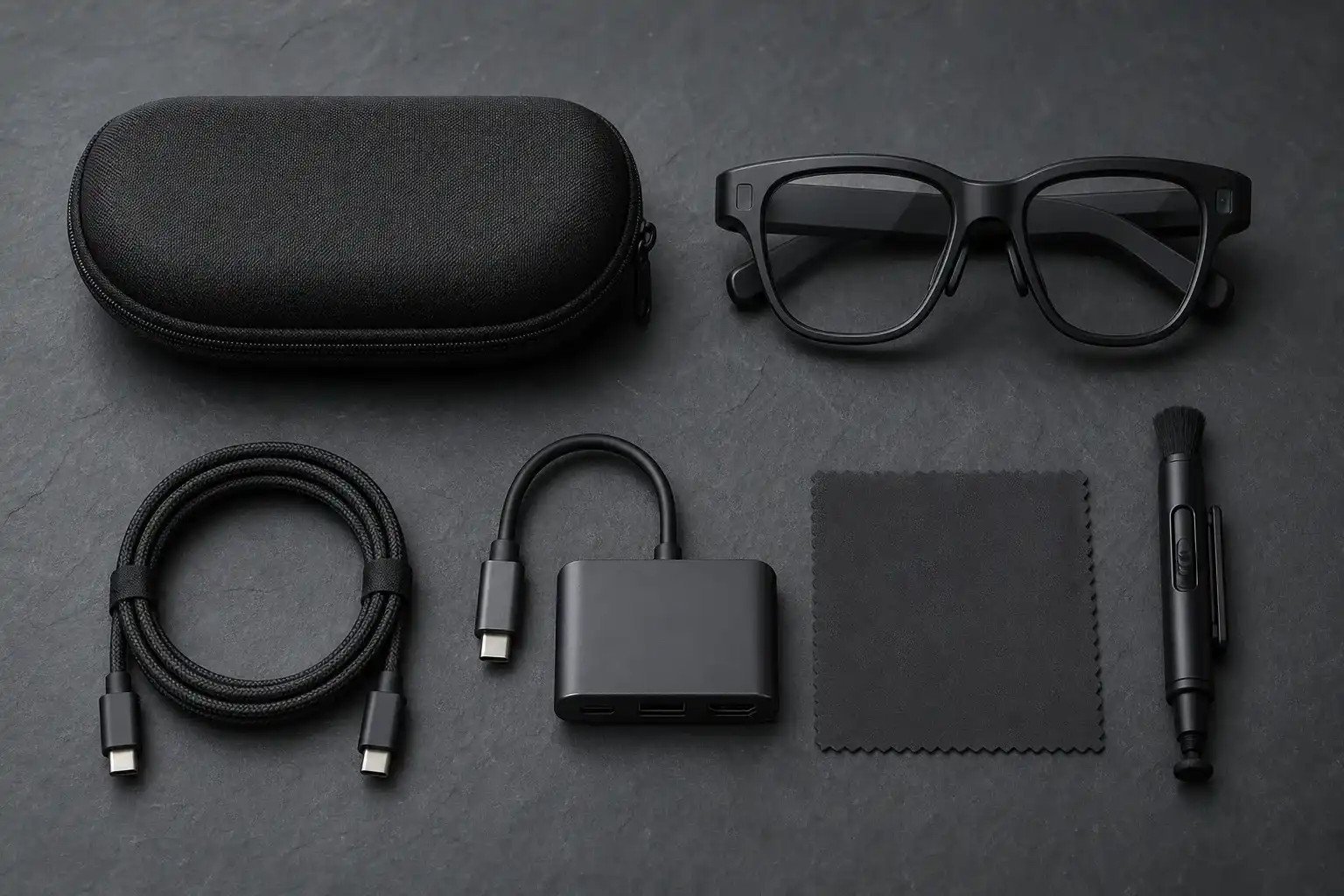
Quick picks by need
Protection — a rigid hard-shell case ($15–26). The single non-negotiable purchase.
Reliability — a second video-capable USB-C cable, right-angle ($12–27). The included one will eventually be in the wrong bag.
Consoles & Switch 2 — the XREAL NEO hub (~$99, XREAL direct) or an HDMI-to-USB-C adapter ($25–60) depending on your device.
Vision — prescription inserts ($60–150 all-in). Worth more than everything else combined if you wear glasses.
01What ships — and what the box is missing
In the box: the glasses, a fitted soft pouch, a single USB-C cable rated for video, spare nose pads, and a cleaning cloth. That’s genuinely enough to use the One with a laptop or phone the day it arrives. What it isn’t enough for: surviving a backpack, connecting to anything that isn’t a USB-C video source, correcting your vision, or being cleaned properly after a dusty flight. The gaps below are ranked in the order most owners end up feeling them.
02The case: the one non-negotiable buy
The One’s optics sit behind a front window that tolerates exactly none of the things pockets and bags do to glass. A rigid hard-shell case with a lens-side cavity — not a sleeve, which presses fabric against the panels — is the first purchase, full stop. After that, the criteria are boring and worth being strict about: a hard outer shell, an interior recess so nothing touches the lenses, and a zipper or clasp that doesn’t fight the cable if you leave one plugged in.
Well-reviewed shells in the category run $15–26 on Amazon (as of Sep 2026 — check current price), with khanka-style molded interiors the common pattern. XREAL sells its own case; it’s fine, and priced accordingly. The aftermarket is where the value is.
03The cable: most people need a second one
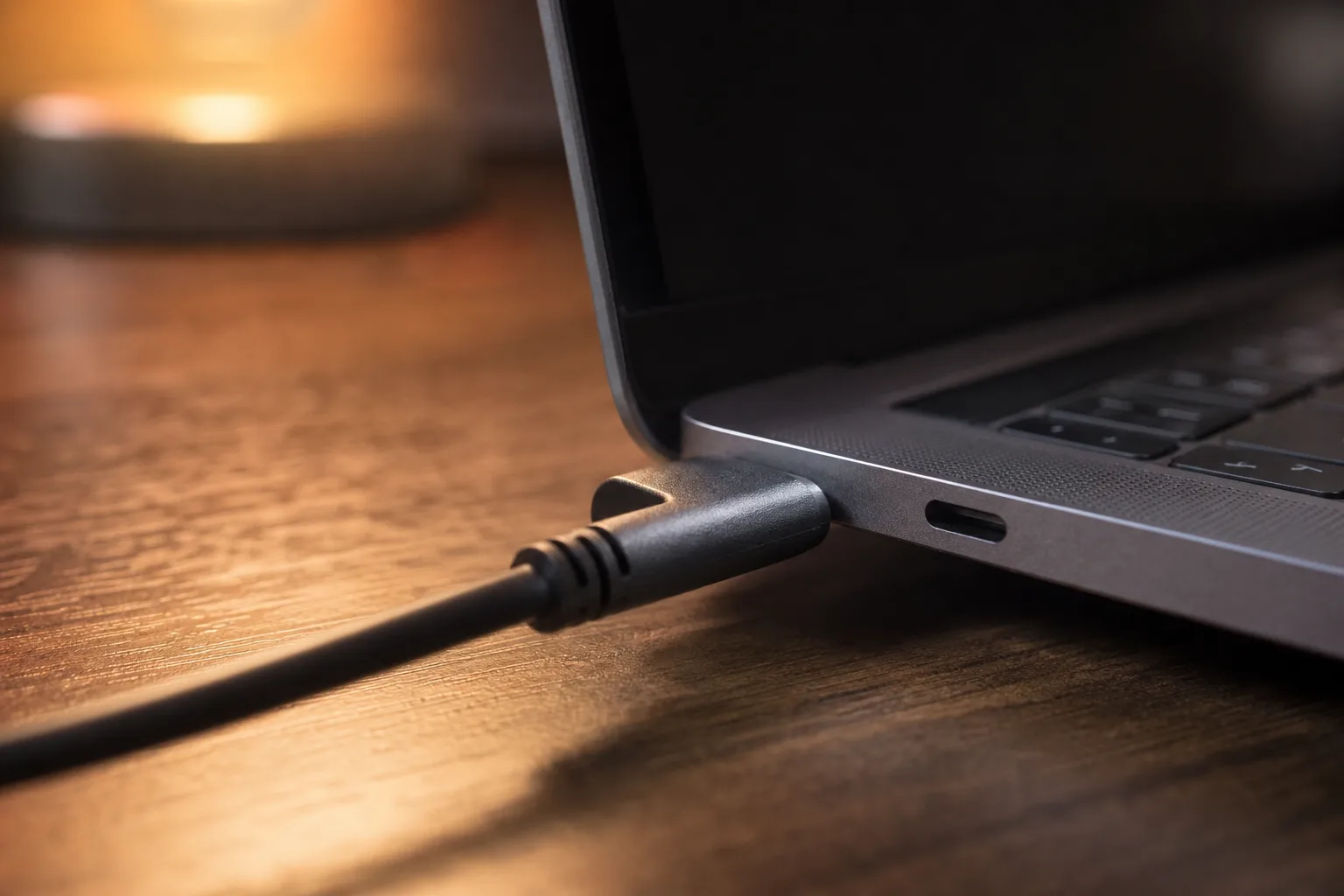
Two truths about the included cable: it works, and it will eventually be at home when you aren’t. A second cable lives in the bag permanently. The spec that matters — and the spec most cheap cables silently fail — is DisplayPort video over USB-C: a 10 Gbps, DP Alt Mode-rated cable. A charge-only cable delivers a black screen and an hour of confused troubleshooting; our DisplayPort Alt Mode guide explains the rule and how to check any cable you already own.
Video-rated cables with a right-angle connector run $12–27 (as of Sep 2026 — check current price). The right angle isn’t cosmetic: a straight connector at your temple is a lever arm waiting for a doorframe.
04Power & spatial: the NEO hub, honestly scoped
The One anchors its screen on-glasses — no companion needed for mirroring. Where the XREAL NEO hub (~$99) earns its slot is the cases a bare cable can’t touch: triggering TV mode on the Switch and Switch 2 (it supplies the ~20V the console waits for), keeping a phone charging while the glasses draw video on a long flight, and extending sessions with its built-in 10,000 mAh battery. PS5 and Xbox owners don’t need the hub — they need an HDMI-to-USB-C adapter ($25–60) because console USB-C carries no video at all.
One honesty note: NEO availability on Amazon varies — it’s most reliably stocked through XREAL’s own store, and street price has held near $99. If your use is phone-and-laptop only, skip this entire section; the hub is a device-problem solver, not a lifestyle upgrade. The deeper spatial-computing lane (Beam Pro, Station 2, DeX) is a different product class with its own companion-units guide.
Our pick
Hard-shell case
The panels don't forgive pockets
A fitted hard case is the first accessory every display-glasses owner ends up buying. $15–25.
Check price on AmazonRetailer links may earn us a commission — price approx., check retailer.
05Prescription: the upgrade that beats every gadget here
If you wear glasses, nothing on this page matters as much as inserts. The One has no diopter dials, so the paths are a magnetic prescription insert (official frames roughly $50–60 before lenses; third-party similar) or, for mild spherical corrections only, wearing your own glasses underneath — which works worse than it sounds. Full custom Rx through the popular lens services typically lands $60–150 all-in, covers astigmatism and prism, and transforms the experience from “usable” to “correct.” Pricing by brand and service is settled in the inserts guide.
Our pick
Hard-shell case
The panels don't forgive pockets
A fitted hard case is the first accessory every display-glasses owner ends up buying. $15–25.
Check price on AmazonRetailer links may earn us a commission — price approx., check retailer.
06Lens shades: the honest counter-position
The most prominent XREAL One accessories guide online ranks its own $19.99 clip-on shade as “the single most impactful accessory you can buy.” We disagree, and the disagreement is the point of this page: the One is a 600-nit indoor display. Shades do two real jobs — protecting the front lens in transit, and taming reflections in the rare bright-window session — and both are worth maybe $20, bought from anyone, for protection rather than picture quality. What they don’t do is upgrade a micro-OLED panel’s brightness, contrast, or anything else a “transformative” framing implies. Buy them as cheap insurance or skip them without guilt. OUR ANALYSIS
07Cleaning: $10 of mandatory maintenance
Micro-OLED panels viewed through two layers of optics show every speck. A microfiber-and-blower kit ($8–15) matters more than it sounds: the blower clears grit that a cloth would drag across the lens, and the cloth handles film. Clean the interior optics occasionally — eyelash contact is real — and never with a shirt sleeve. This is the least exciting paragraph on the page and among the most useful.
08Skip these
Stick-on “screen protectors” for the front lens — anything adhesive on the optic path trades a scratch risk for a permanent clarity cost. Magnetic “filter” gadgets from marketplace listings — unverified optics between your eye and a calibrated display is not where to save money. Third-party batteries marketed as “NEO alternatives” that don’t state the TV-mode trigger voltage — the Switch 2 handshake is the entire point, and a hub that can’t trigger it is a power bank you already own.
Our pick #2
10Gbps rated USB-C cable
The included one is short
A longer 10Gbps USB-C video cable restores couch distance. $12–18.
Check price on AmazonRetailer links may earn us a commission — price approx., check retailer.
09The three kit budgets, added up
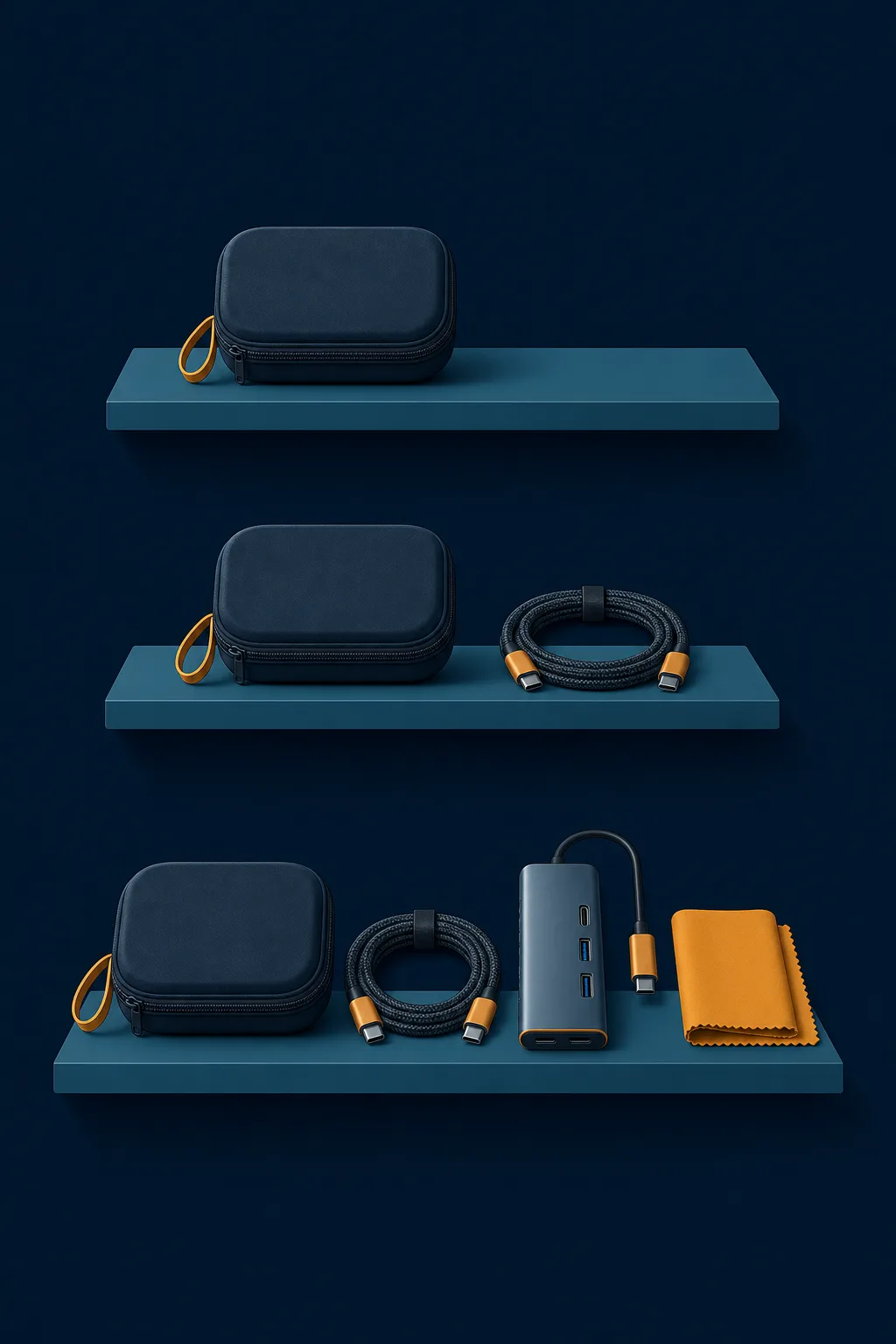
~$30
The minimum
case + cleaning kit — protection only
~$130
The comfortable kit
+ second cable, NEO hub or adapter
~$230+
The complete kit
+ prescription inserts (Rx-dependent)
The honest hierarchy: protect first ($30 buys the case and the cleaning kit), connect second ($50–100 depending on whether your devices need the hub), and see clearly third — where the number is prescription-dependent and the payoff is the largest. Owners who invert that order buy the fun gadget first and the case after the first scratch. Prices throughout are as-of-September-2026 approximations pulled from live listings and owner reports; check current prices before buying — the category reprices constantly. OUR ANALYSIS
XREAL One
DisplayThe safe default: sharp 50° display with spatial smarts built into the glasses.
$399approx.
List $499, price cut to $399 in Dec 2025
Best for
Key specs
- Weight: 84 g
- Display: 1920 × 1080, 50° FOV
Pairs well with
- → 10Gbps rated USB-C cable — the included one is short; $12–18
- → Powered DP hub — for Switch 2 / handhelds; $60–100
- → Hard-shell case — the panels don't forgive pockets; $15–25
Accessory links may earn us a commission — same price either way. Prices approx.
Retailer links may earn us a commission — see our affiliate disclosure. Price approx., check retailer for current.
Still choosing the model itself? The full lineup decision — One vs 1S vs One Pro vs Air 2 Pro — lives in our Best XREAL glasses guide, and the One against the wider field in Best display glasses.
Our pick #2
10Gbps rated USB-C cable
The included one is short
A longer 10Gbps USB-C video cable restores couch distance. $12–18.
Check price on AmazonRetailer links may earn us a commission — price approx., check retailer.